., ;.:.:
.;:r.:: f.?t
_-:, :._.I
::.,:-:
: ,, +
.,
-..,
,..-,
: -_..j
:
- : .,
Administration /
67
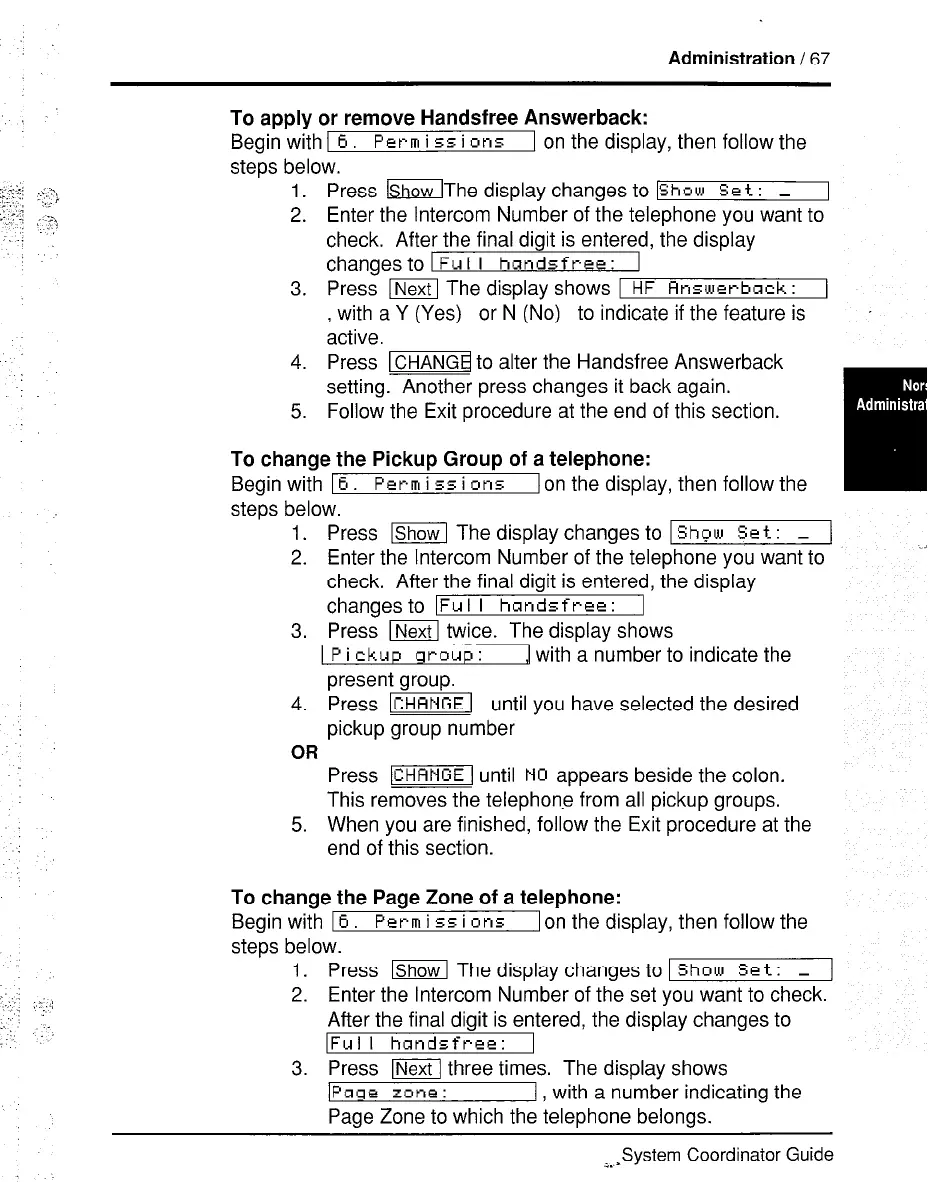
To apply or remove Handsfree Answerback:
Begin with
I 6. Perm
i ~5 i ins 1 on the display, then follow the
steps below.
1. Press lShowThe display changes to
[Show Set : _
2. Enter the Intercom Number of the telephone you want to
check. After the final digit is entered, the display
changes to
1 Ful I handsfree: 1
3. Press m The display shows
1 HF Answerback: 1
with a Y (Yes) or N (No) to indicate if the feature is
.
Hctive.
4. Press m to alter the Handsfree Answerback
setting. Another press changes it back again.
5. Follow the Exit procedure at the end of this section.
To change the Pickup Group of a telephone:
Begin with 16.
Perm i
55 i or15 [on the display, then follow the
steps below.
1.
2.
3.
4.
OR
5.
Press =I The display changes to 1
Show Set : _ 1
Enter the Intercom Number of the telephone you want to
check. After the final digit is entered, ihe display
changesto
IFul I handsfree: I
Press I twice. The display shows
Pickup ] with a number to indicate the
present group.
Press -1 until you have selected the desired
pickup group number
Press -1 until NO appears beside the colon.
This removes the telephone from all pickup groups.
When you are finished, follow the Exit procedure at the
end of this section.
To change the Page Zone of a telephone:
Begin with 16.
Perm i
55 i
~n5
Ion the display, then follow the
steps below.
1. Press lShow The display changes to 1
Show Set: _ 1
2. Enter the Intercom Number of the set you want to check.
After the final digit is entered, the display changes to
lFulI handsfree: 1
3. Press WI three times. The display shows
IPase z#ne:
I with a number indicating the
Page Zone to which the ielephone belongs.
ibsSystem Coordinator Guide



 To Next Page