96 I Feature Operations
Autodial Access Signaling
You can store dialed sequences of up to
16 characters
in length
on Autodial buttons or in Speed Dial codes. These sequences can
include feature codes such as the five listed above. If, for example,
you often make calls which require an access code and an account
code, these codes can be stored on a memory button to be dialed
with a single press. Features for Centrex and similar systems can
also be stored on Autodial buttons by storing the Norstar m
.
sequence (IFeatureJnJI]) followed by the Centrex or other
system’s feature code.
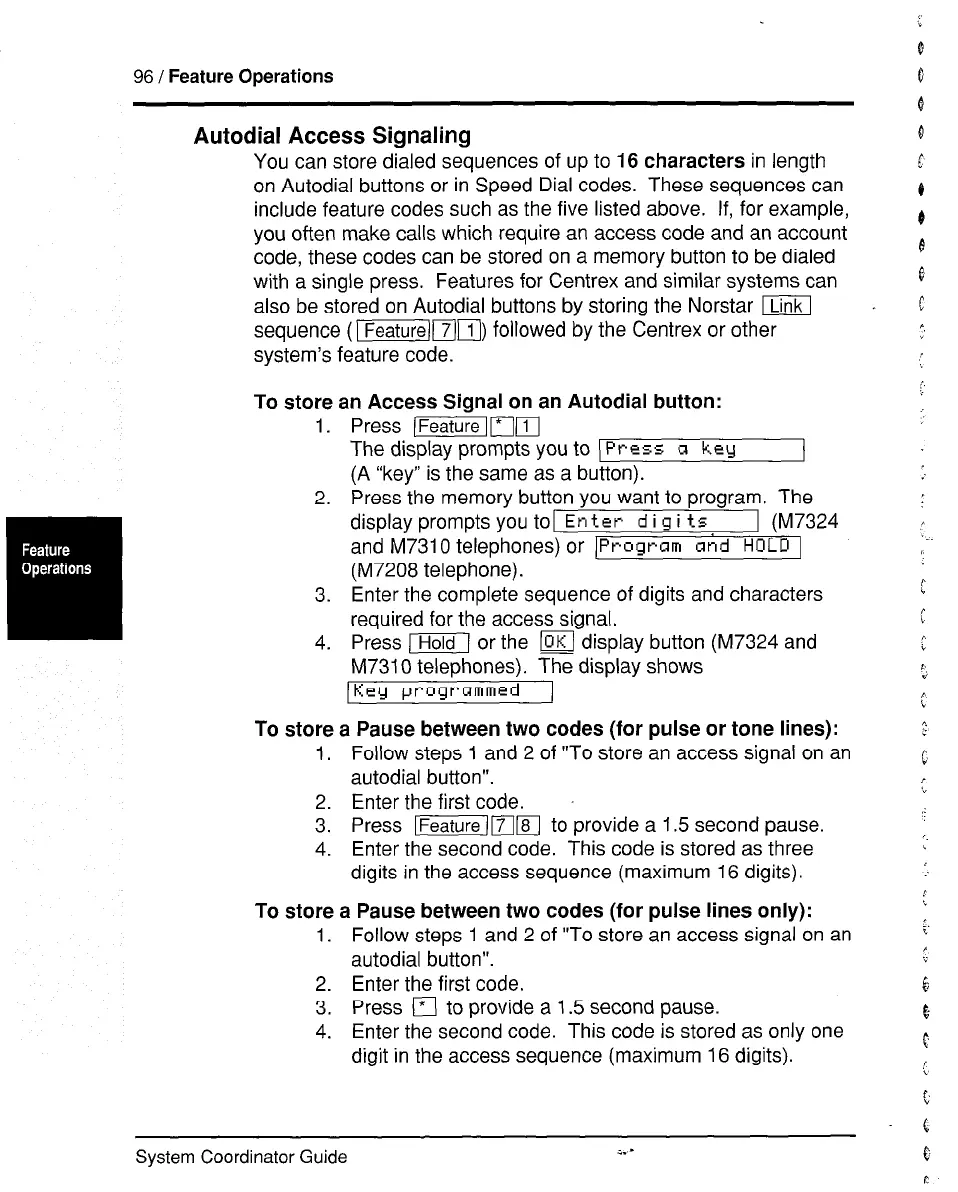
To store an Access Signal on an Autodial button:
1. Press (mr*-[(lI
The display prompts you to )
Press R key
(A “key” is the same as a button).
2. Press the memory button you want to program. The
display prompts you toi Enter
d i g i ts 1 (M7324
and M7310 telephones) or
[Program snd HOLD 1
(M7208 telephone).
3. Enter the complete sequence of digits and characters
required for the access signal.
4. Press m or the m display button (M7324 and
M7310 telephones). The display shows
IKcy programmed 1
To store a Pause between two codes (for pulse or tone lines):
1. Follow steps 1 and 2 of “To store an access signal on an
autodial button”.
2. Enter the first code.
3. Press Ifeature)mm to provide a 1.5 second pause.
4. Enter the second code. This code is stored as three
digits in the access sequence (maximum 16 digits).
To store a Pause between two codes (for pulse lines only):
1. Follow steps 1 and 2 of “To store an access signal on an
autodial button”.
2. Enter the first code.
3. Press
q
to provide a 1.5 second pause.
4. Enter the second code. This code is stored as only one
digit in the access sequence (maximum 16 digits).
:..
f
System Coordinator Guide
i.-


 To Next Page
 Loading...


