98 I Feature Operations
Alarm Set
Your Norstar Business Communication System has an Alarm Set
which is programmed and turned ON or OFF by your Installer or
Service Representative in Configuration programming.
I
. .
The Alarm Set is used very rarely; it signals you that a problem has
~
occurred with your system. If a problem does arise, the Alarm Set
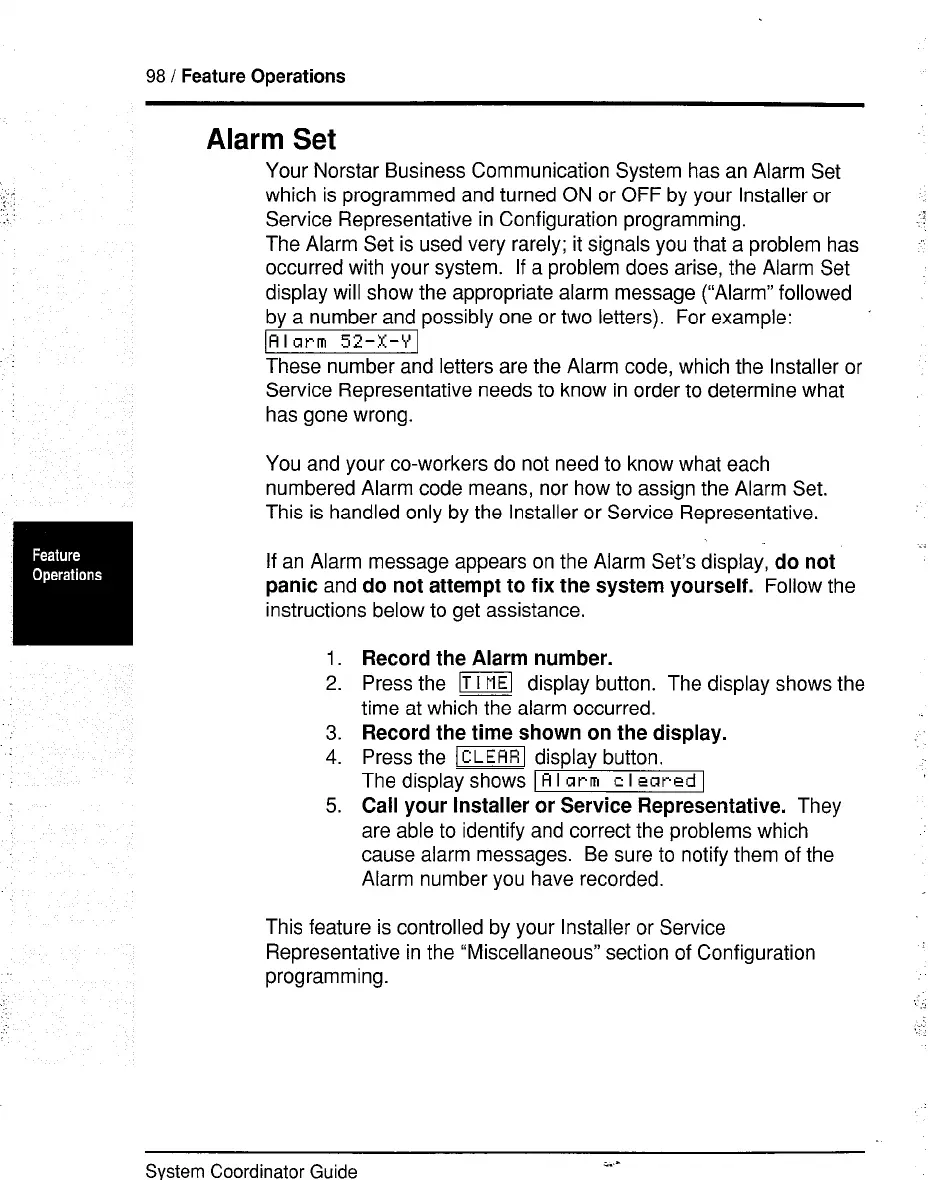
display will show the appropriate alarm message (“Alarm” followed
by a number and possibly one or two letters). For example:
’
\Rlarm 52-X-Y1
These number and letters are the Alarm code, which the Installer or
Service Representative needs to know in order to determine what
has gone wrong.
You and your co-workers do not need to know what each
numbered Alarm code means, nor how to assign the Alarm Set.
This is handled only by the Installer or Service Representative.
If an Alarm message appears on the Alarm Set’s display, do
not
panic
and
do not attempt to fix the system yourself.
Follow the
instructions below to get assistance.
1.
Record the Alarm number.
2. Press the ml display button. The display shows the
time at which the alarm occurred.
3. Record the time shown on the display.
4. Press the m display button.
Thedisplayshows
IAlarm cleclredl
5. Call your Installer or Service Representative.
They
are able to identify and correct the problems which
cause alarm messages. Be sure to notify them of the
Alarm number you have recorded.
This feature is controlled by your Installer or Service
Representative in the “Miscellaneous” section of Configuration
programming.
System Coordinator Guide
i..-



 To Next Page