Installing your IP Phone 1210
30
Installing your IP Phone 1210
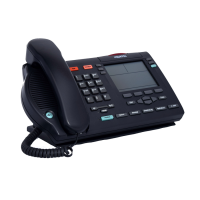
This section details the steps and precautionary measures to perform
during IP Phone installation. The standard IP Phone 1210 package
includes the following accessories:
• foot stand
• handset
• handset cord
• 2.1 m (7 ft) CAT5 Ethernet cable
• number plate and lens
Figure 3 on page 31 displays the connections on an IP Phone 1210.
CAUTION
Ensure that the protective rubber cap on
the Accessory Expansion Module (AEM)
port is in place when the port is not in use.
An improper connector can damage the IP
Phone. Consult your system administrator
for additional details.



 To Next Page