Operating your IP Phone 1210
73
Storing a Speed Call number
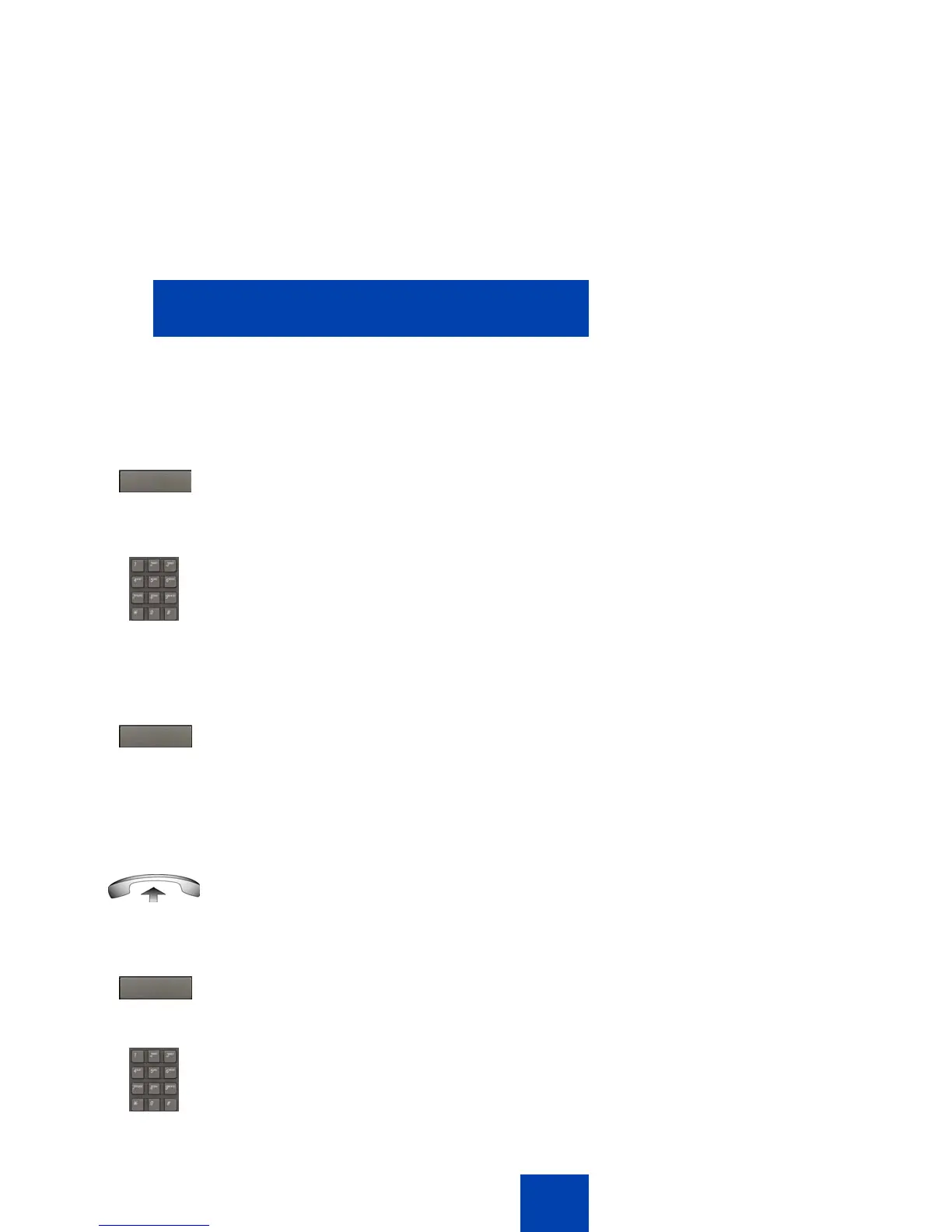
Use the following procedure to store a Speed Call number.
Making a call using Speed Call
Use the following procedure to make a call using Speed Call.
1. Press the SpcCtl soft key.
The triangular icon flashes to indicate
programming mode.
2. At the prompt, enter a one-, two-, or
three-digit code (0-999).
3. If required, dial the access code.
4. Enter the phone number (internal,
external, or long-distance number).
5. Press the SpcCtl soft key again to save
the code and number.
The flashing icon turns off.
1. Lift the handset.
2. Press the SpcCtl soft key.
3. Dial the Speed Call code to
automatically dial the number.
SpcCtl
SpcCtl
SpcCtl



 To Next Page