Operating your IP Phone 1210
72
Deactivating Ring Again before notification
Use the following procedure to deactivate Ring Again.
Using Last Number Redial
Use the Last Number Redial feature to automatically redial the most
recently dialed number.
Using Speed Call
Use the Speed Call feature to place internal and external calls by dialing a
one-, two-, or three-digit code. You can store, edit, and automatically dial
frequently called phone numbers.
1. Press the Ring Again soft key a second
time.
or
Press the Ring Again Deactivate FFC.
or
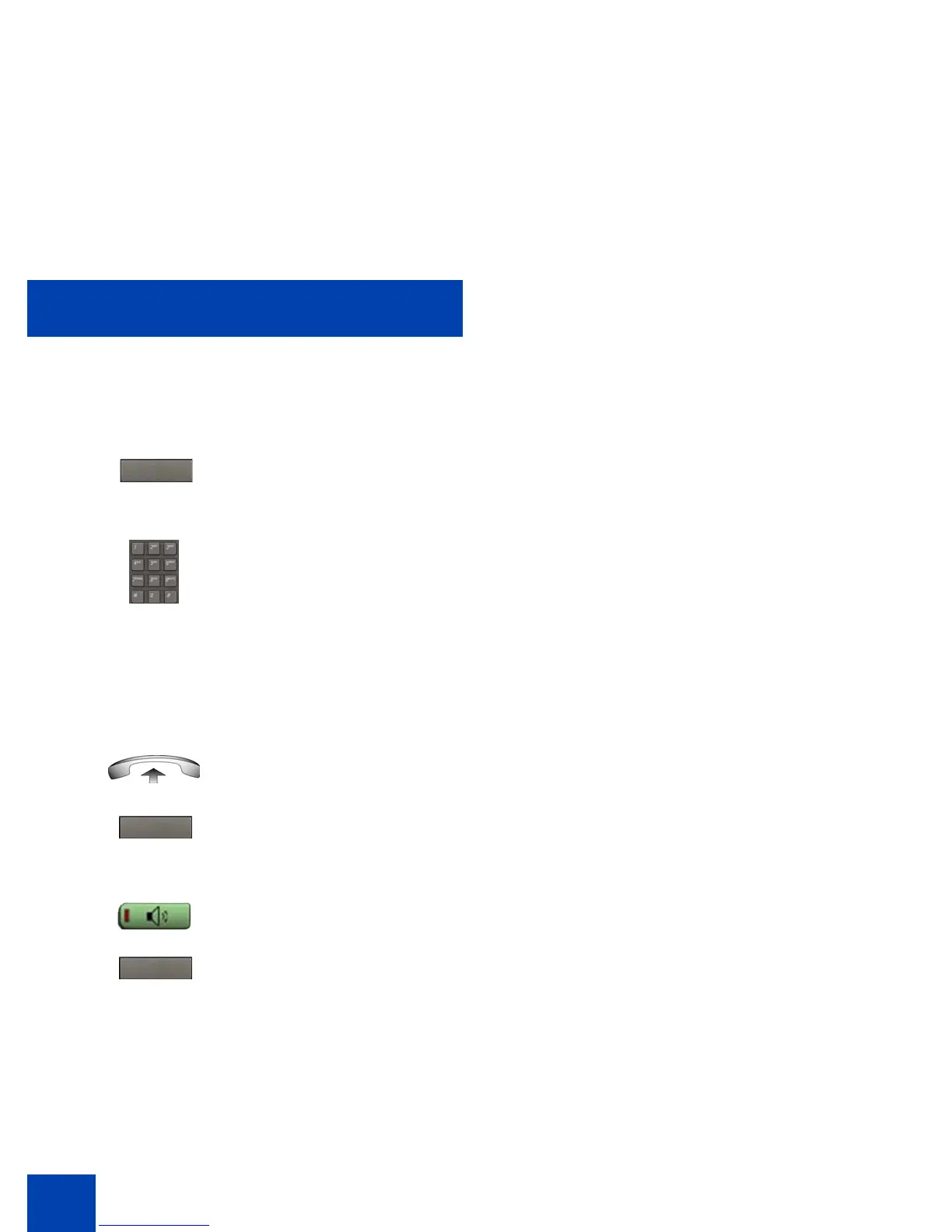
1. To redial using the handset, lift the
handset and press the Redial soft key.
2. To redial without lifting the handset,
press the Handsfree key and then press
the Redial soft key.
or
Ring Again
Redial
Redial



 To Next Page