Operating your IP Phone 1210
84
Deactivating Call Forward
Use the following procedure to deactivate Call Forward.
Reinstating a Call Forward number
Use the following procedure to reinstate Call Forward number.
Using Internal Call Forward
Use Internal Call Forward to forward only those calls that originate from
internal DNs. Calls that originate outside your IP Phone system (External
Calls) ring at your IP Phone. You cannot forward the currently active call.
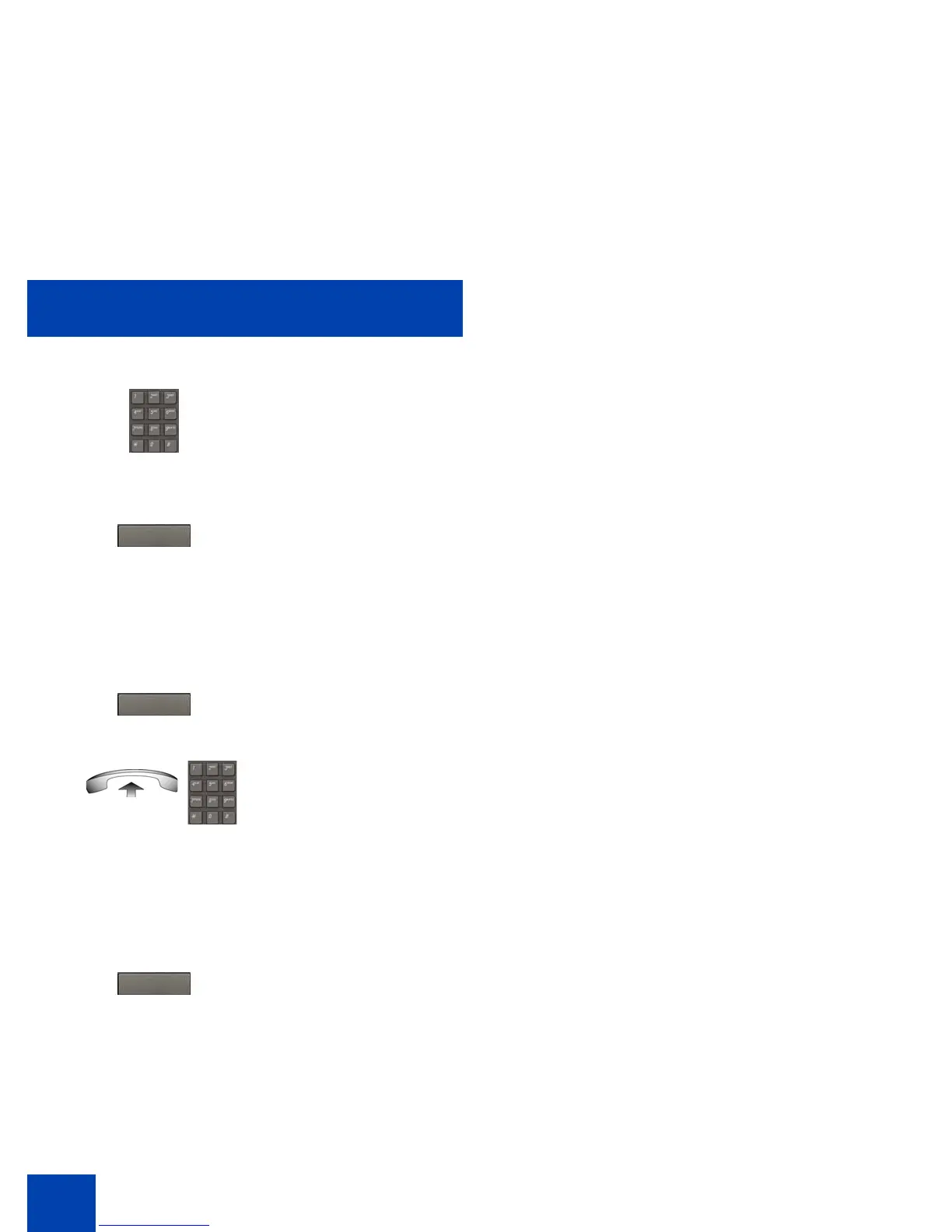
2. Dial the DN to which you want to forward
your calls.
3. Press the Fwd soft key.
or
1. Press the Fwd soft key.
or
Lift the handset and enter the Call
Forward All Calls Deactivate FFC.
1. Press the Fwd soft key twice.
Fwd.
Fwd.
Fwd



 To Next Page