Operating your IP Phone 1210
82
Note: When Call Park is configured network-wide, you can use this
feature across networks. You can configure a System Park extension
to automatically park most calls.
Recording a Calling Party (Caller) Number
During a call use the Calling Party Number feature to record the calling
party number, or to charge the call to an account number.
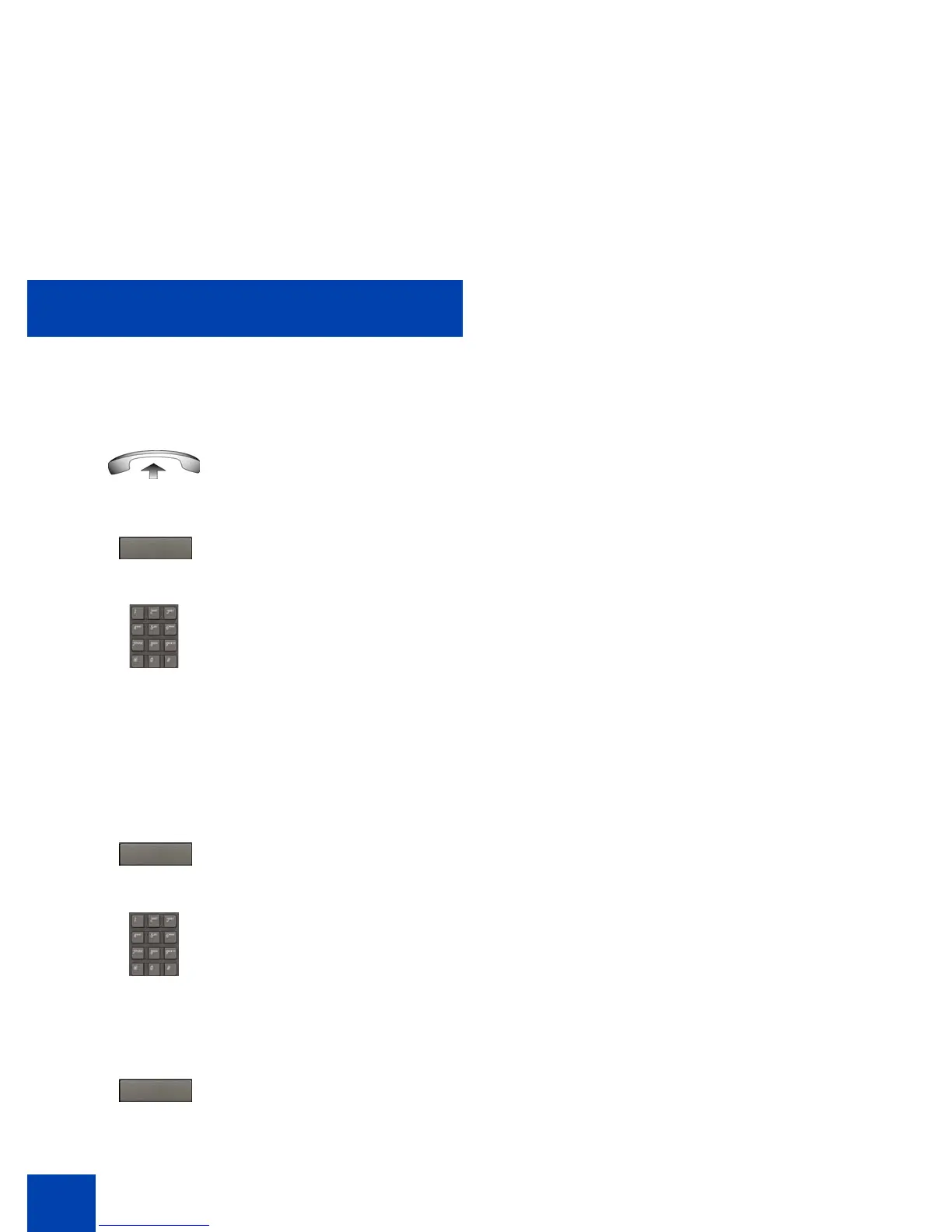
1. Lift the handset.
2. Press the Park soft key.
3. Dial the DN where you parked the call.
If a parked call is not retrieved within a
specific time, it rings back to your IP
Phone or to the attendant.
1. Press the CParty soft key.
The caller is placed on hold.
2. Dial a charge account number or the
caller number.
Note: For information about using the
Charge soft key, see “Charging a local or
long-distance call to an account before
you dial” on page 101.
3. Press the Call Party soft key to return to
the call.
Park
CParty
CParty



 To Next Page