Operating your IP Phone 1210
85
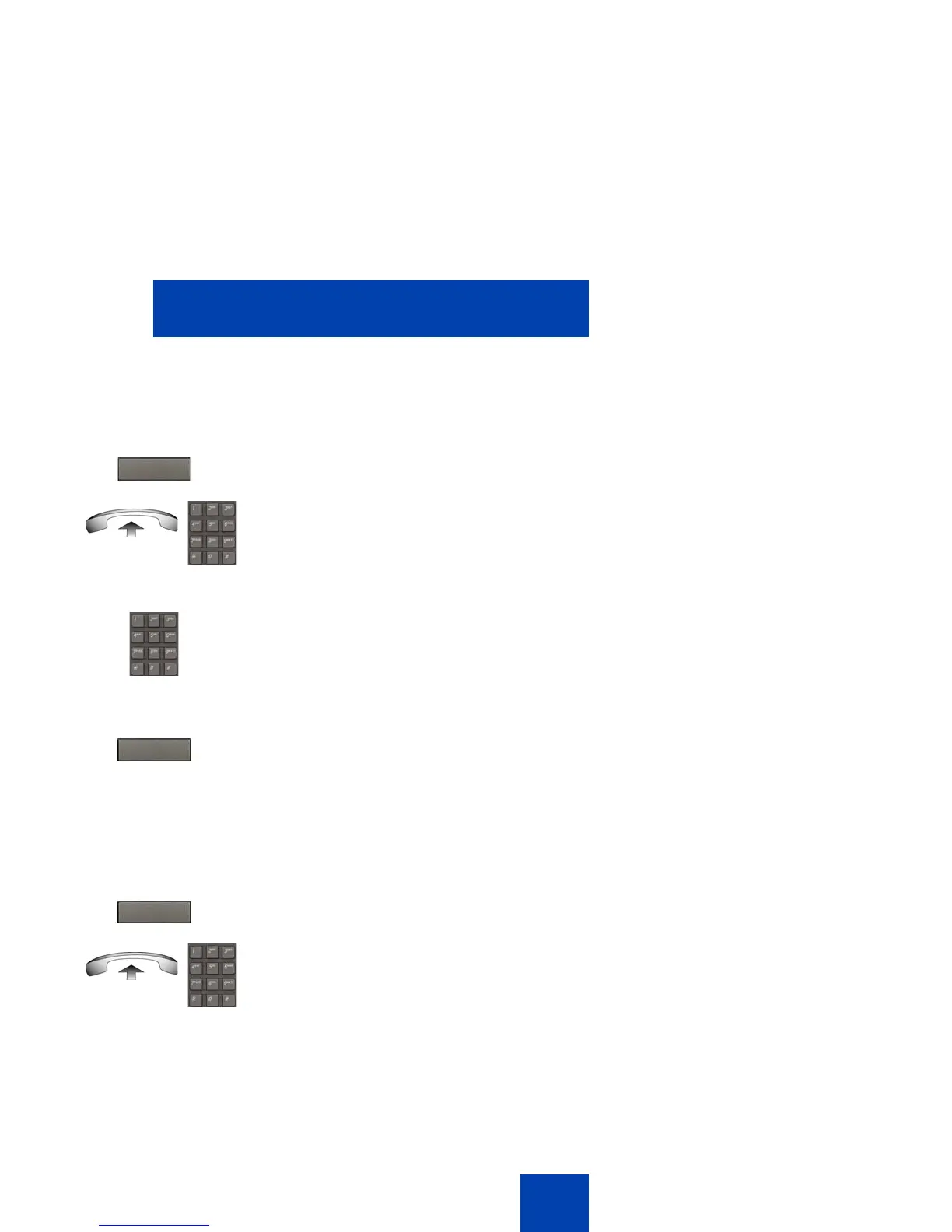
Forwarding internal calls only
Use the following procedure to forward internal calls only.
Deactivating Internal Call Forward
Use the following procedure to deactivate Internal Call Forward.
or
1. Press the IntForward key.
or
Lift the handset and enter the Internal
Call Forward Activate FFC.
2. Dial the DN to which you want to forward
your internal calls.
3. Press the IntForward key.
or
1. Press the IntForward key.
or
Lift the handset and enter the Internal
Call Forward Deactivate FFC.
IntForward.
IntForward.
IntForward.



 To Next Page