14
CHAPTER
3
Installation Site Preparation
SR1001 Installation Guide
Version 8.3.5
Power Requirements
The SR1001 operates on 12 VDC power. A 12 VDC power supply is shipped with the router. You
must supply an appropriately-rated power cord.
Network Connection
To successfully complete the installation, the router must be connected to a network. Before
you start the installation, make sure that a live network connection is available at the
installation site.
Cables Required
The SR1001 ships with a Console cable. You will need to obtain additional cables for your
specific application. The following additional cables are required to install the SR1001.
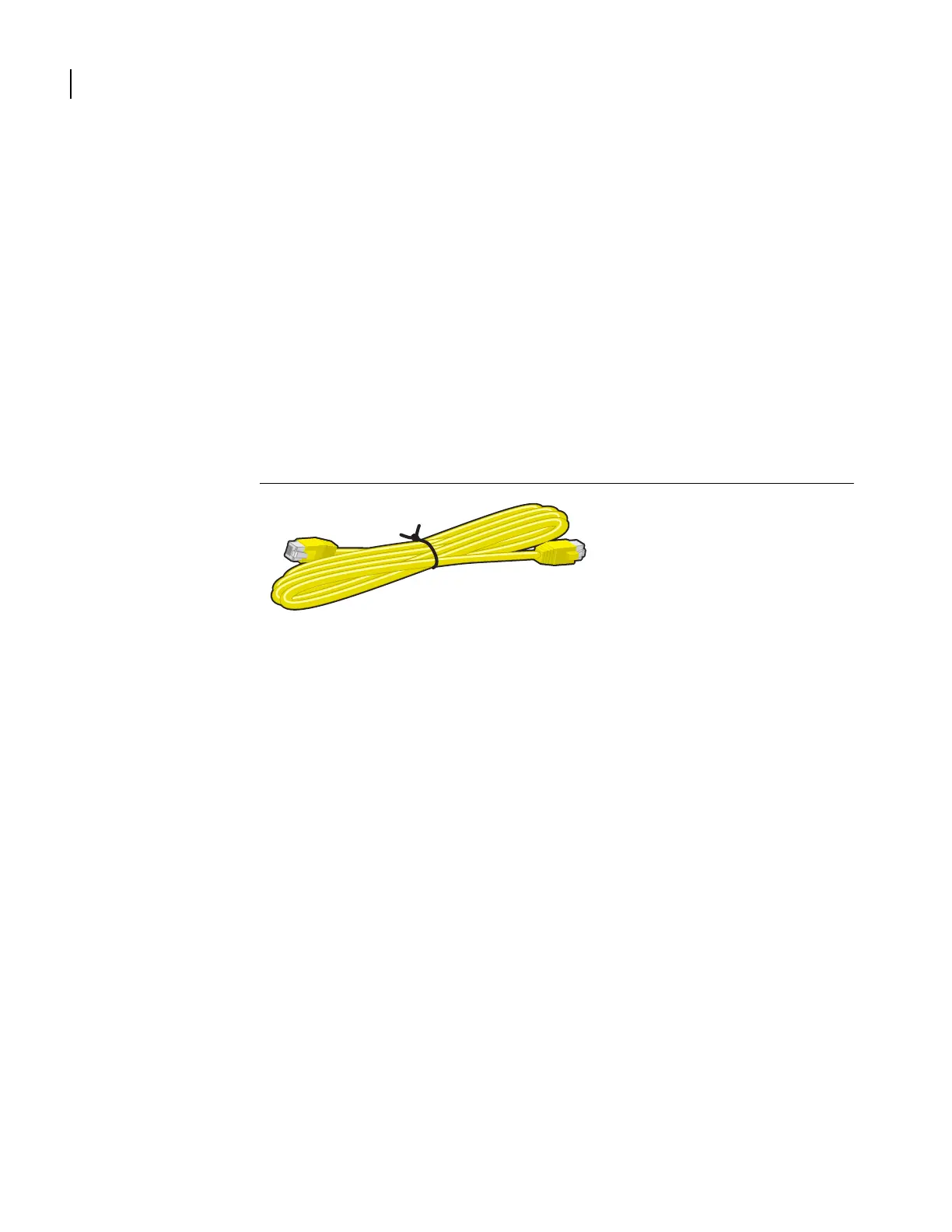
One or two RJ-45, male/male, category 5, 26 AWG (minimum), twisted-pair,
straight-through cable (Ethernet LAN connection)
See Table 25 on page 59 for cable pinout information.
Refer to Figure 6 on page 14 to identify this cable.
Figure 6 Ethernet Cable
One or two RJ-48C, male/male, category 5, 26 AWG (minimum), twisted-pair,
straight-through WAN cable
See Table 26 on page 59 for cable pinout information.
Refer to Figure 7 to identify this cable.


 To Next Page