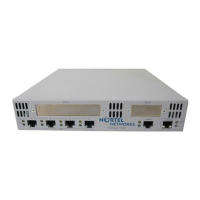
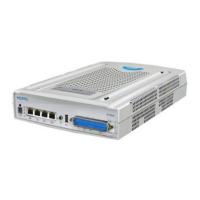
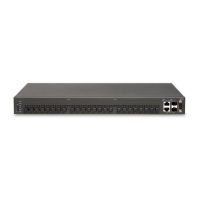
16
CHAPTER
3
Installation Unpacking and Inspecting
SR1001 Installation Guide
Version 8.3.5
Unpacking and Inspecting
After opening the shipping carton, remove and save all packing materials and boxes.
NOTE: Save the packing materials. If you need to return the product, you will need to repack the unit
with the original packing material. See the Procedures section in Standard Warranty on page 79 for
details about product returns.
Check the packing slip and contents of the shipping carton to ensure that you have
received the following items.
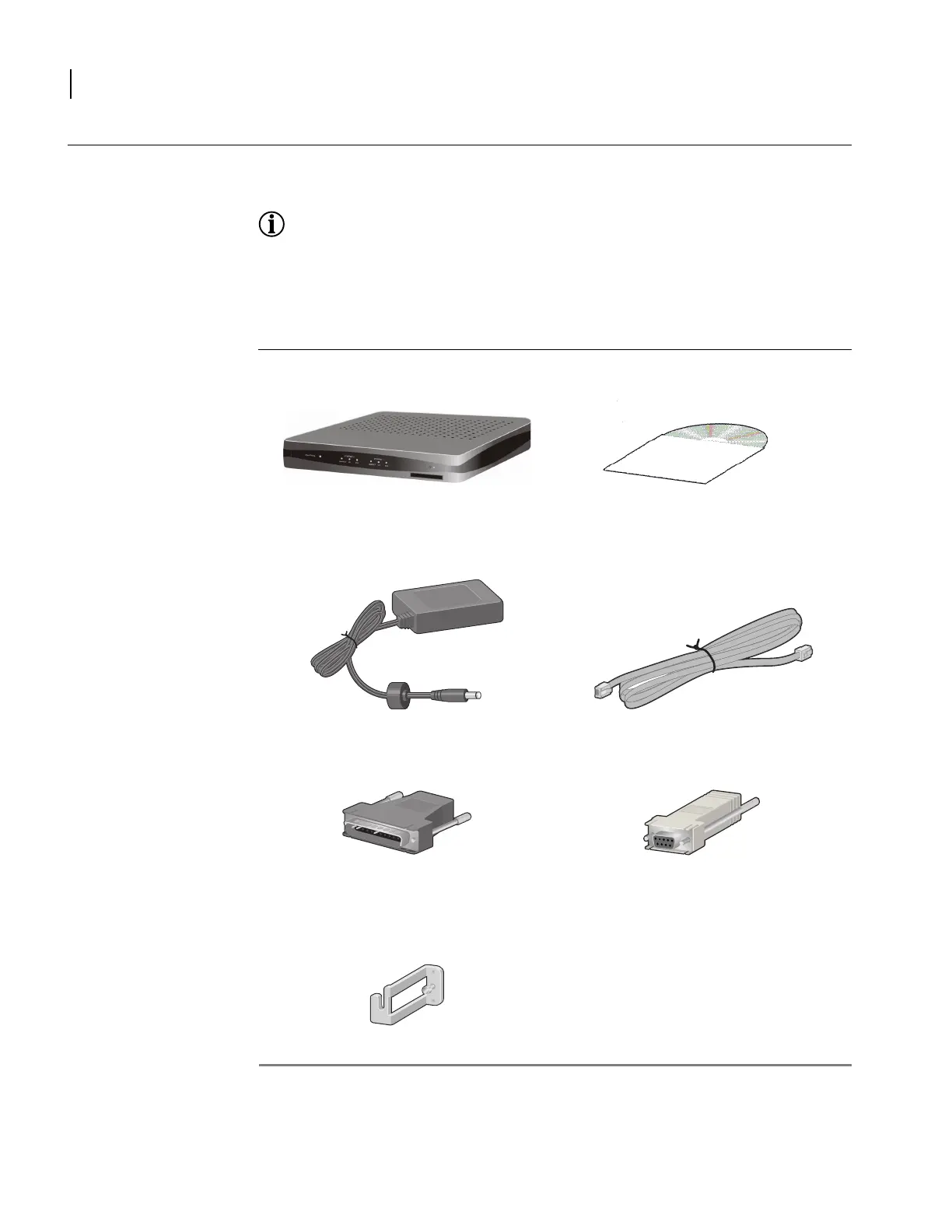
Figure 9 Items Shipped with the SR1001
Nortel router Product Documentation CD ROM
Power supply RJ-45 Console cable
Male DB-25 modem adapter Female Console cable to PC adapter
Power supply cord retainer bracket


 To Next Page