25
SR1001 Installation Guide
Version 8.3.5
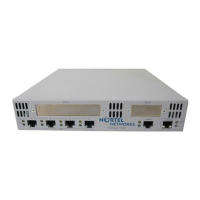
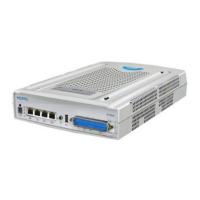
Follow this procedure to connect the SR1001 to a modem. Refer to Figure 18.
1 Connect the male end of the DB-25 adapter to the female DB-25 port on the modem.
2 Connect one end of a supplied RJ-45 cable to the RJ-45 port in the DB-25 adapter.
3 Connect the other end of the RJ-45 cable to the Console port on the SR1001.
4 Refer to the Nortel Support website for modem configuration information.
If a workstation is used for the remote management console, use VT-100 terminal
emulation software or equivalent, and configure the software as specified for modems.
Console Messages
Alarm messages are displayed at the console when system logging is configured. Refer to the
configure system logging console command and related system logging commands in the
Command Reference Guide for more information about how to configure specific alarm
events.
For more information about command usage for serial and T1 products, refer to the Command
Reference Guide. These guides are available on the Nortel website: www.
nortel.com.


 To Next Page