Chapter 10 - Using Special Functions
957 Operator’s Manual, Rev. B Page 135
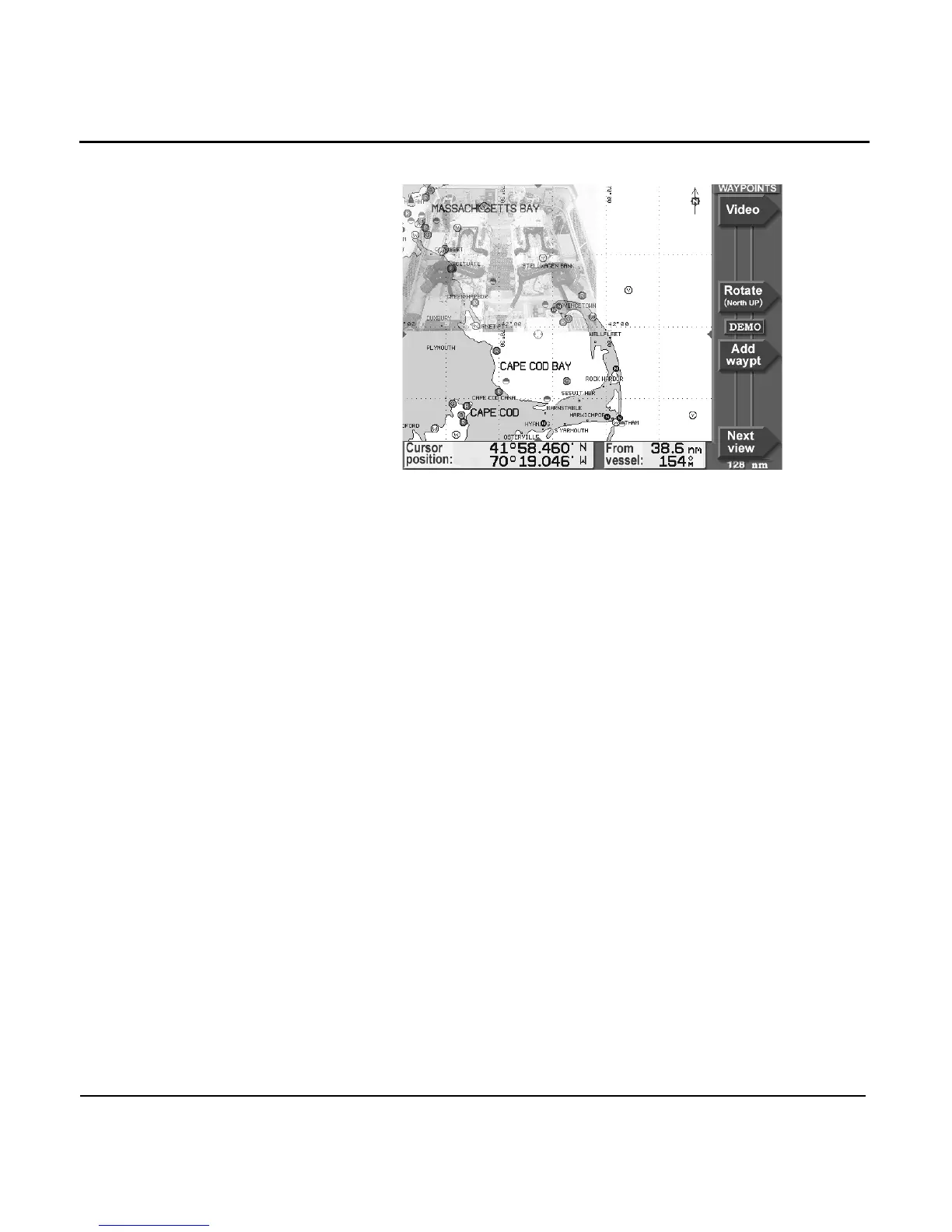
Changing the
video‘s size and
location
Press the STAR key to display the VIDEO SETUP screen.
To change the size of the image, press a number from 1 to 9
on the KEYPAD. To move the image around on the screen,
press the CURSOR PAD.



 To Next Page