Page 22 957 Operator’s Manual, Rev. B
Chapter 2 - Introducing the 957
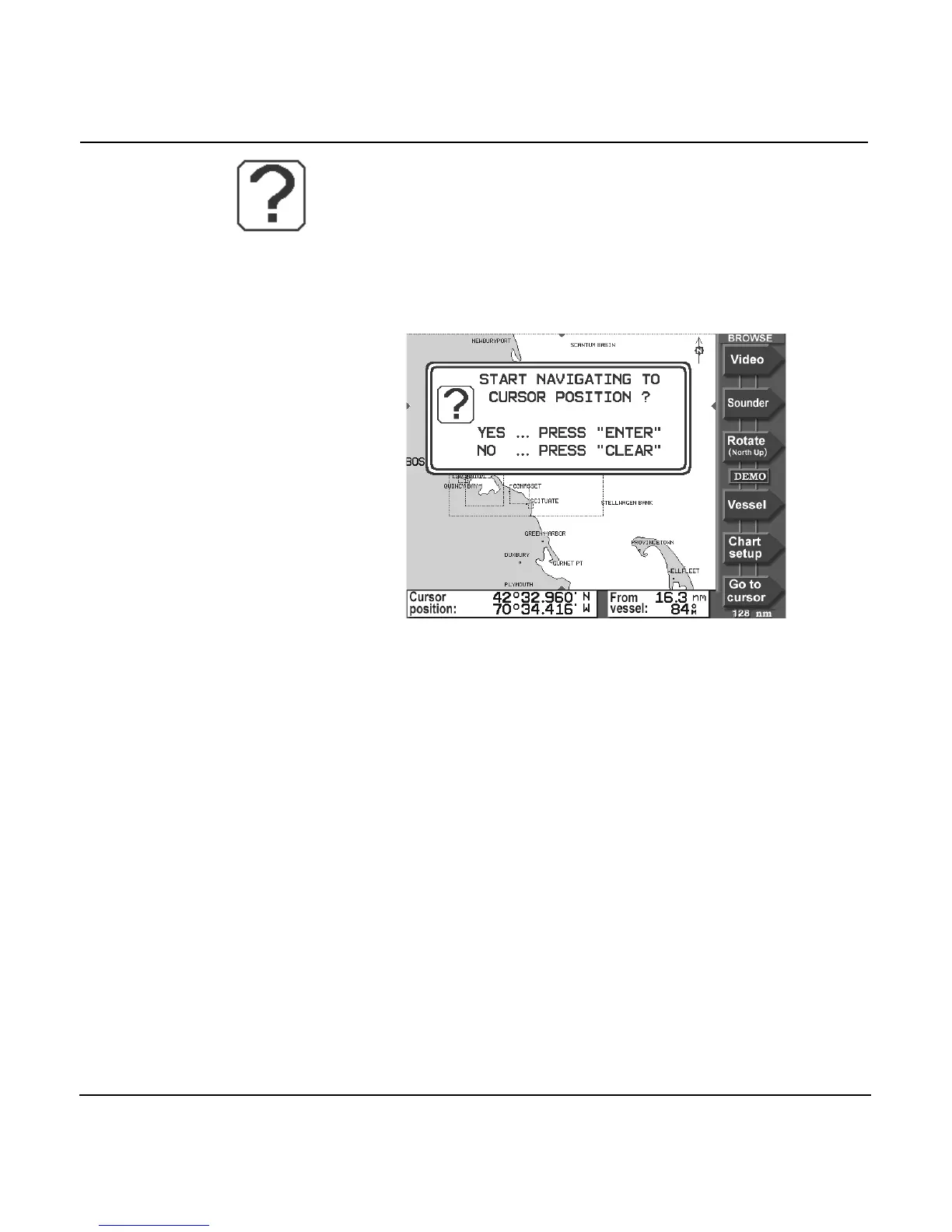
Question windows
A question window appears when the 957 needs a response
from you. You must respond to any question window by
pressing the ENTER key to answer yes, or the CLEAR key to
answer no. Most of the other keys, including the function keys
as well as the video image display, are temporarily inactive
while the 957 displays a question window.
Introducing the 957’s special functions
The 957 has several special functions:
•
alarms
•
Tide Track display
•
video image display
Using the alarms
The 957 has several alarms that automatically alert you to
certain situations. For example, when you’re approaching a
waypoint, the 957 lets you know by sounding a beep and
flashing an alarm icon on the screen. The 957 offers four
adjustable alarms, including anchor, cross-track distance,
arrival radius, and DGPS time-out. For details, see
”Understanding alarms” starting on page 118.



 To Next Page