Chapter 4 - Using the Chart Screen
957 Operator’s Manual, Rev. B Page 45
The edges of other charts in the 957’s built-in world atlas are shown, in
addition to those in your local cartridge. These edges are shown as black
or red dashed lines.
The lat/lon grid is labelled only when the chart is north-up.
Setting up the chart screen
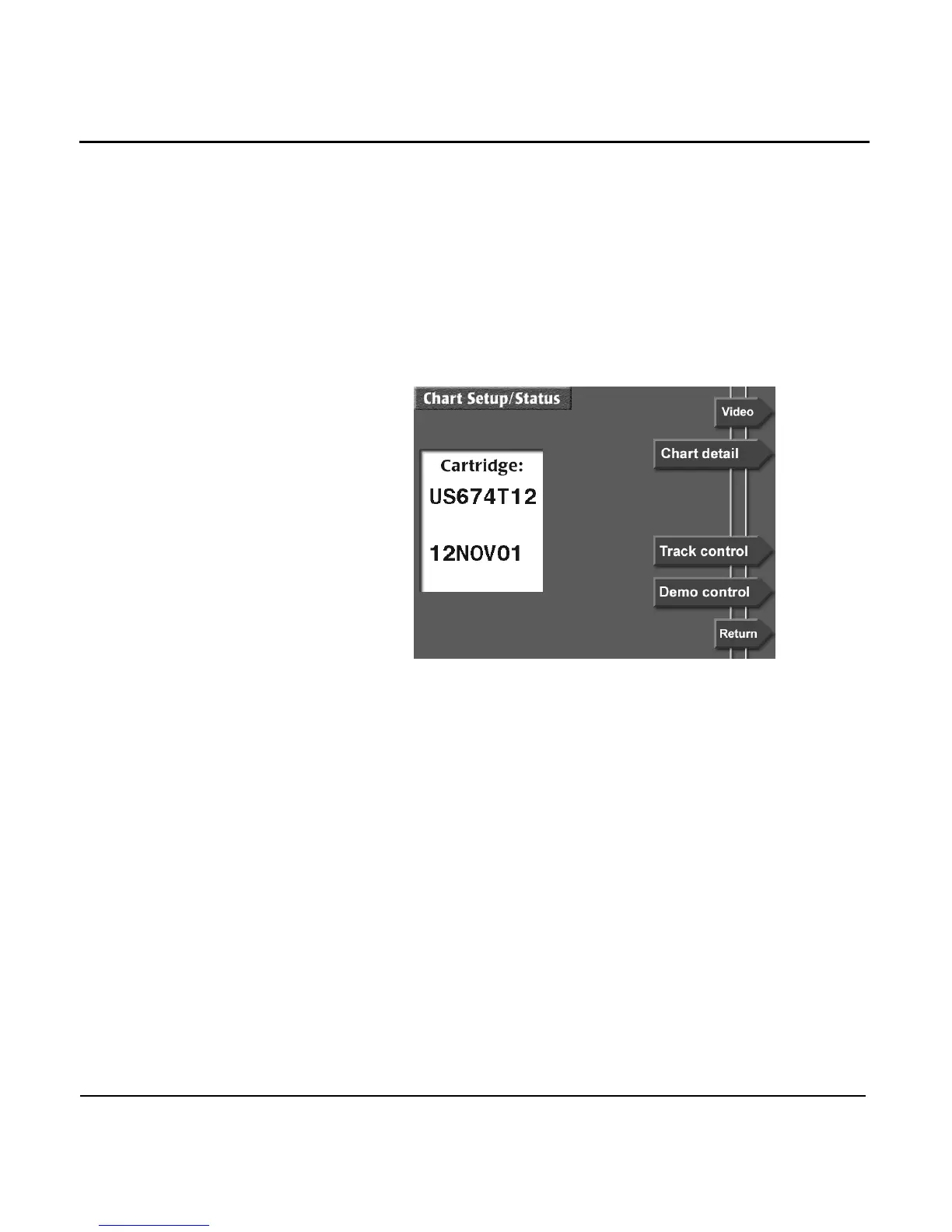
To set up the display of data on the CHART screen, press the
CHART SETUP menu key (in either vessel or browse mode)
On the CHART SETUP/STATUS SCREEN you can set up the
details on the CHART screen, and adjust the 957’s track
control.
Choosing the chart
details
To set up the chart details, press the CHART DETAIL menu
key to display the CHART DETAIL screen.



 To Next Page