Page 76 957 Operator’s Manual, Rev. B
Chapter 6 - Understanding the Waypoints Function
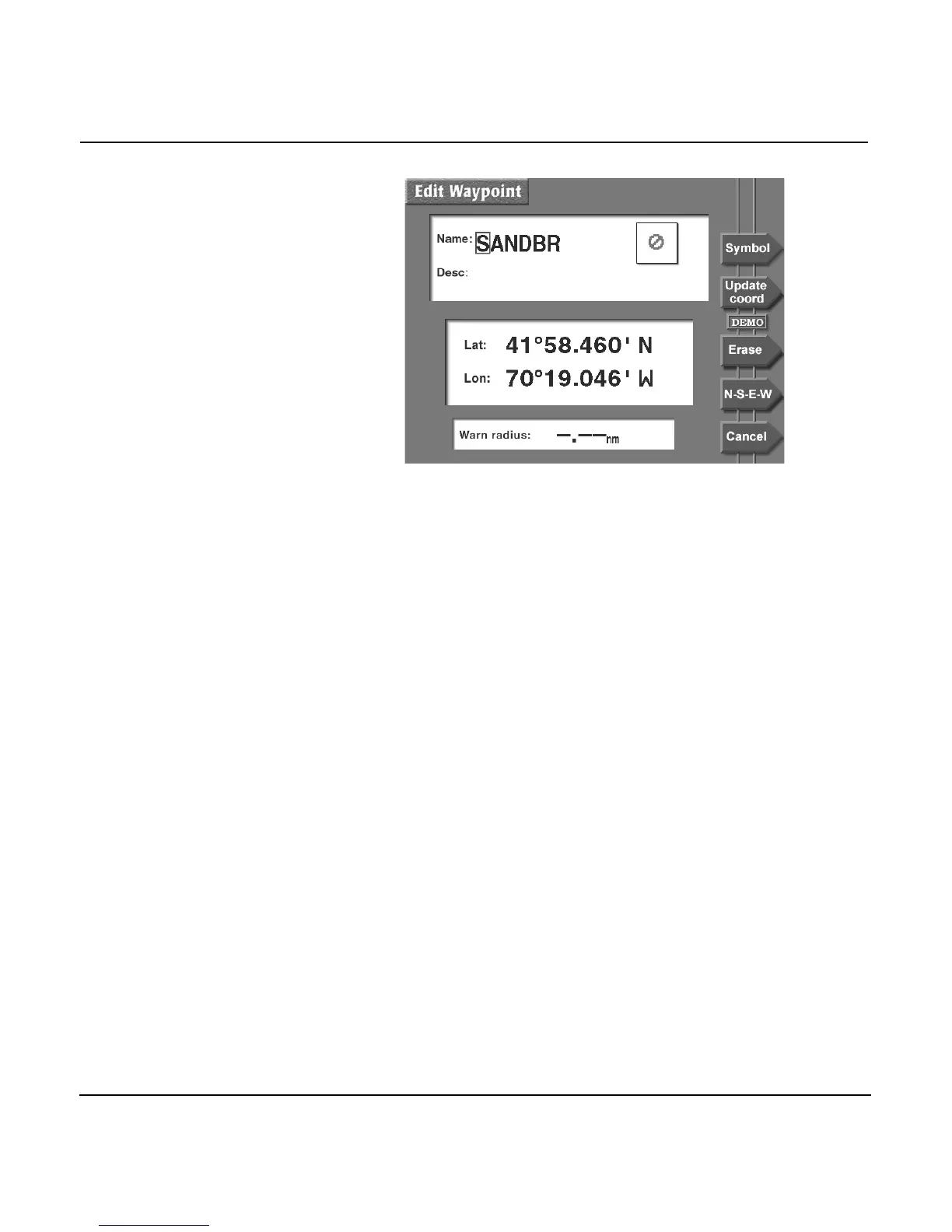
The EDIT WAYPOINT screen appears, allowing you to make
changes just as if you were entering a new waypoint. Press
ENTER when done.
If there’s a warning radius entered, set it to zero if you want to
remove the avoidance feature from this waypoint.
Note: If you move the waypoint, any routes containing this
waypoint will be changed.
Erasing waypoints
To permanently erase the waypoint, press the ERASE menu
key on the EDIT WAYPT screen, then press the ENTER key.
NOTE:
You can’t erase a waypoint if it’s used in a route—you must first remove it
from the route. For details about editing routes, see ”Editing a route” start-
ing on page 92.
Updating waypoint coordinates
Before electronic chart navigators, a waypoint’s position was
usually taken from a paper chart by measuring the
approximate coordinates with whatever accuracy the chart
allowed. When you travelled to that waypoint, however, its
position might have been slightly different than what you
expected.



 To Next Page