Page 14 957 Operator’s Manual, Rev. B
Chapter 1 - Getting Started
Displaying a video image
If your 957 is connected with a compatible video source, you
can display the image onto most 957 screens by pressing the
VIDEO key. For an introduction to this function, see
”Introducing the 957’s special functions” starting on page 22.
For details, see ”Using the video display option” starting on
page 133.
Using demo mode
You can use demo mode to simulate a stationary position, or
simulate going to a cursor location on the CHART screen.
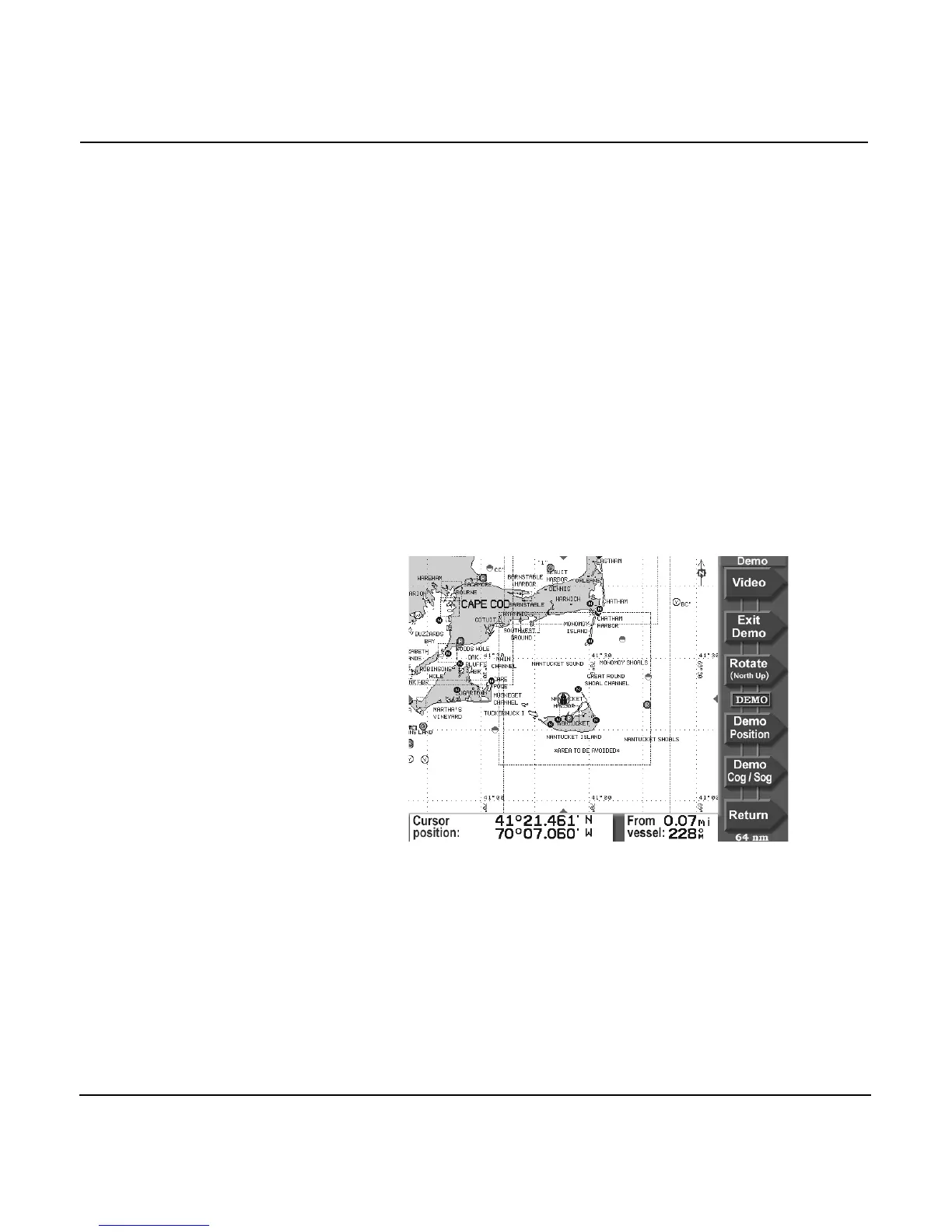
To access demo mode, on the CHART screen, press the CHART
SETUP key, then press the DEMO CONTROL key to display
the DEMO CHART screen.
To move your vessel to a simulated position, press the
CURSOR PAD to move the cursor to the desired position and
press the DEMO POSITION key. To start demo mode at this
new position, press the ENTER key. Your vessel symbol will
now be stationary at this position.
To travel from here to a new cursor location, press the
CURSOR PAD to move the cursor to the desired position, then
press the DEMO COG/SOG key. To set your vessel’s speed, use



 To Next Page