Page 38 957 Operator’s Manual, Rev. B
Chapter 4 - Using the Chart Screen
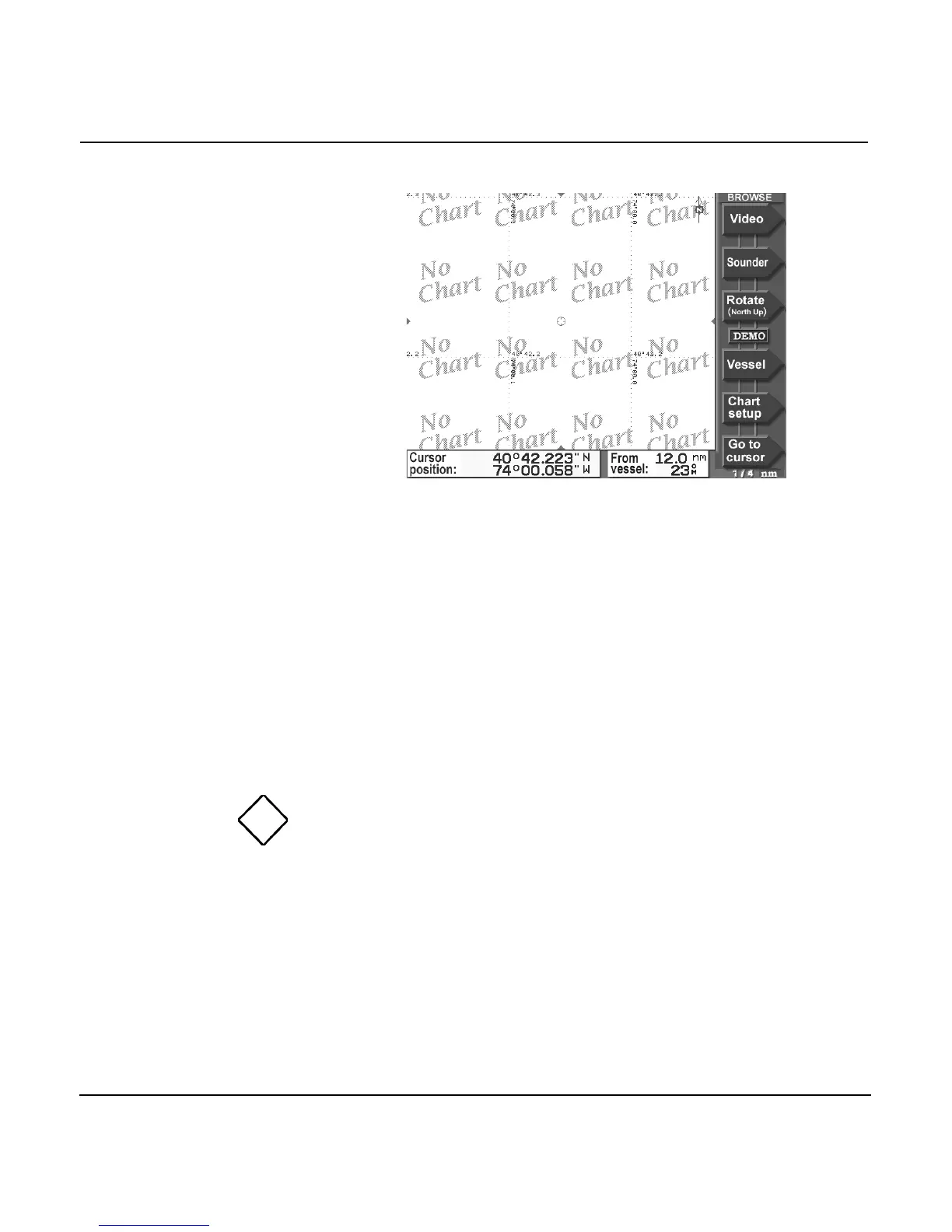
As a reminder that no charted hazards or nav aids are shown,
the 957 displays the words NO CHART multiple times across
the screen. Even without any chart data displayed, you can
still use the 957 as a precision plotter
Controlling the cursor on the chart screen
Pressing the CURSOR PAD displays the cursor symbol on the
CHART screen. Further pressing of the CURSOR PAD will
move the cursor across the screen. If you have trouble finding
the cursor in a busy part of the CHART screen, just look at the
sides of the screen for the red cursor pointers: They match up
with the cursor.
If you move the cursor right onto an object, such as a
displayed waypoint, you will select that object, as indicated by
a diamond-shaped box (see left) around the object.
Information about the selected object appears at the bottom of
the screen, as shown below.



 To Next Page