Chapter 4 - Using the Chart Screen
957 Operator’s Manual, Rev. B Page 39
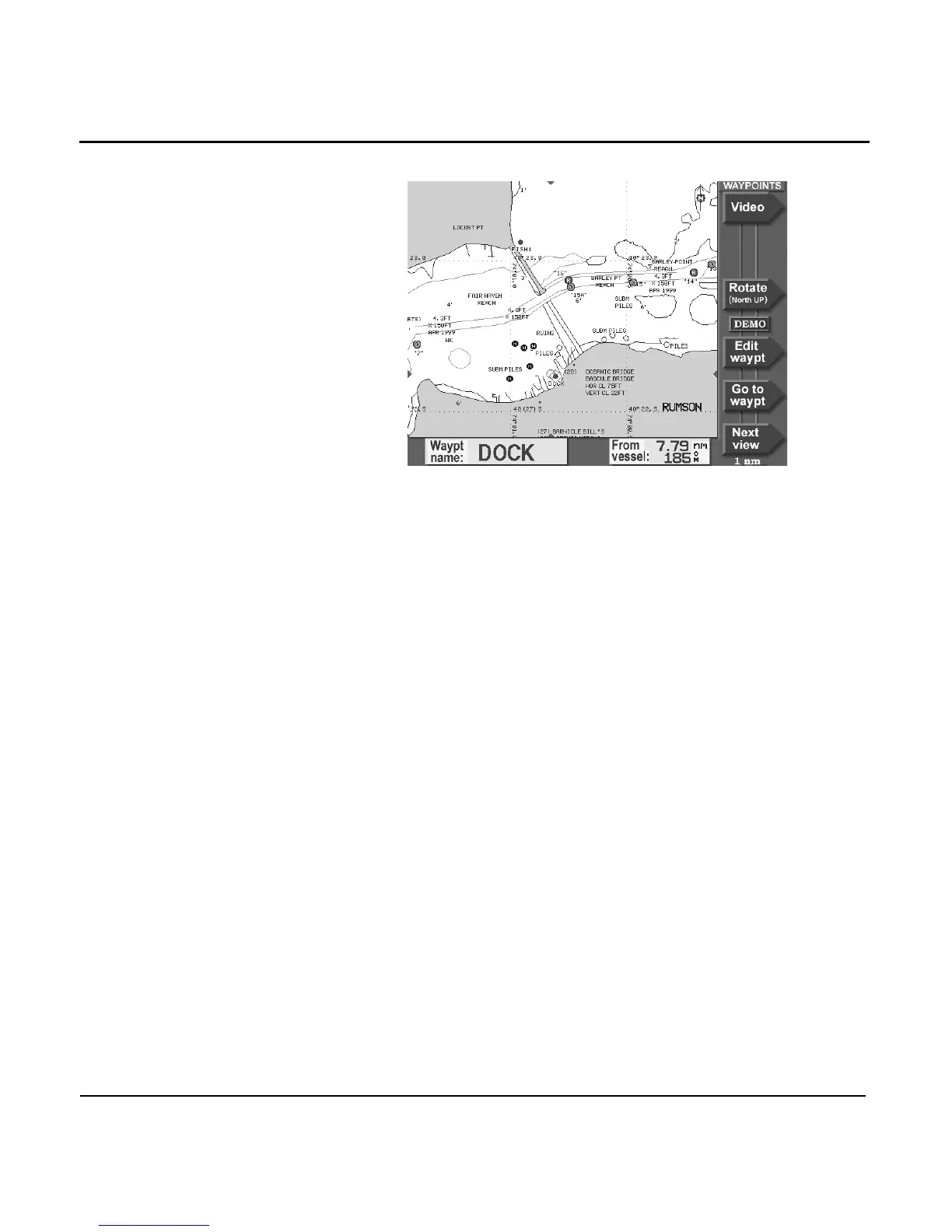
After pressing the CURSOR PAD to scroll around on the chart,
you can press the GO TO CURSOR menu key to start
navigating to the designated cursor location. If you place the
cursor on a waypoint or nav aid, this menu key would be GO
TO WAYPT or GO TO NAV AID, respectively.
You can use the cursor for the following functions:
•
select a nav aid or waypoint, to:
>
show its name, lat/lon, and distance and bearing
>
navigate to it
>
add it to a route
•
designate a point on the chart, to:
>
show its lat/lon
>
navigate to it
>
add it to a route
>
store as a waypoint
•
select a leg of a route to follow or edit
•
view a new area of the chart by moving the cursor to the
edge of the chart



 To Next Page