Page 92 957 Operator’s Manual, Rev. B
Chapter 7 - Understanding the Routes Function
Editing a route
You can edit an existing route on either the CHART screen or
on a waypoints list.
On the CHART screen, you can perform the following
functions:
•
change the route name
•
add new or existing waypoints to the beginning, middle,
or end of the route
•
remove waypoints from the route
On a routes list, you can perform all the functions above, plus:
•
you can erase the entire route
Editing a route on
the chart screen
To edit a existing route on the CHART screen:
1. Press the WAYPTS/ROUTES key, then press the ROUTES
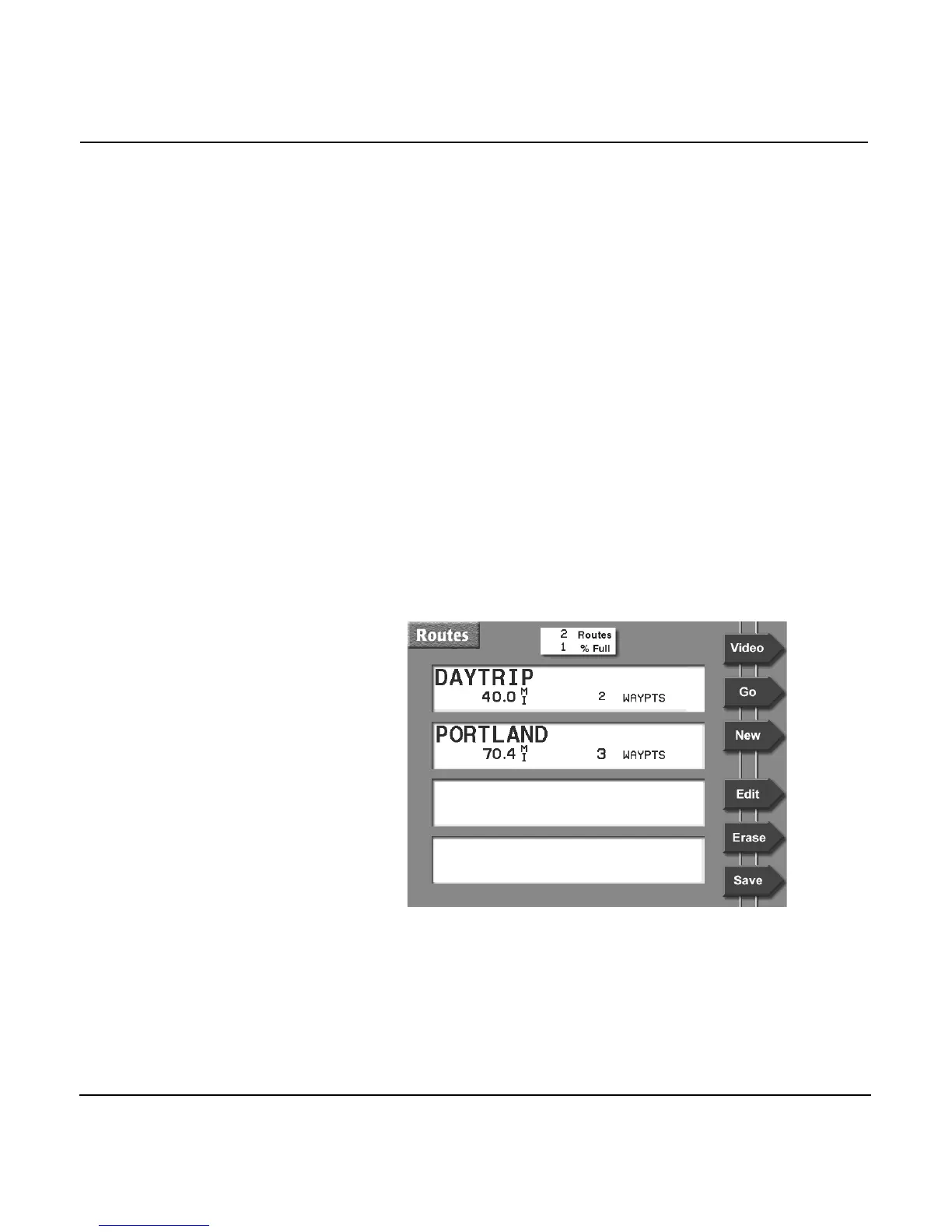
menu key to display the ROUTES screen.



 To Next Page