Chapter 7 - Understanding the Routes Function
957 Operator’s Manual, Rev. B Page 87
Creating routes from the chart
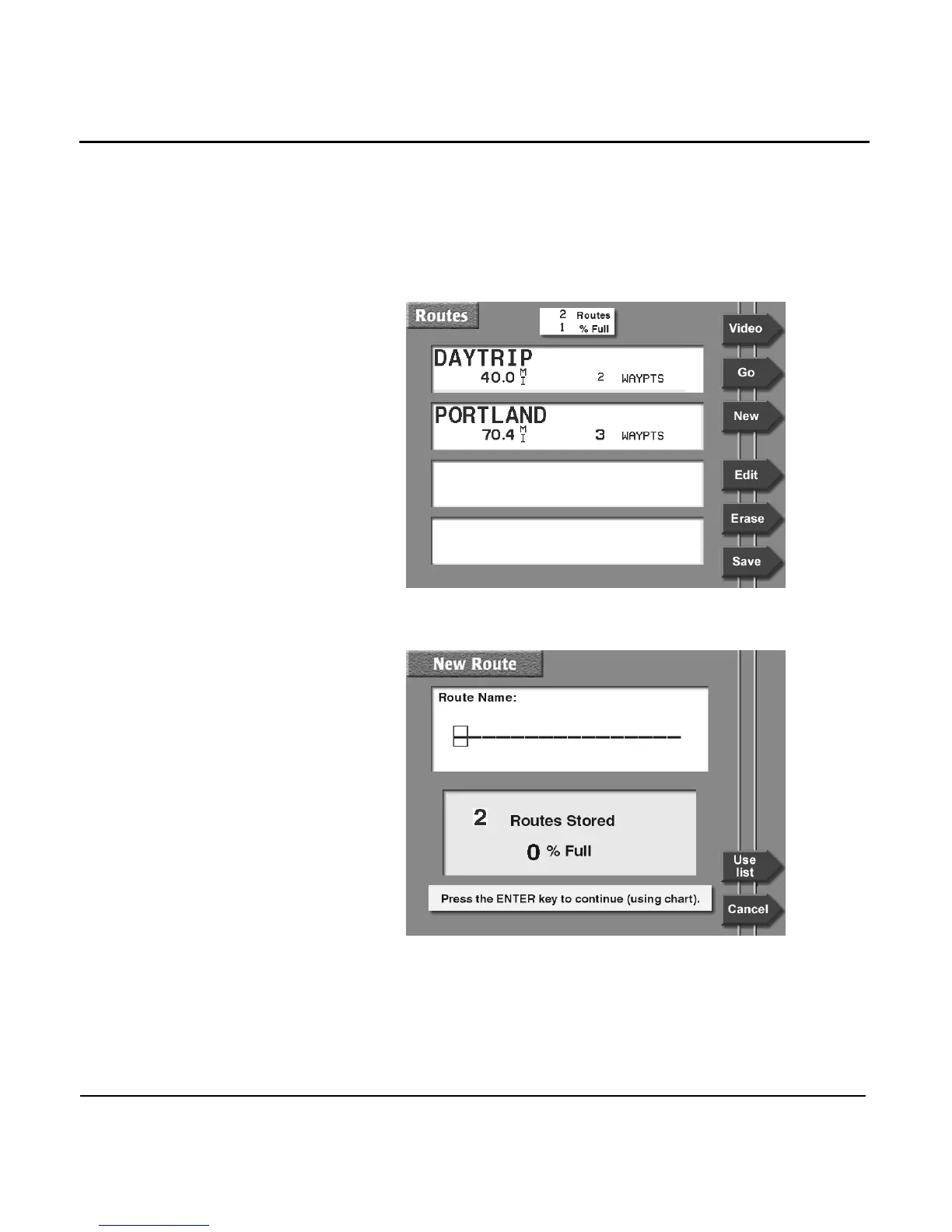
To create a route graphically from the CHART screen:
1. Press the WAYPTS/ROUTES key, and then press the
ROUTES menu key. The names of any previously stored
routes are shown on the ROUTES screen.
2. Press the NEW menu key to display the NEW ROUTE
screen.



 To Next Page