Chapter 1 - Getting Started
957 Operator’s Manual, Rev. B Page 11
then move the cartridge again, it may get stuck in an awkward
position.
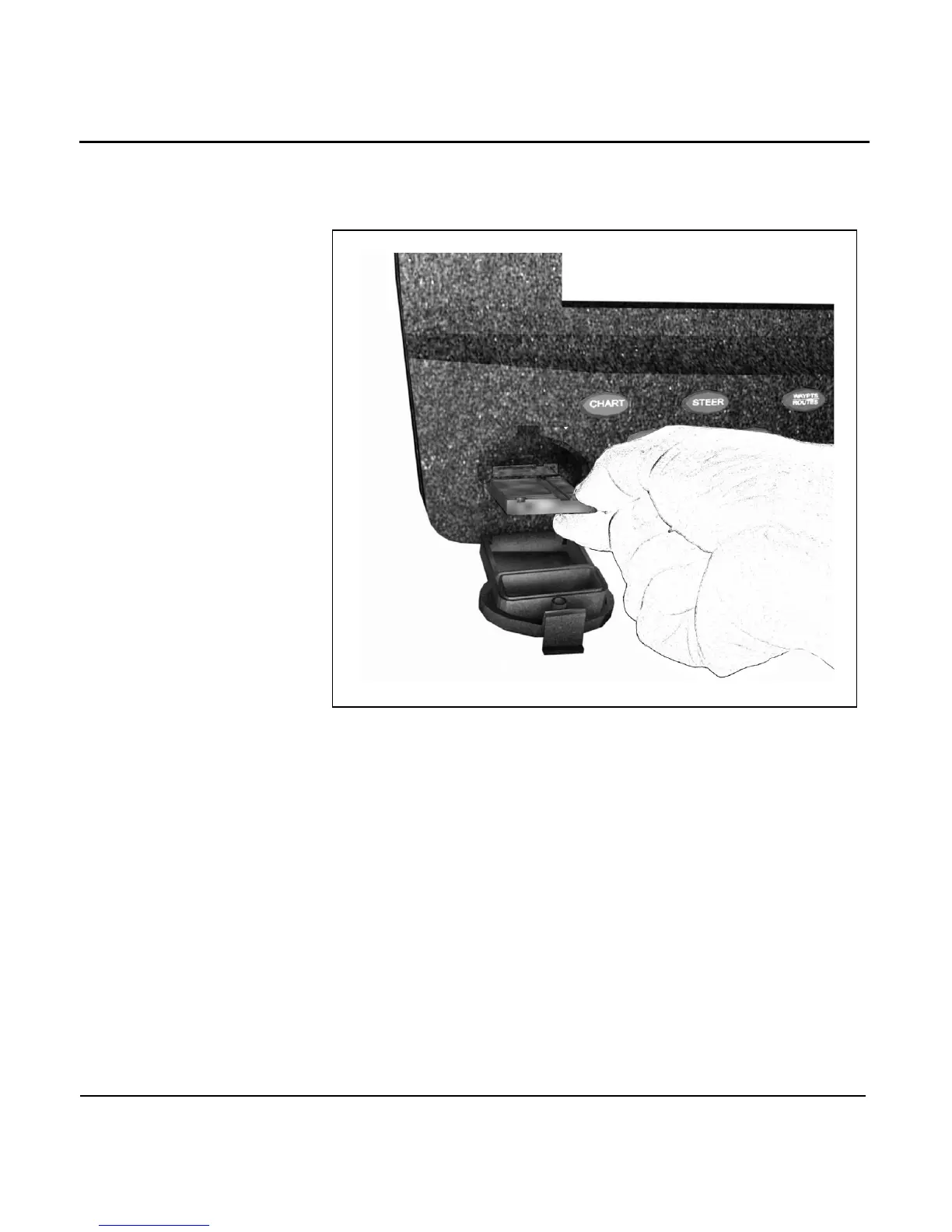
Figure 1: Properly inserting a chart cartridge
The Navionics chart cartridge
must remain free from debris
and moisture at all times. To
ensure that you do not expose
the cartridge to any environ-
mental damage, please use
caution when changing the
cartridge. Be careful when
inserting the cartridge into the
957 (see description and illus-
tration at right). When you’re
not using the cartridge, store it
in a clean, dry place away
from heat, humidity, and dust.
Improper handling and stor-
age of the cartridge may dam-
age the Northstar 957. Such
damage is not covered under
the 957 warranty.



 To Next Page