Page 16 957 Operator’s Manual, Rev. B
Chapter 1 - Getting Started
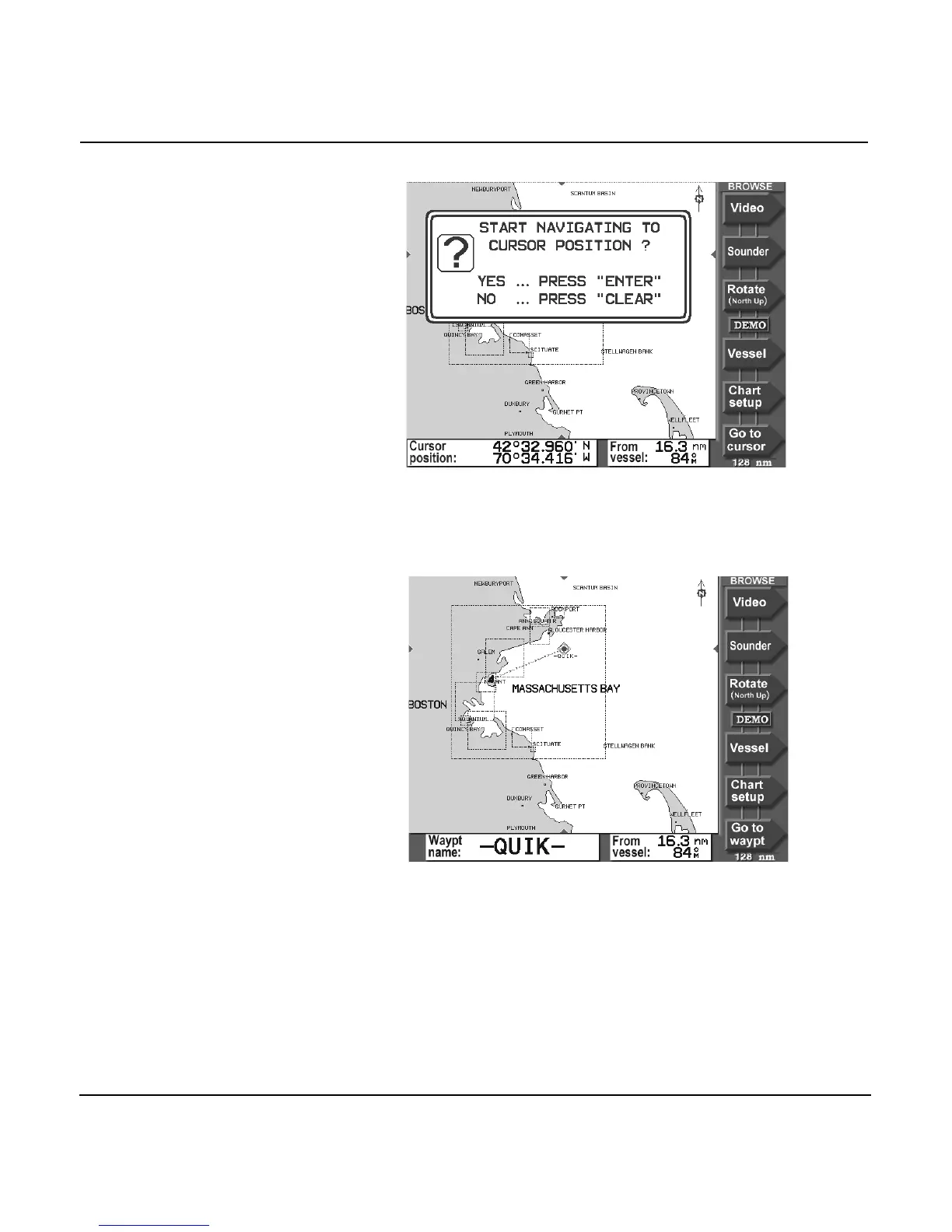
4. When prompted with the message START NAVIGATING
TO CURSOR POSITION, press the ENTER key.
The 957 displays a track line to the new waypoint named
-QUIK-, and guides you directly to this point.
That’s all you have to do to use the 957 in its simplest
form. To learn more about navigating to waypoints, see
”Navigating to waypoints” starting on page 102.



 To Next Page