Chapter 4 - Using the Chart Screen
957 Operator’s Manual, Rev. B Page 41
•
restart your course line from your present position to
your intended waypoint (RESTART key); for details, see
”Restarting navigation” starting on page 116
•
display or change the setup functions for the CHART
screen (CHART SETUP key); for details, see ”Setting up
the chart screen” starting on page 45
•
display position details at the bottom of the screen (MORE
INFO key)
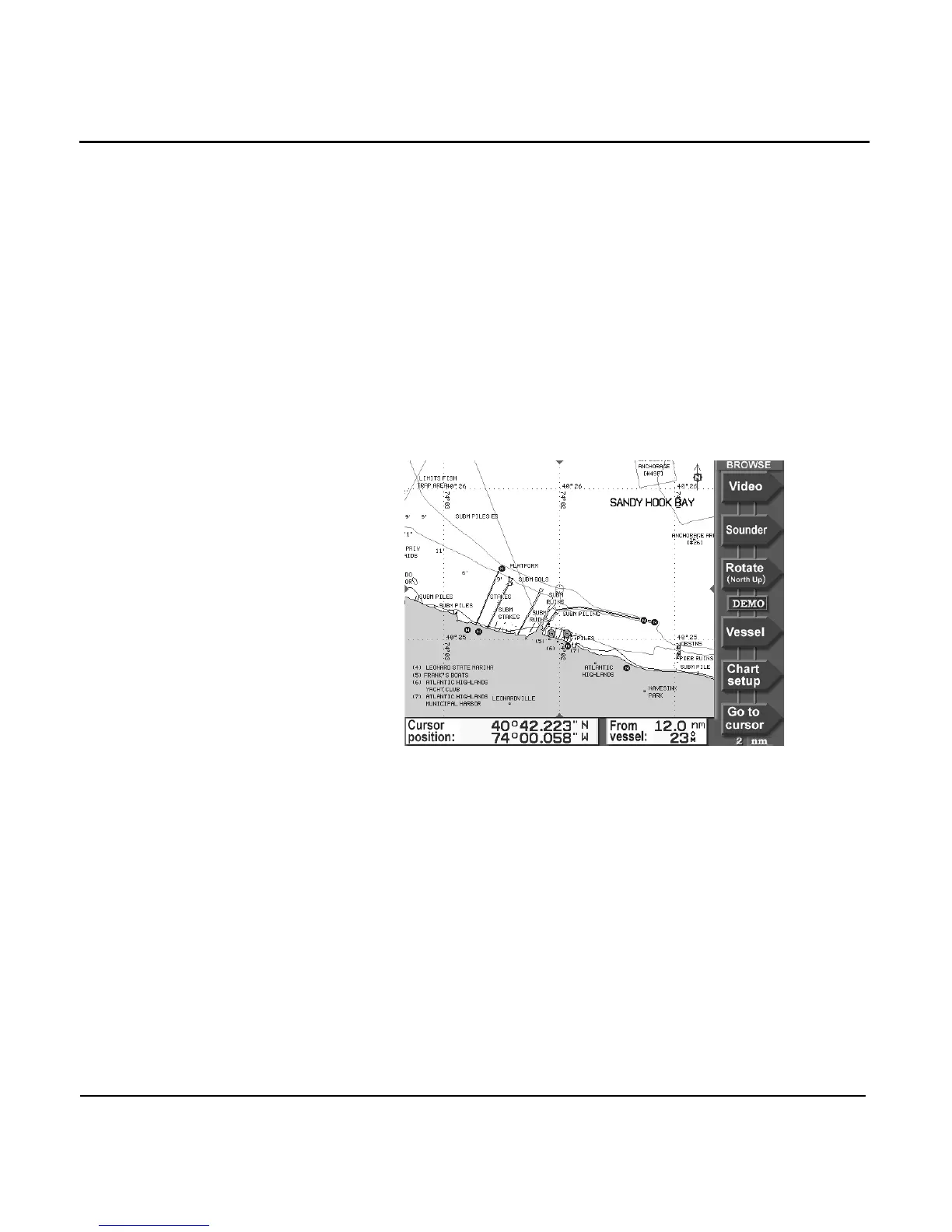
Browse mode
Browse mode is indicated by the word BROWSE in the upper
right corner of the screen. In this mode, you can perform the
following functions:
•
view any area on the chart by moving the cursor there
(CURSOR PAD)
•
quickly determine distance and bearing to other points on
the CHART screen (CURSOR PAD)
•
display an image from a connected video source (VIDEO
key)
•
display the optional fishfinder (SOUNDER key); for
details, see the Northstar 490 Echo Sounder Operator’s
Manual (part number GM490)
•
rotate the chart (ROTATE key); for details, see ”Rotating
the chart” starting on page 42
•
return to vessel mode (VESSEL key)



 To Next Page