Page 48 957 Operator’s Manual, Rev. B
Chapter 4 - Using the Chart Screen
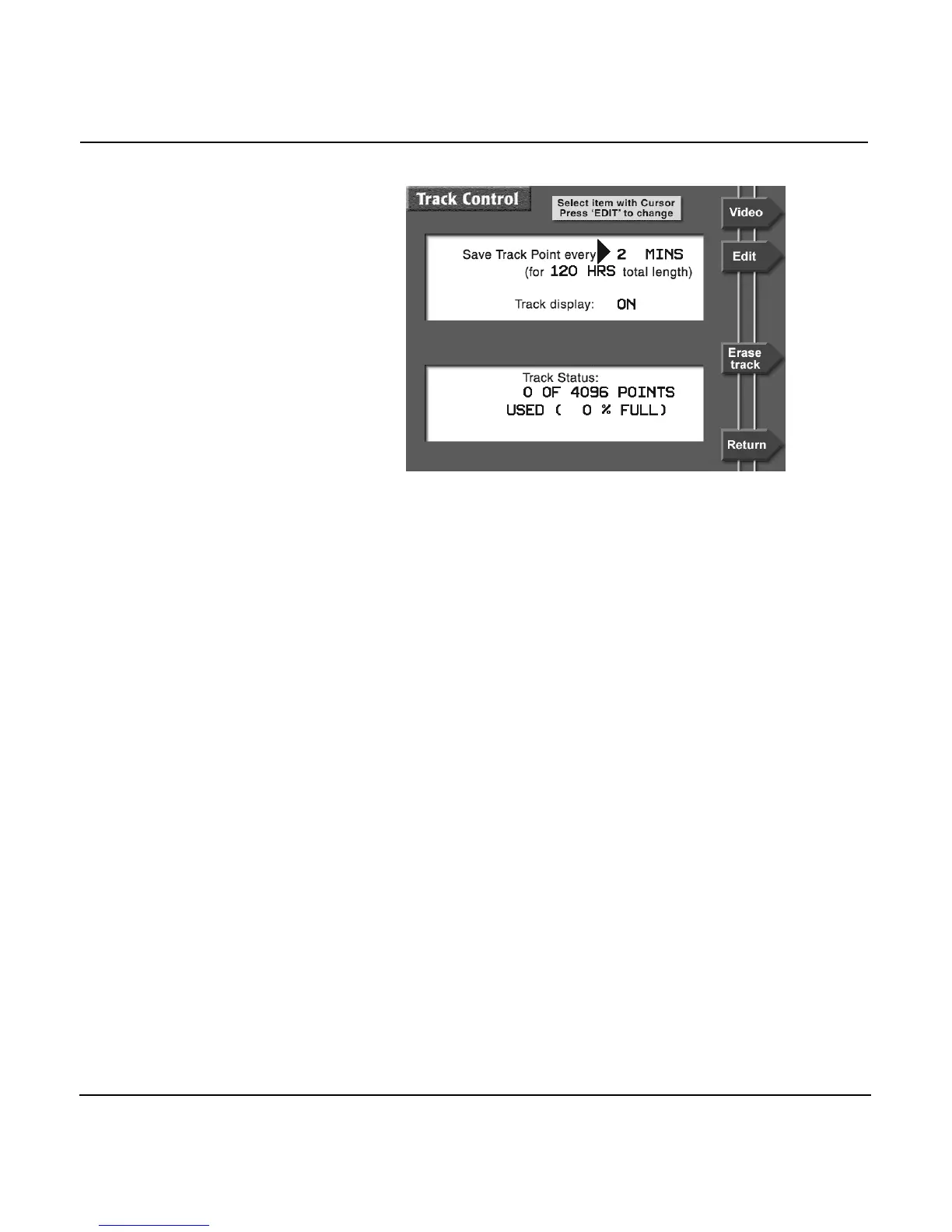
You can choose among the following options for point storage,
and the corresponding track length:
•
every 1 second for 60 minutes total
•
every 2 seconds for 120 minutes total
•
every 4 seconds for 4 hours total
•
every 8 seconds for 8 hours total
•
every 20 seconds for 20 hours total
•
every 40 seconds for 40 hours total
•
every 1 minute for 60 hours total
•
every 2 minutes for 120 hours total
- or -
• FREEZE TRACK (FREEZE TRACK stops the storage of any
more points, keeping the track unchanged)
Set the TRACK DISPLAY option to OFF to remove the track
display from the CHART screen, while the 957 continues to
record the track in its memory. To resume viewing your track,
change this option to ON.
To change any one of these options, use the CURSOR PAD to
move the arrow to the field you want to change, then press the
EDIT menu key. This causes the field to flash, indicating you
should press the CURSOR PAD to select the option you want.



 To Next Page