Page 50 957 Operator’s Manual, Rev. B
Chapter 4 - Using the Chart Screen
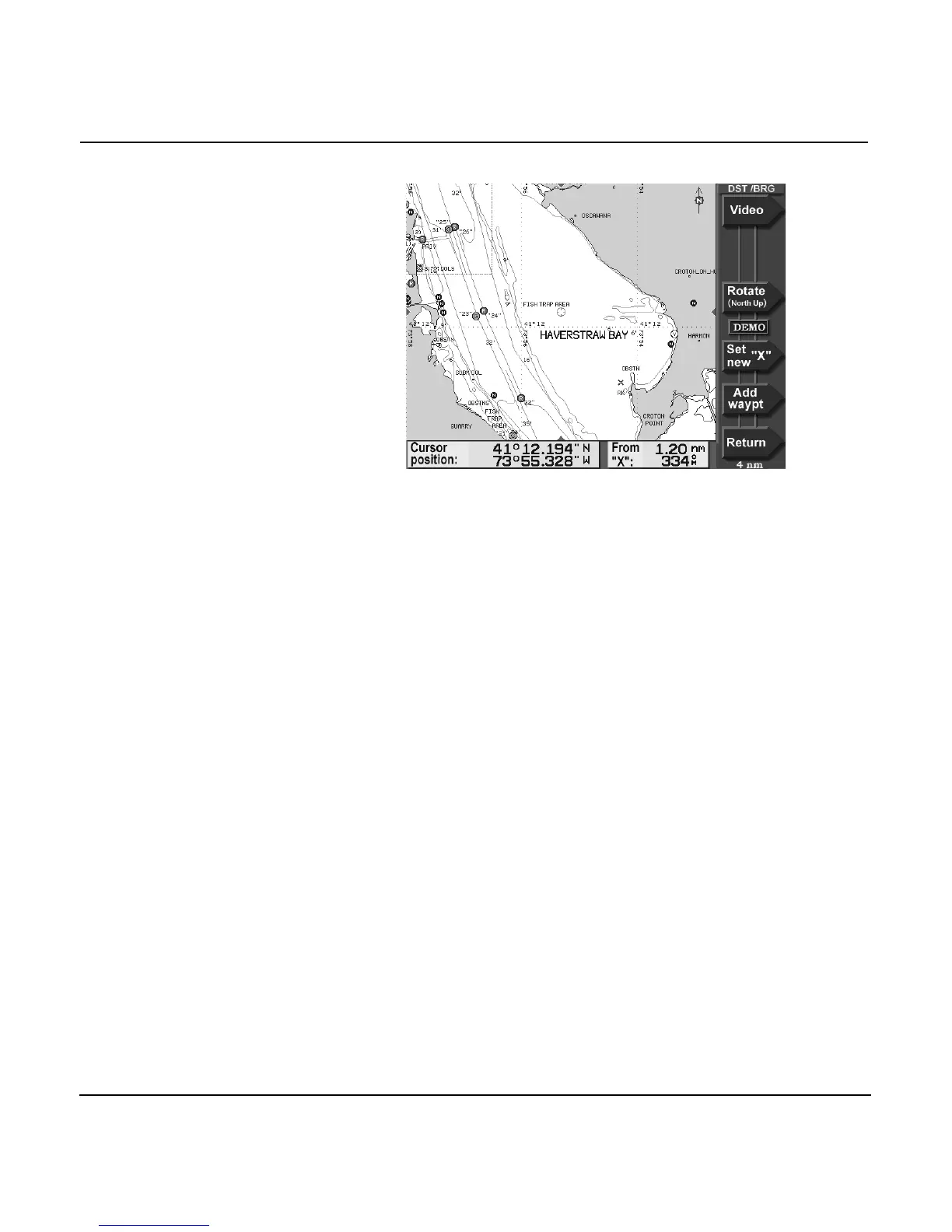
4. To make a waypoint at the next cursor location, press the
ADD WAYPT menu key, then enter its name, symbol, or
description on the NEW WAYPOINT screen and press
ENTER to save it.



 To Next Page