Page 62 957 Operator’s Manual, Rev. B
Chapter 5 - Determining Your Position
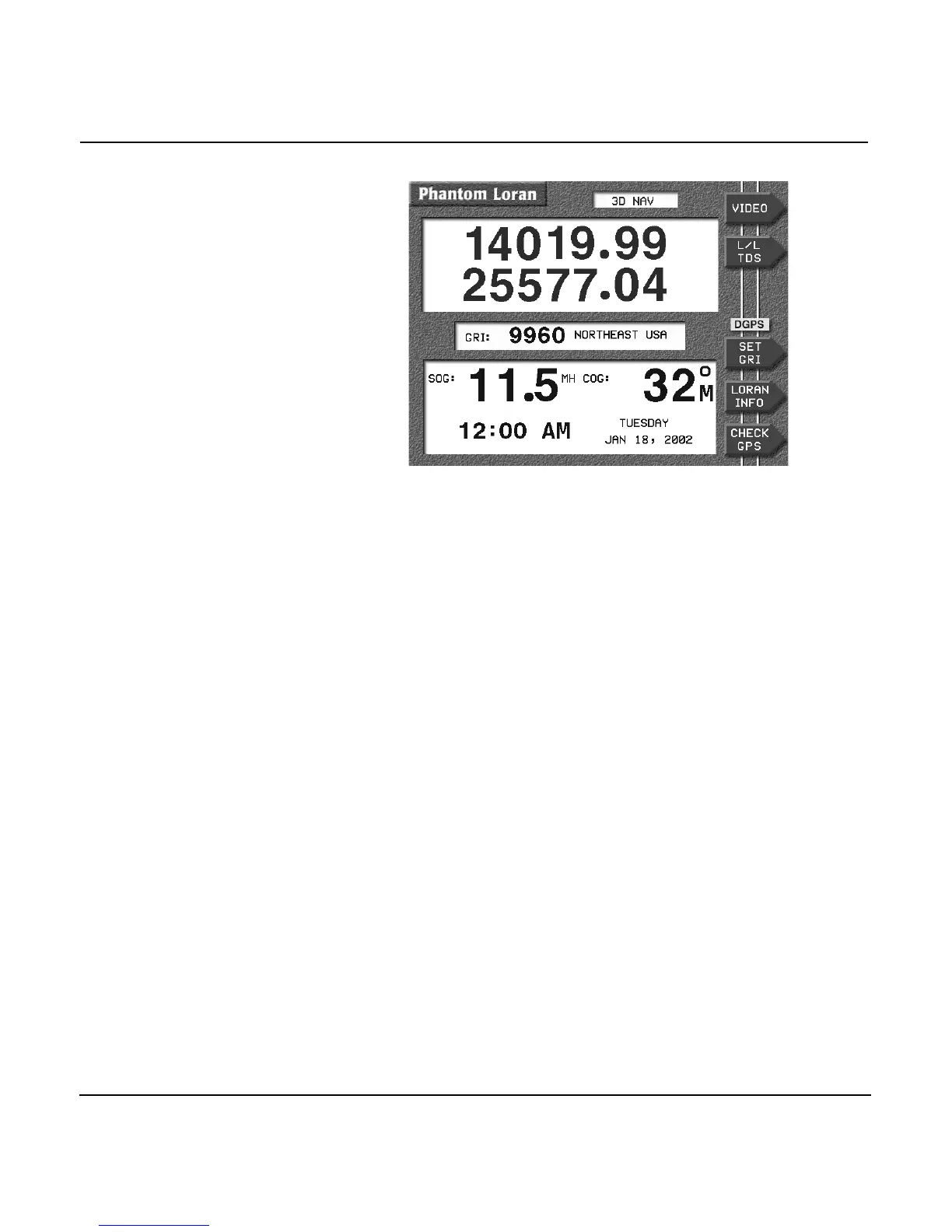
Viewing Phantom
Loran TDs
Press the L/L TDS menu key several times to display either the
particular pair of TDs you want to use, or the GPS-derived
latitude/longitude.
Setting Phantom
Loran GRI
Press the SET GRI menu key to change the GRI to be used in
calculating the displayed TDs. Press the CURSOR PAD to
display the available GRIs one at a time. When the GRI is
correct, press the ENTER key.
Checking GPS status
Press the SAT INFO menu key to display the status of the GPS
receiver.
Checking DGPS
status
Press the DGPS INFO menu key to display the current status
of the differential receiver, including SNR, SIGNAL, and NOISE
values.



 To Next Page