Page 68 957 Operator’s Manual, Rev. B
Chapter 6 - Understanding the Waypoints Function
Entering waypoints
graphically (on the
chart screen)
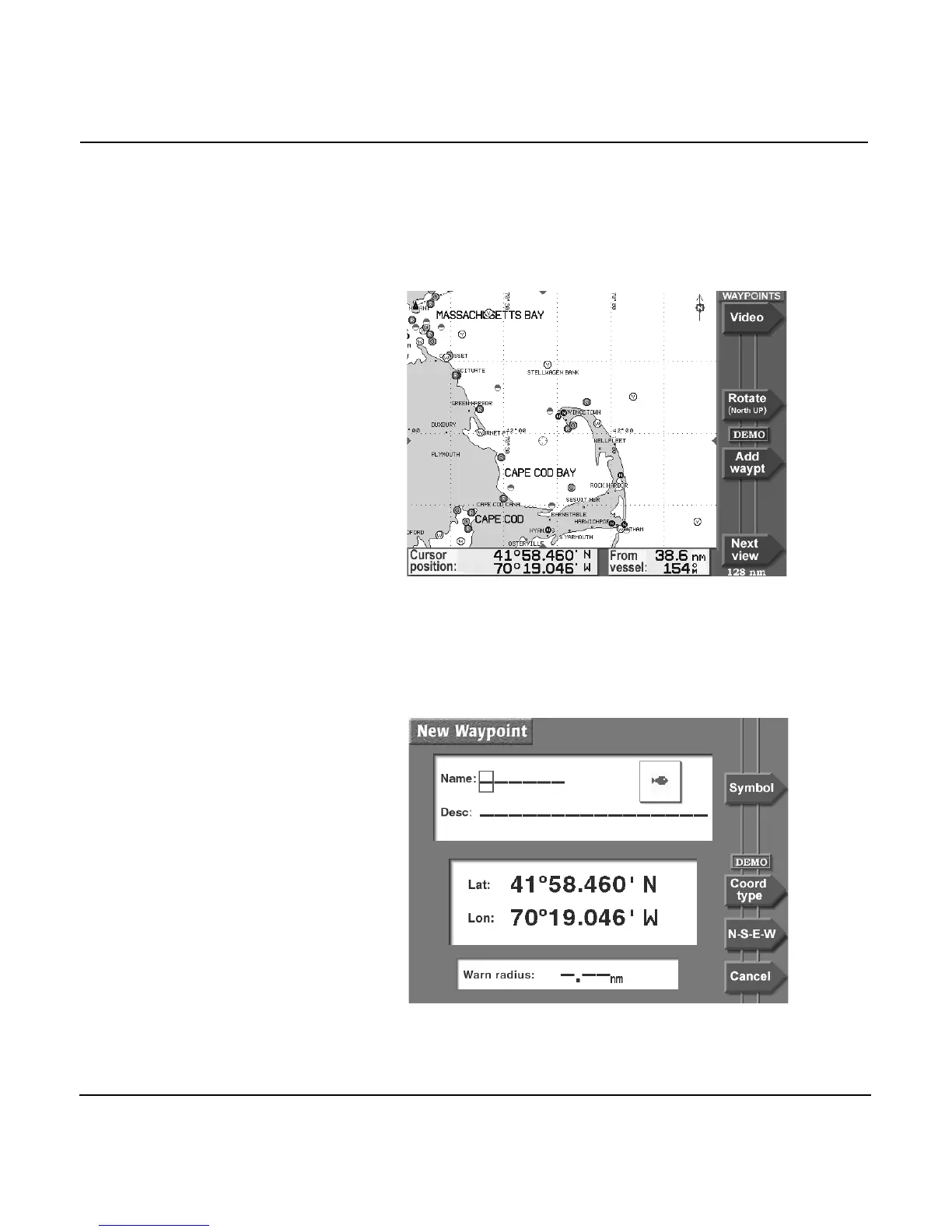
To enter waypoints on the CHART screen:
1. Press the WAYPTS/ROUTES key.
2. Press the WAYPOINTS menu key. You may have to press
the NEXT VIEW menu key to display the graphical
WAYPOINTS screen.
3. Press the CURSOR PAD to move the cursor where you
want to add the new waypoint. You can zoom in or out, as
necessary, to precisely place your waypoint.
4. Press the ADD WAYPT menu key to display the NEW
WAYPOINT screen.



 To Next Page