Page 70 957 Operator’s Manual, Rev. B
Chapter 6 - Understanding the Waypoints Function
8. Press the ENTER key to store the new waypoint and
return to the graphical WAYPOINTS screen.
Entering waypoints
numerically (on the
list screen)
To enter waypoints numerically:
1. Press the WAYPTS/ROUTES key.
2. Press the WAYPOINTS menu key.
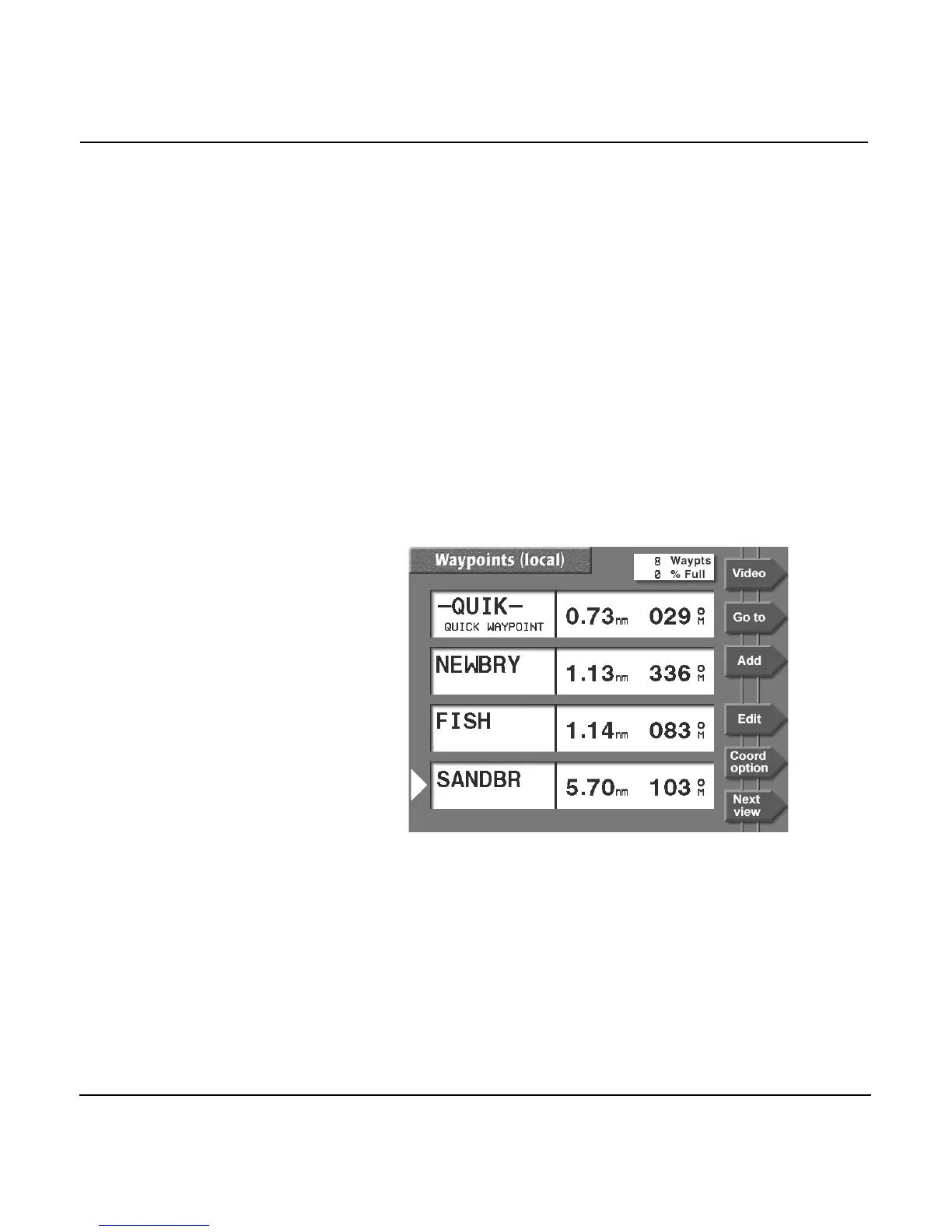
The 957 displays a waypoint list if you had displayed a list
during a previous viewing; however, if you had previously
displayed a graphical screen, you must press the NEXT
VIEW menu key to display the list views. These list views
comprise waypoints listed numerically in order of
distance (WAYPOINTS LOCAL list, as shown below),
alphabetically (WAYPOINTS ALPHA list), or by avoidance
(WAYPOINTS AVOIDANCE list).


 To Next Page
 Loading...






