Panel Operation
28 AFP-2800/2802 Manual – P/N 11249 11-Mar-08
6.3.3.5 SERVICE MENU – LIST – PRE ALARM
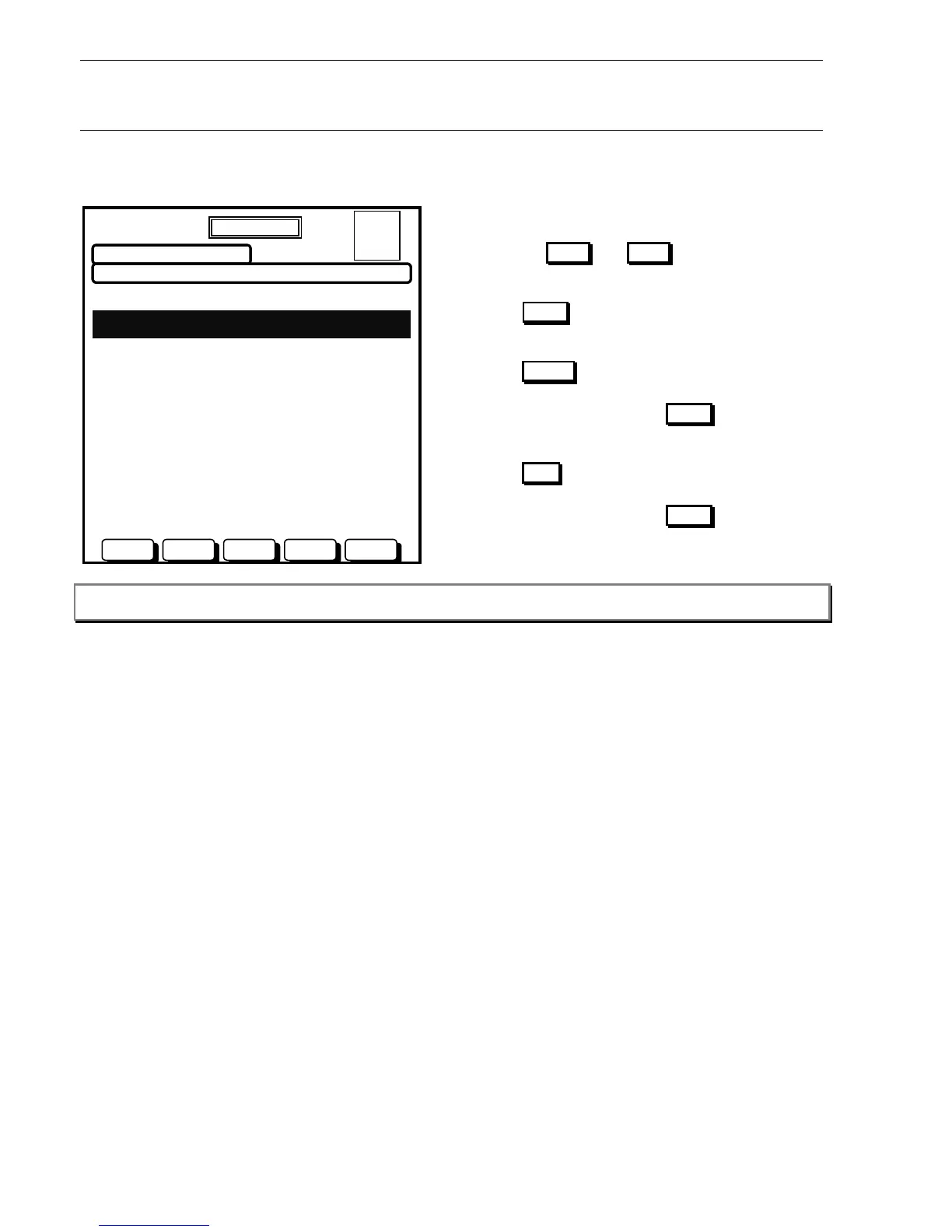
This list will display all current pre-alarms. A pre-alarm will sound the local panel buzzer however this function can
be disabled from the Global System options screen (refer to Section 6.3.7.1).
PREALARM LIST
20 JULY 2002 14:44:37
RESETACKNNEXTPREV ISOL
TIME TYPE STATUS NUMBER
20 JULY 10:00 SMOKE ACTIVE 1 OF 2
L1D1 PENTHOUSE
20 JULY 12:15 HEAT ISOL ACTIVE 2 OF 2
L1D2 STAIRWELL
A = 0
F = 0
I = 1
N = 2
DAY MODE
Actions:
Use the PREV and NEXT buttons to scroll
through the list.
Use ACKN to acknowledge currently selected
active pre-alarm point.
Use RESET to reset the currently selected pre-
alarm point.
You will be asked to press ACKN to confirm, press
any other button to abort.
Use ISOL to isolate the currently highlighted active
Pre-Alarm point.
You will be asked to press ACKN to confirm, press
any other button to abort.
Note: You can also use the arrow keys, the Page Up and Page Dn keys on an external keyboard for scrolling
functions.











 To Next Page