Panel Operation
34 AFP-2800/2802 Manual – P/N 11249 11-Mar-08
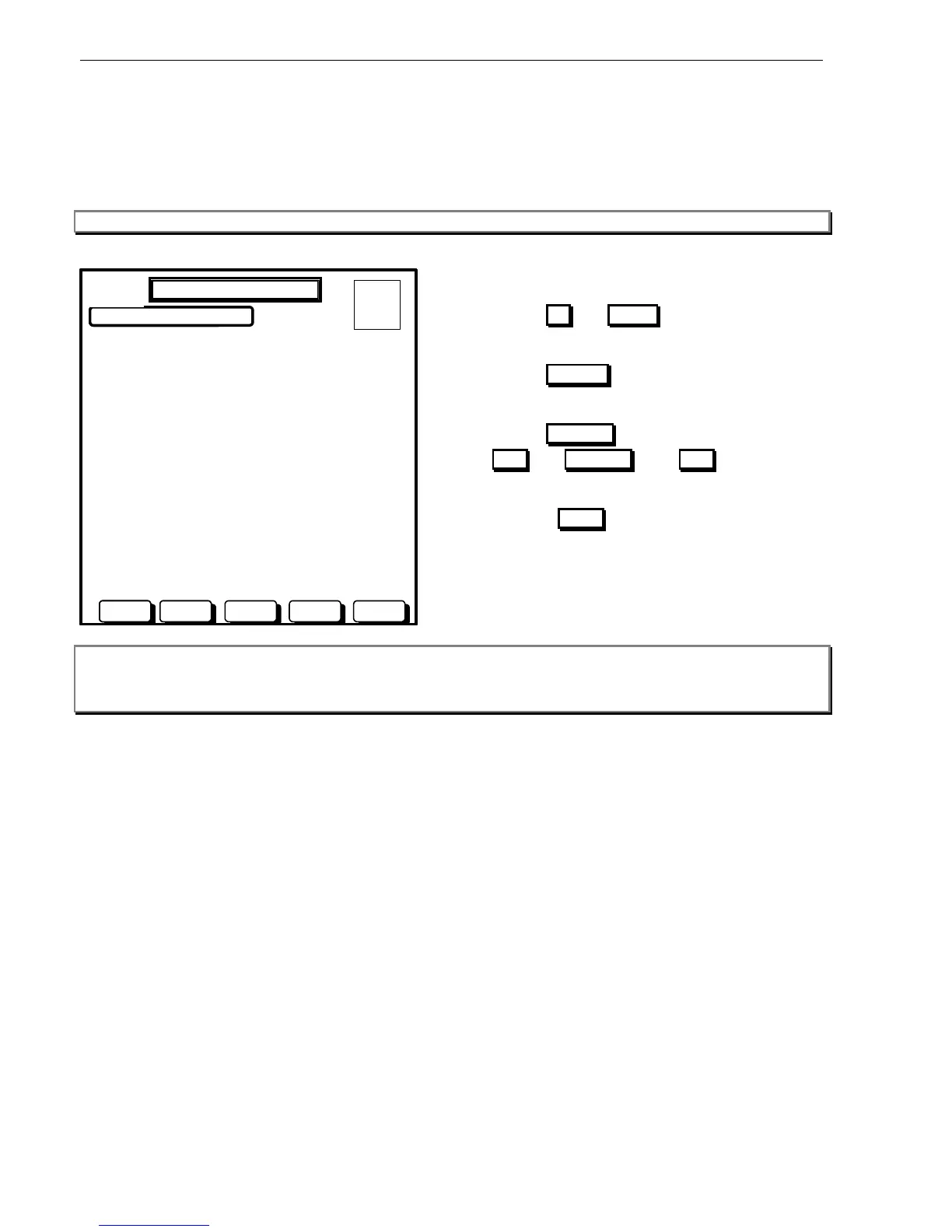
6.3.3.7.2 SERVICE MENU – LIST – LIST – ANALOG – MODULES
This screen will provide a list of Analog addressable modules (1-159) on the loop selected showing the descriptor
of each module alongside its address. From this screen you can do a live read status of the point or change the
configuration of the point. Modules that are not installed are listed as “NOT INSTALLED”, performing a change
installs the point.
Note: AFP-2802 supports a maximum of 99 modules per loop. Modules 100 to 159 are not displayed on AFP-2802.
USE BUTTONS TO SELECT DEVICE:
L1M1 BREAK GLASS PANEL
L1M2 BREAK GLASS ENTRY FOYER
L1M3 NOT INSTALLED
L1M4 NOT INSTALLED
L1M5 NOT INSTALLED
L1M6 NOT INSTALLED
L1M7 NOT INSTALLED
L1M8 NOT INSTALLED
L1M9 NOT INSTALLED
L1M10 EWIS OUTPUT #1
L1M11 EWIS OUTPUT #2
L1M12 NOT INSTALLED
L1M13 NOT INSTALLED
L1M14 NOT INSTALLED
L1M15 NOT INSTALLED
L1M16 NOT INSTALLED
ANALOG LIST – MODULES
A = 0
F = 0
I = 0
N = 0
DOWNUP STATUS CHANGE BACK
DAY MODE
Actions:
Use the UP and DOWN buttons to select
detector.
Use the STATUS button to perform a live point
read on the module.
Use the CHANGE button to display soft buttons
ADD and REMOVE . Use ADD to edit the
detectors setting and/or change its name.
Press the BACK button to return to the previous
screen.
Note: You can also use the arrow keys, the Page Up and Page Dn keys on an external keyboard for scrolling
functions.











 To Next Page