60 NFS2-3030 Operations Manual — P/N 52546:N1 06/20//2014
Read Status Releasing Zone
Display
Lines 1 through 6 - Refer to the descriptions in Section 3.2, “Smoke Detector”, on page 52.
EQUATION: The logic equation for this logic zone is displayed here
Line 15 - Current time and date.
3.10 Releasing Zone
When a releasing zone address is entered into the Point Select Screen and the ACCEPT soft key is
pressed, the following screen will display:
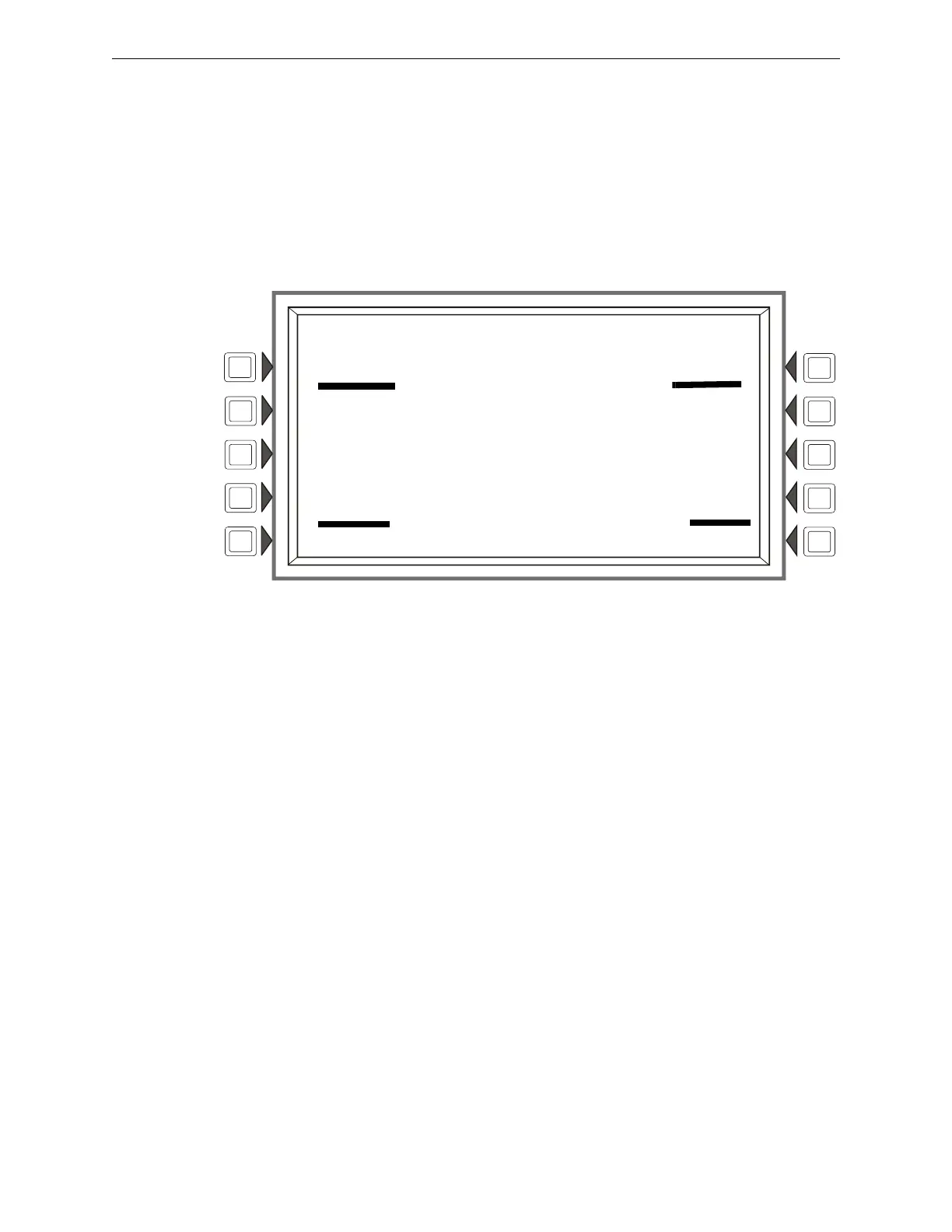
Figure 3.11 Releasing Zone Screen - Read Status
Display
Lines 9 through 7 - Refer to the descriptions in Section 3.2, “Smoke Detector”, on page 52.
Line 9 - DELAY TIME - Gives the delay time setting - a value from 0 to 60 seconds - for this releas-
ing zone.
Line 10 - ABORT SWITCH - Displays the type of abort switch; ULI, IRI, NYC or AHJ.
Line 11 - CROSS ZONE - Displays the cross zone setting; NO, YES, ZONE, or HEAT.
Line 12 - SOAK TIME - Displays the Soak Time setting; 0 to 9999 seconds.
Line 15 - Displays the current time and date.
For further information on Releasing Zones, refer to Appendix B of this manual.
LAKEVIEW GENERAL HOSPITAL
SYSTEM NORMAL
10:22:34A TUE JAN 25, 2011
READ ADDRESS: N124ZR08
AUTOMATIC INACTIVE
RELEASING ZONE NUMBER 08 ZR08
DELAY TIME: 30 SECONDS
ABORT SWITCH: AHJ
CROSS ZONE: NO
SOAK TIME: 3600 SECONDS
10:22:34A TUE JAN 25, 2011
BACK










 To Next Page