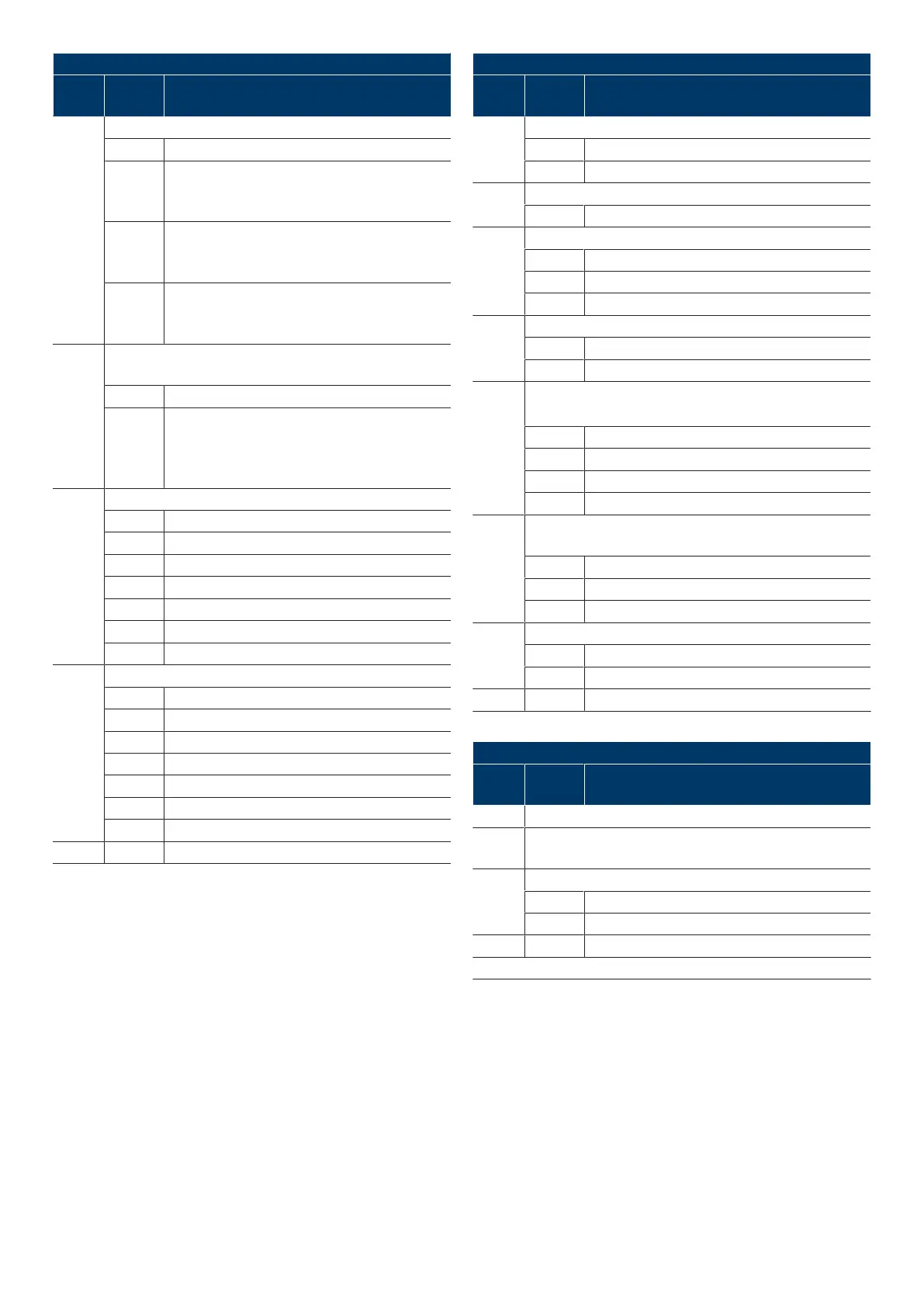
Menu 4 further door settings
Menu
item
Entry Selection
43 Selection of the warning time in seconds(s)
0* Off
1-10 OPEN
1:1s / 2:2s / 3:3s / 4:4s / 5:5s / 6:6s / 7:7s / 8:8s /
9:9s / 10:10s
11-20 CLOSE
11:1s / 12:2s / 13:3s / 14:4s / 15:5s / 16:6s / 17:7s /
18:8s / 19:9s / 20:10s
21-30 OPEN + CLOSE
21:1s / 22:2s / 23:3s / 24:4s / 25:5s / 26:6s / 27:7s /
28:8s / 29:9s / 30:10s
44 Selection of open time and automatic return in seconds(s) and
minutes(min)
0* Automatic return deactivated
1-15 1: 5s / 2: 10s / 3: 15s / 4: 20s / 5: 30s /
6: 40s / 7: 50s / 8: 1min / 9: 2min /
10:3min / 11: 4min / 12: 5min / 13: 10min /
14: 15min / 15: 20min
45 Selection of the function status relay1
1 Door-closed status
2* Door-open status
3 Door in motion / warning
4 Wipe pulse (1second)
5 Status error
6 Error state inverted
7 Maintenance cycles reached
46 Selection of the function status relay2
1 Door-closed status
2* Door-open status
3 Door in motion / warning
4 Wipe pulse (1second)
5 Status error
6 Error state inverted
7 Maintenance cycles reached
- - STOP Exit menu
* Default setting
Menu5 Various settings
Menu
item
Entry Selection
51 Selection of the function InputJ1
1* OPEN, STOP, CLOSEbutton
2 STOP, pulse inputs
52 Control adress indication
00-99 Entry of control address (5seconds)
53 Selection of module inputJ6
0* None
1 RadioSafetyEdge system
2 Lion40 (Slave)
54 Selection of module inputJ9
0* BTD-K (Bluetooth)
1-2 Service functions
55 RSE Selection of closing edge safety device
Start pairing (press for 5seconds)
0 None
1* Optical closing edge safety device OSE
2 Electrical safety edge8k2
3 Pressure wave8k2
56 RSE Selection of wicket door contact
Cancel pairing (press for 5seconds)
0 ENS-8200
1* ENS-68xx
2 NC/opener
57 Electronic door lock EDL100
0* Off
1 on
- - STOP Exit menu
* Default setting
Menu6 Radio
Menu
item
Entry Selection
60 Programming the start button on the radio hand-held transmitter
61 Programming the 1/2 opening button on the radio hand-held
transmitter
63 Hand-held transmitter information/ Deleting all radio codes
STOP Hand-held transmitter information
STOP 5seconds
- - STOP Exit menu
* Default setting
16|Novoferm


 To Next Page