●Aspect Rao
Auto; 4:3; 16:9; Full; Zoom1; Zoom2; Panorama
The following opons are available: Auto, 4:3, 16:9, Full, Zoom1, Zoom2 and
Panorama
●Reset TV Seng
This sub-menu allows you to restore all sengs to factory default.
●Auto Installaon
This setup wizard will guide you through scanning channels and configuring
other basic sengs.
●Soware Upgrade
You can press ENTER to upgrade the soware when a USB device is connected
to the USB 3 port on the TV.
32
●Clock
Date: Set the Date
Time: Set the Time
Time Zone: Select your Time Zone
DST (Daylight Saving Time): This opon is not available when Time Zone is set
to Auto.
●Sleep Timer
Select the me to turn the TV to standby mode automacally
●Auto Power Off
Select the Auto Power Off me you want.
The TV will enter the standby mode automacally when there is no any opera-
on in set me
●Hearing Impaired
Toggle this sub-menu on
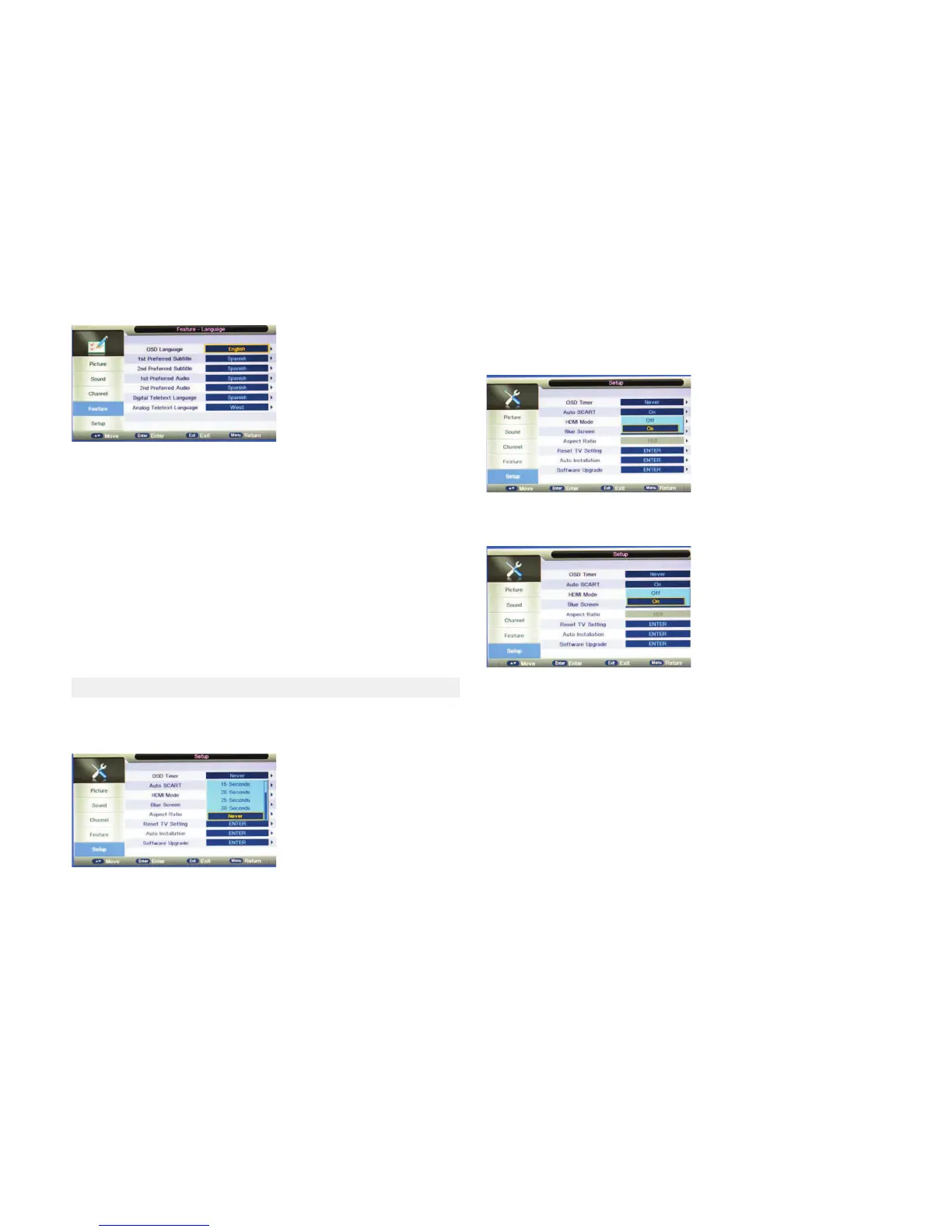
●OSD Timer
Use the OSD Timer to adjust OSD duraon on the screen: 5sec, 10sec, 15sec,
20sec, 25sec, 30sec or Never
●Auto SCART
When Auto SCART is set to ON, the input source will automacally turn to
SCART if there is a signal present on the SCART connector
●Blue Screen
When it is set to ON, the screen will be blue if no signals are available, and
this funcon is not available in DTV mode)
5.8 SETUP MENU



 To Next Page