TFTN 085-199 Installation and Operation Manual
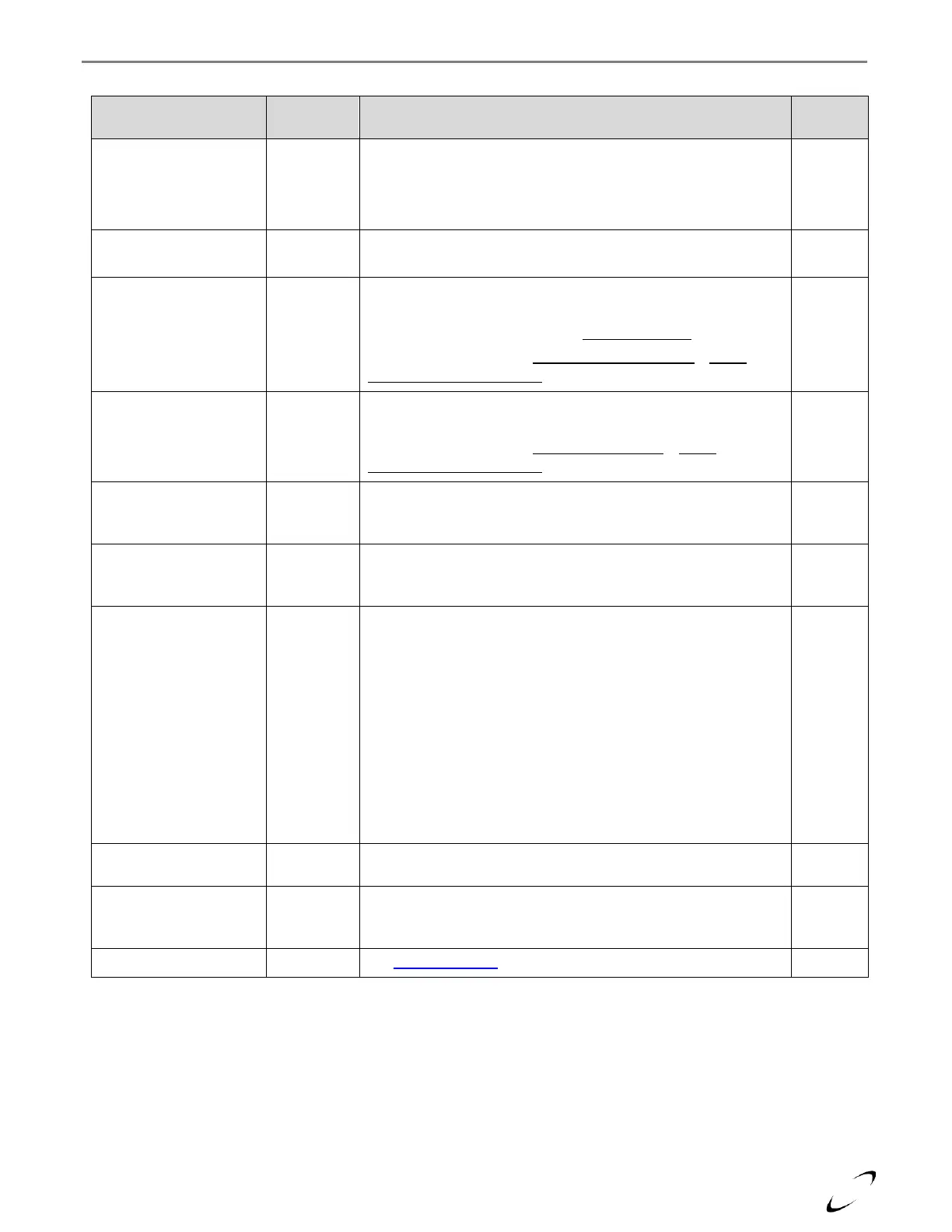
Table 16-14 (a) User Menu (with Zone Selection = Z1)
Allows selection of the zone that you would like to view/modify;
options are Z1, Z2, Z3, DHW, DHW Recirc & Buffer Tank.
Note: options extend to Z4, Z5 & Z6 if using an NTI N-Link ZC3
zone controller, or for cascade application.
Allows the user to select a unique name for each central heating
(CH) zone.
Heating Curve Offset
(if AUTO = Active)
Provides a means to offset (+/-) the calculated reset boiler target
temperature up or down. (Range = -25-25)
Note: the setting has no impact if Auto Slope Boost = On.
Note: settings changes to Zone 1 Fixed Water Temp if AUTO
Temperature Control Mode = Active
Zone # Fixed Water
Temp
(if AUTO = Not Active)
Boiler target setpoint for CH zone 1 demand. (Range = 4.2.6-
4.2.5).
Note: settings changes to Heating Curve Offset if AUTO
Temperature Control Mode = Not Active
Room temperature setpoint for selected zone during Comfort
time period. Only applicable when using an NTI Room Sensor.
(Range = 50-86°F)
Room temperature setpoint for CH zone 1 during Reduced time
period. Only applicable when using an NTI Room Sensor. (Range
= 50-86°F)
Allows the user to select the type of schedule for the selected
zone/demand. For heating zones, only applicable when using an
NTI Room Sensor:
Always Off – disabled…boiler ignores demand.
Always Comfort – temperature is always maintained at the
Comfort setpoint.
Always Reduced – temperature is always maintained at the
Reduced setpoint.
Time Program – temperature setpoint toggles between the
Comfort and Reduced setpoints according to the defined time
program (see View/Edit Schedule)
AUTO Temperature
Control Mode
Allows the user to globally enable/disable the Automatic
Temperature Control Mode.
Room Setpoint
(Holiday/Anti-frost)
Sets the global room temperature setpoint during holiday or
inactive periods. Only applicable when using an NTI Room
Sensor. (Range = 35-75°F)
See Operating Mode section
* Parameter numbers starting with 4 are for Zone 1; substitute the 4 with a 5 (for Zone 2); 6 (for Zone 3); 14 (for Zone
4); 15 (for Zone 5) or 16 (for Zone 6) for equivalent respect zone parameter.


 To Next Page