NewsCaster VT2 Operation
M17-0002-01A Rev 0.0 52 User Manual
If LINE is selected, the unit accepts
balanced 600 inputs at +8 dBm Analog
(–10 dBu Digital). At 1 kHz input,
headroom is +18 dBm Analog (0.0 dBu
Digital).
If AES is selected, the unit accepts data
from the backplane AES port(s) and decodes
the Group 1 audio from the SDI stream. If
only two audio channels are configured,
they will be the first channel in Group 1.
Four LED’s indicate the status of the audio
channel:
GREEN: On and working - OK.
GREEN Flashing: Over modulation.
RED: Trouble indication.
OFF: Off, or not configured.
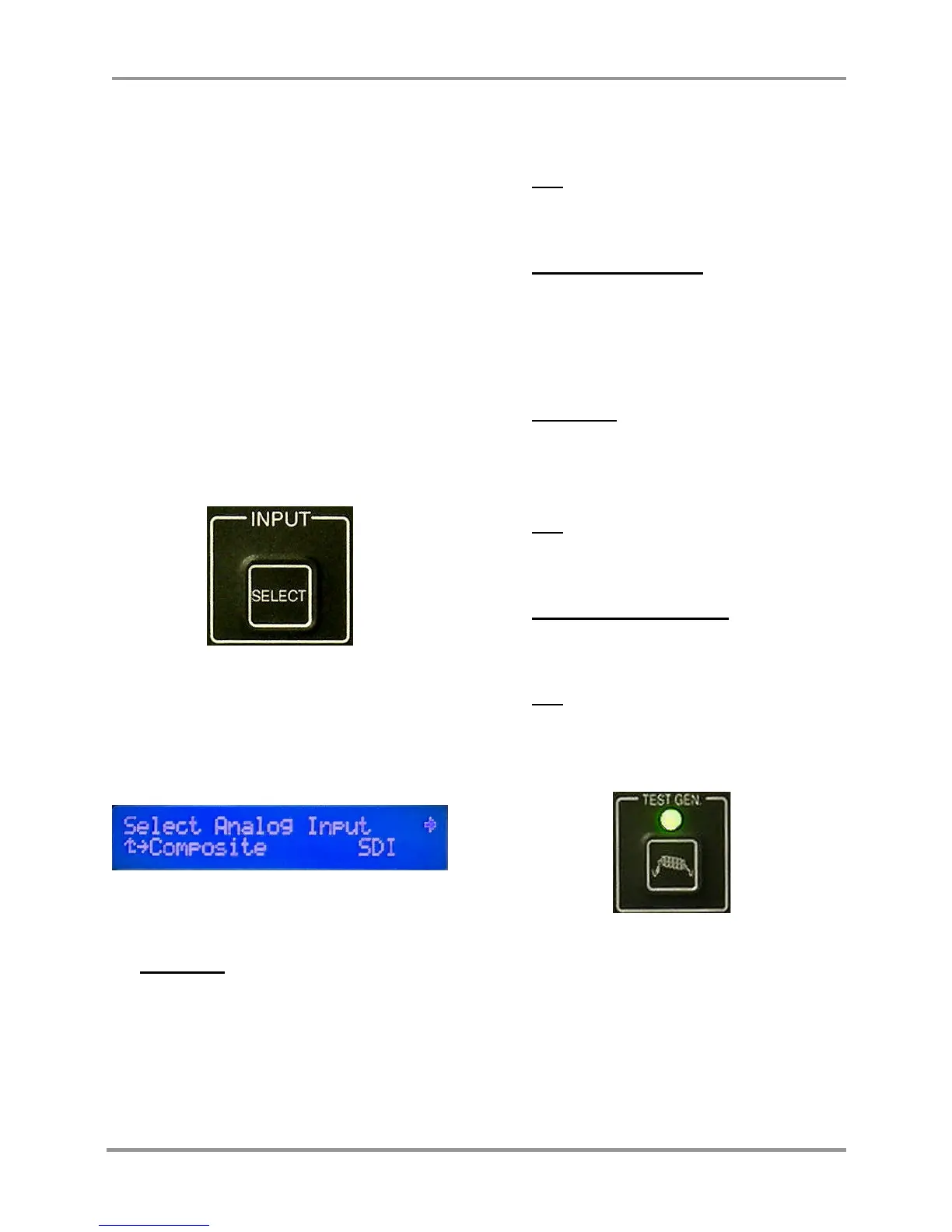
INPUT (8)
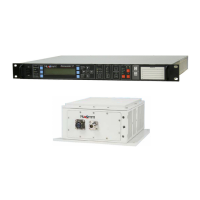
Pressing the INPUT key, brings up the
Select Input Screen. This allows the user to
decide upon the type of input to be fed to the
unit.
When analog modulation is selected, the
input selections will be:
Composite - The signal applied at the
INPUT connector is routed through the
internal low pass filter and sent to the
FM modulator. (Typically, this filter has
a bandwidth of about 4.0 MHz for NTSC
and 5.6 MHz for PAL. The NTSC filter
selectivity ensures the higher frequency
video components do not interfere with
the 4.83 MHz audio sub-carrier.)
SDI - SDI is converted to Composite via
an internal circuit and then processed as
a Composite signal.
External 70 MHz FM - The input
bypasses the modulator, and is routed
directly to the heterodyne up-converter.
When digital modulation is selected, the
input selections will be:
Composite - In this mode, the input
signal is passed through the MPEG
Encoder and converted to digital, then
routed to the digital modulator.
SDI - The Input is routed through the
MPEG Encoder, and then to the digital
modulator.
External 70 MHz Digital - The input
bypasses the modulator, and routes to
the heterodyne up-converter.
ASI - Input bypasses the Encoder and
goes to the digital modulator. The ASI
rate must be at or below the maximum
digital modulation rate.
TEST GEN (9)
This key allows editing of the 16 character
ID, and selection of the waveform display.
This is only selected when the input type is
set to “VIDEO”. The LED is illuinated
when the Generator is active.


 To Next Page