18
Exporting Data
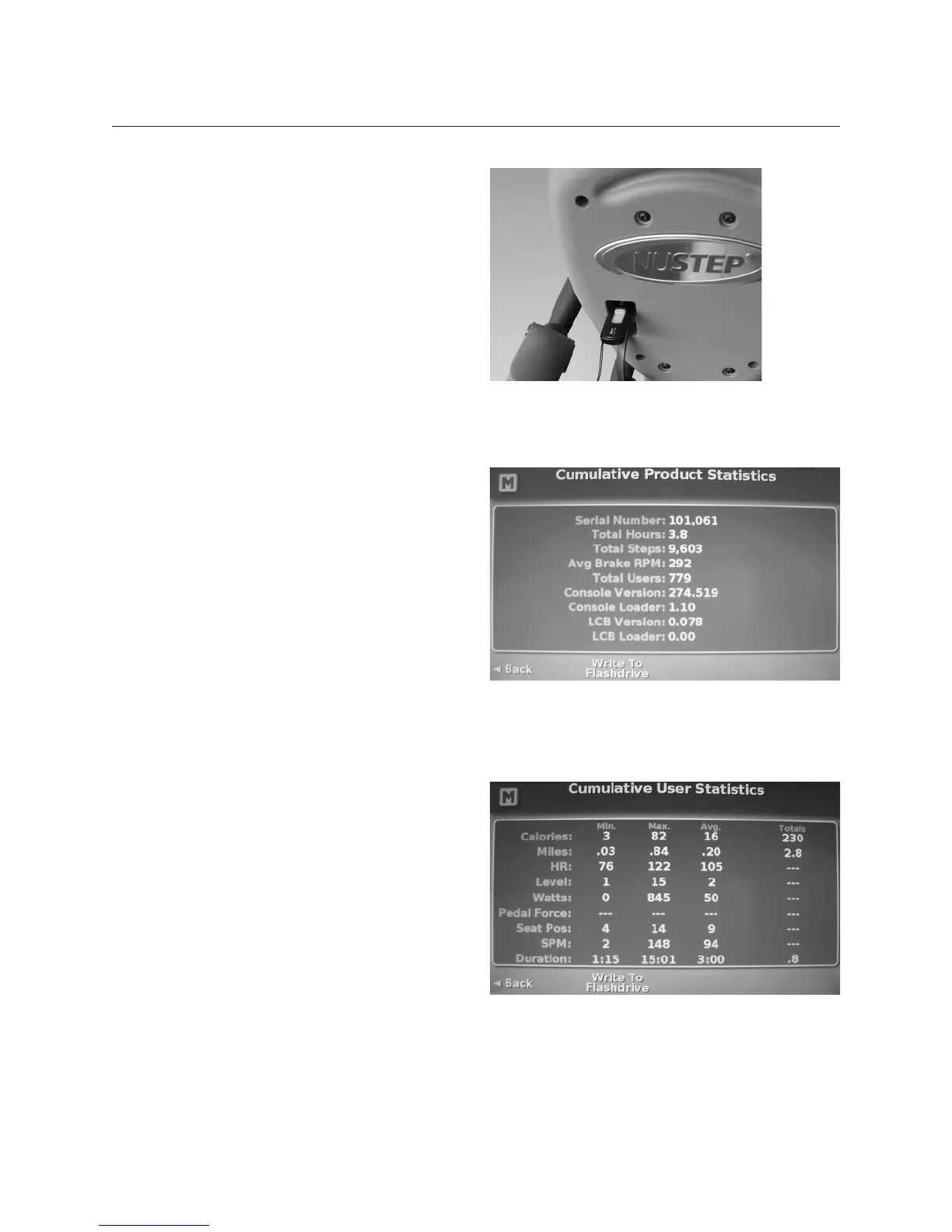
Product and workout data may be
exported from any of the Usage Menu
option screens, and post workout
summary screens. To export data,
insert USB fl ash drive into back of
console and press Write to Flash Drive
soft key button.
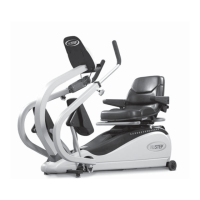
Cumulative Product Statistics
The cumulative product statistics
screen provides an overview of
product use including software
versions and the amount of product
use. This screen can also be
accessed from any workout screen by
simultaneously pressing and holding
the fi rst soft key button and Enter.
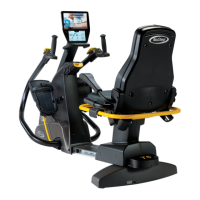
Cumulative User Statistics
The cumulative user statistics screen
provides an overview of how the
equipment is being used by all users.
Viewing and Exporting Data


 To Next Page