12
Console Operation
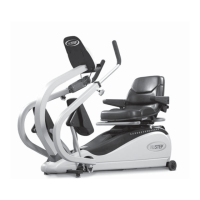
The NuStep T5 console is
easy to use. An automatic
on/off feature turns
on the console as soon
as you move the arm
handles or foot pedals and
automatically shuts down
when you stop exercising
for three minutes.
The console goes directly
to the Quick Start
program when you move
the arm handles and foot
pedals or press any button.
To change the program
press the Change Program
button.
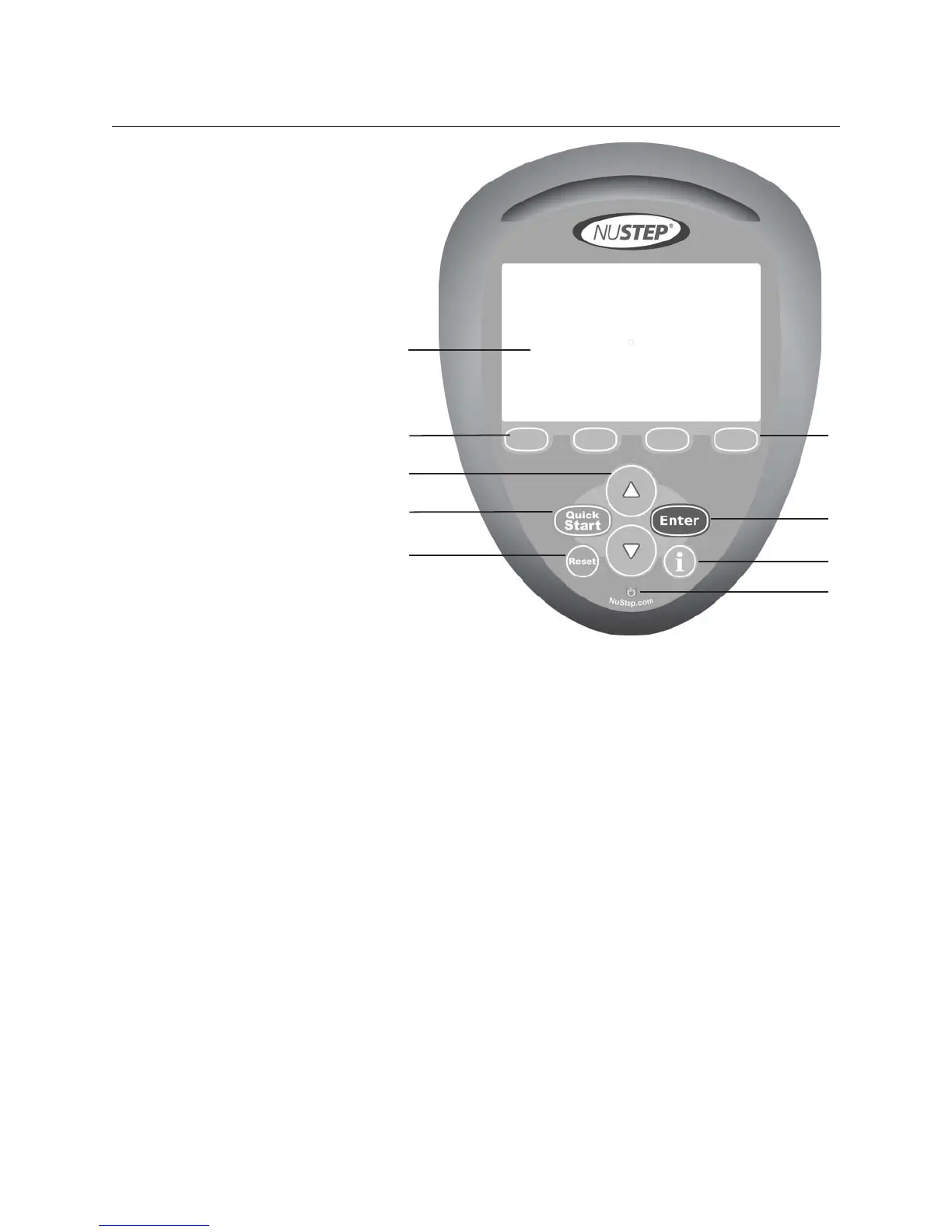
A. Information center:
Displays the users’ workout data
and set up screens for entering
information.
B. Soft key buttons:
Select the various buttons to change
the information shown or to change
the programs.
C. Up and down arrow buttons:
Use the up and down arrows to
adjust values or workload. Press
and hold the up or down button for
faster scrolling.
D. Quick Start:
Select this button to enter directly
into a workout. This will bypass any
setup.
E. Reset:
When reset is selected it is a hard
reset and completely resets all
information.
F. Enter:
Select Enter to input information.
G. Information:
The button is context sensitive and
explains the information on the
screen.
H. Standby power indicator:
When the T5 and T5XR Recumbent
Cross Trainer equipment is
plugged in and not in use, the
standby power indicator fl ashes
while battery is charging. When
charging is complete, the standby
power indicator remains on without
fl ashing.
A
B
C
D
E
B
F
G
H


 To Next Page