22
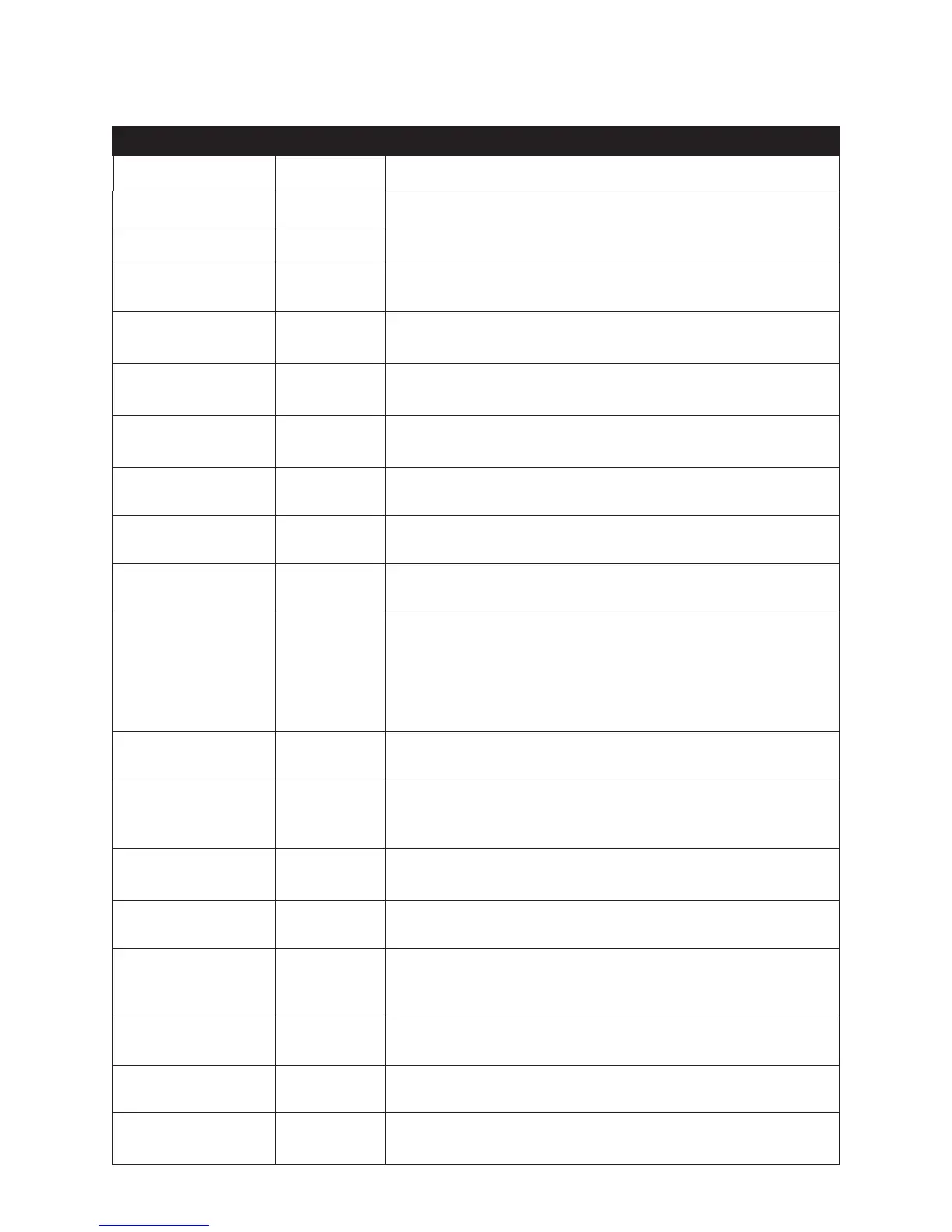
Manager Mode
S E T T I N G S D E F A U L T R A N G E / O P T I O N S
Age 55 18 - 105
Backlight - LCD 7 1 - 10 backlight values, 10 being the highest.
English/Metric Units English Select English or metric data units.
Exercise Protocol Off Turn exercise protocol program on or off.
Goal: Calories 188 5 - 3500 calories. Set the most likely value that appears during
program setup. This also sets the maximum calorie limit.
Goal: Distance 2.25 0.1 - 10 miles (.16 - 16 km). Set the most likely value that appears
during program setup. This also sets the maximum distance limit.
Goal: Time 40 1 - 99 minutes. Set the most likely value that appears during program
setup. This also sets the maximum time limit.
Home Mode Off Turn home mode feature on or off.
Language English Dutch, English, French, German, Japanese and Spanish
METS 2.6 1.0 - 27.0 METS
Sound General: Low
Events: Low
THR Alarms:
Med
Every Step:
Off
Sets the general volume, volume for signifi cant events, THR range
alarms, and can turn on an every step sound.
Steps Per Minute 100 25 - 200 steps per minute
THR .70 .55 - .90 Sets the percent used to calculate the target heart rate
that appears during program set up or when wearing a chest strap.
Based on ACSM guidelines.
Time - function
Time Zone
Elapsed
Eastern Time
Time elapsed or remaining for workout as primary choice.
Time and date may be adjusted for any time zone.
Tracking Mode Off Turn user tracking mode on or off.
Warm up / cool down 12.5% 5 - 12.5% of workout time. Sets percentage length of warm-up and
cool-down phases based on total goal entered, per ACSM guidelines.
The default is 12.5% warm-up, 75% work out, and 12.5% cool-down.
Watts 60 25 - 400 watts
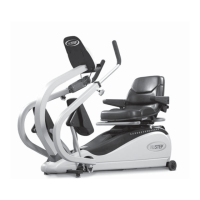
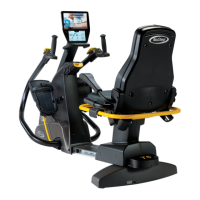
Weight 180 lbs 75 - 500 lbs for T5 model or 75 - 600 lbs for T5
XR
model.
Workout display calories,
distance
Select from calories or METS, distance or steps.


 To Next Page