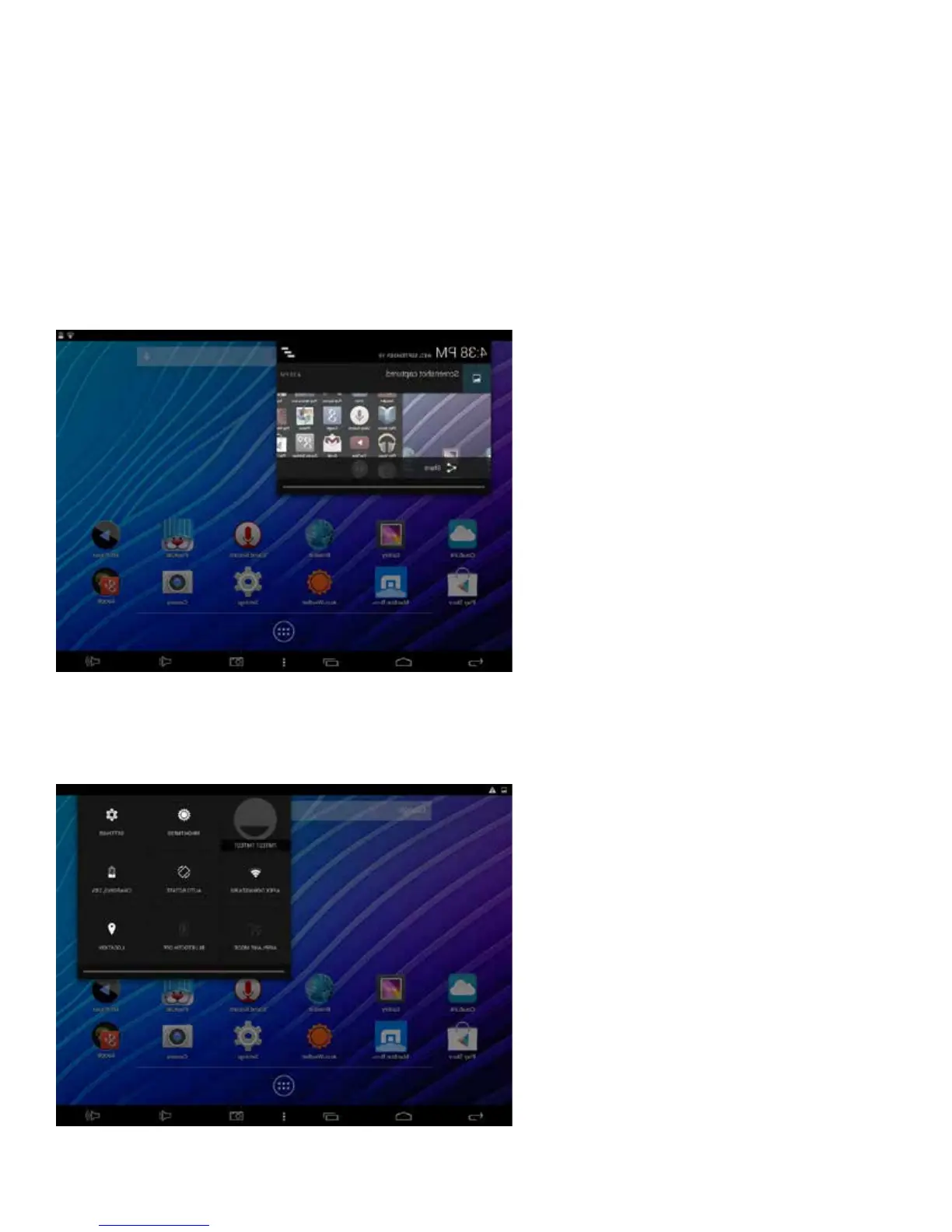
NoticationBar
Swipe the Top Left or Right Side the Status Bar to View Notications
Noticationsprovideameanstoalertyouofnewmessages,alarmsandscheduledevents,
screenshotscaptured,etc.TheNoticationBaristheblackbaratthetopofthescreen.
Toviewnotications,swipeyourngerdownfromthetopleftsideofthebartoopen
pendingnotications.Whendone,simplyswipebacktoclose.
ForquickaccesstoSettingsoptions,swipeyourngerdownfromthetoprightsideofthe
NoticationBar.Quicklyadjustforbrightness,Wi-Fi,screenrotation,batterystatus,andmore.
8















 To Next Page