22
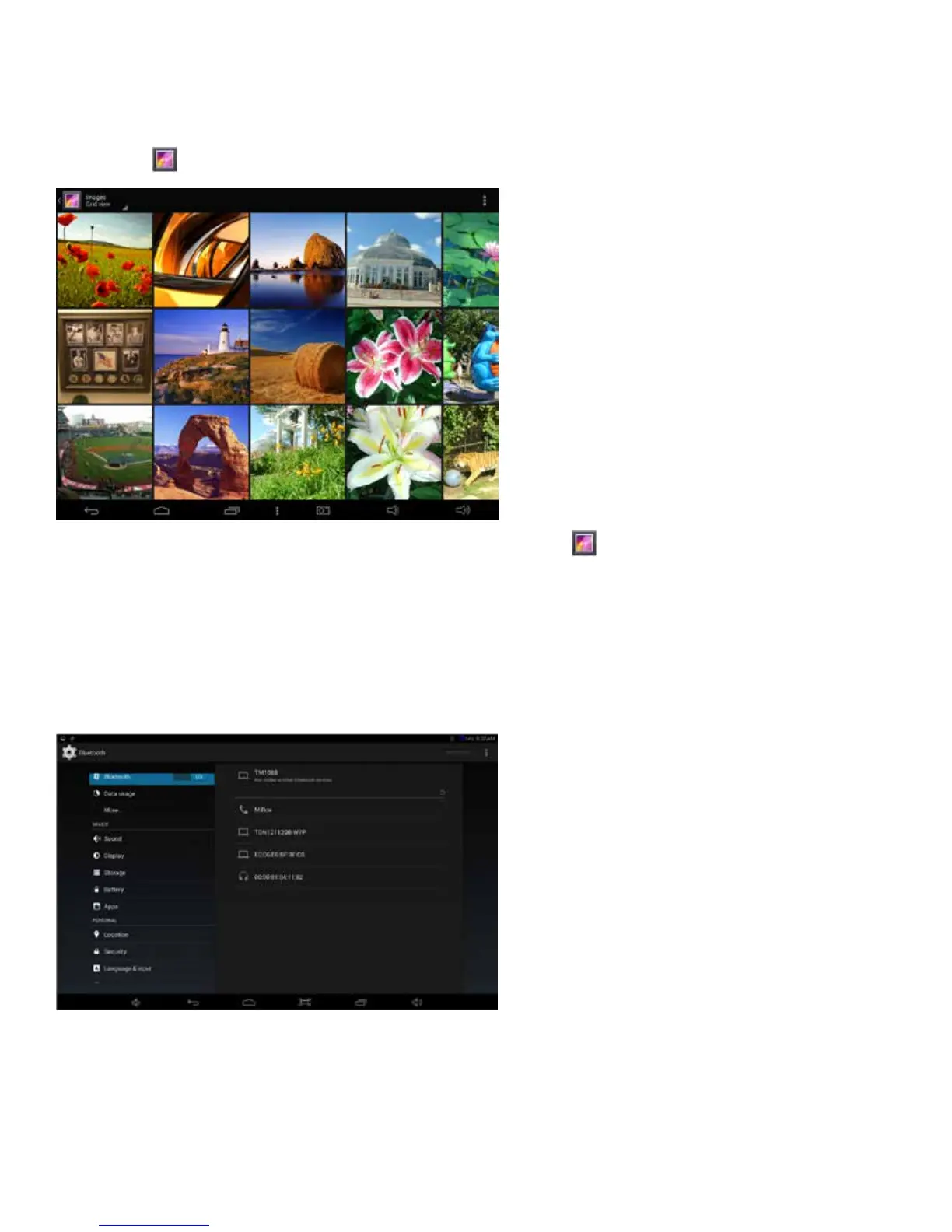
Gallery (Photos & Videos)
Displayandmanagephotosandimageles.UsetheGalleryapptoviewpictures
and play back videos that you’ve taken, downloaded, or transferred. You can perform basic photo
editing tasks, set images as your wallpaper, or share photos and videos with friends.
23
Bluetooth
YourTabletiscompatiblewithBluetoothcapabledevices.Onceyourtabletsearchesandndsthe
Bluetooth device, follow on-screen instructions to initiate the pairing of the device with the Tablet.
Add or “pair” a Bluetooth compatible device with your Tablet as follows:
1. Turn on the compatible Bluetooth device and make it discoverable.
2. Open the
Settings > turn on Bluetooth.
3. Tap on Bluetooth to view paired devices.















 To Next Page