Getting Started
Charging the Battery
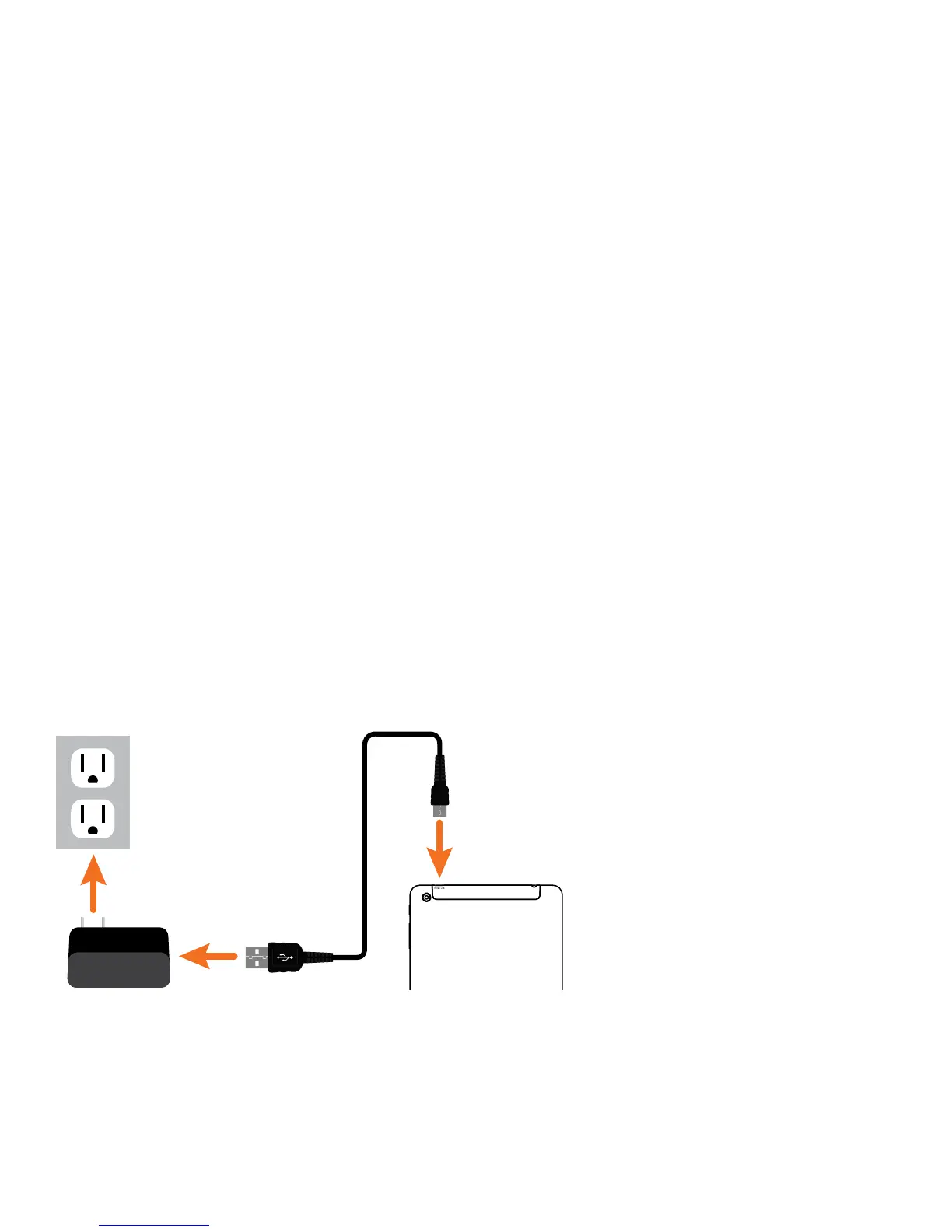
Connect the MicroUSB cable to the wall plug power adapter, then to the Tablet as shown.
Chargethebatterycompletelybeforerstuse.Ittakesapproximatelyvehourstorecharge
the battery and it is normal for the Tablet to feel warm during the recharging process or actual
usage. Play times will vary depending on display settings, apps that remain open, and your
internet usage.
NOTE: Tablet screen may not display with the AC adapter plugged in when the battery level has
fallen below 5%. Certain functions may not work properly until the battery is recharged.
Battery Care
Operating temperature: Your Tablet is designed to function between 32°F and 95°F (or 0°C to
35°C). Lithium-polymer batteries are sensitive to higher temperatures, so keep your Tablet out
of direct sun light and don’t leave it in a closed environment susceptible to extreme temperatures
(ie: such as a vehicle).
Recharge Battery: Recharge the battery whenever it is convenient; it is also recommended to
run the battery down to 10% at least once a month and recharge it.
To View battery usage: Go to Settings > Battery to determine where battery resources are being
used and for what purpose.
4















 To Next Page