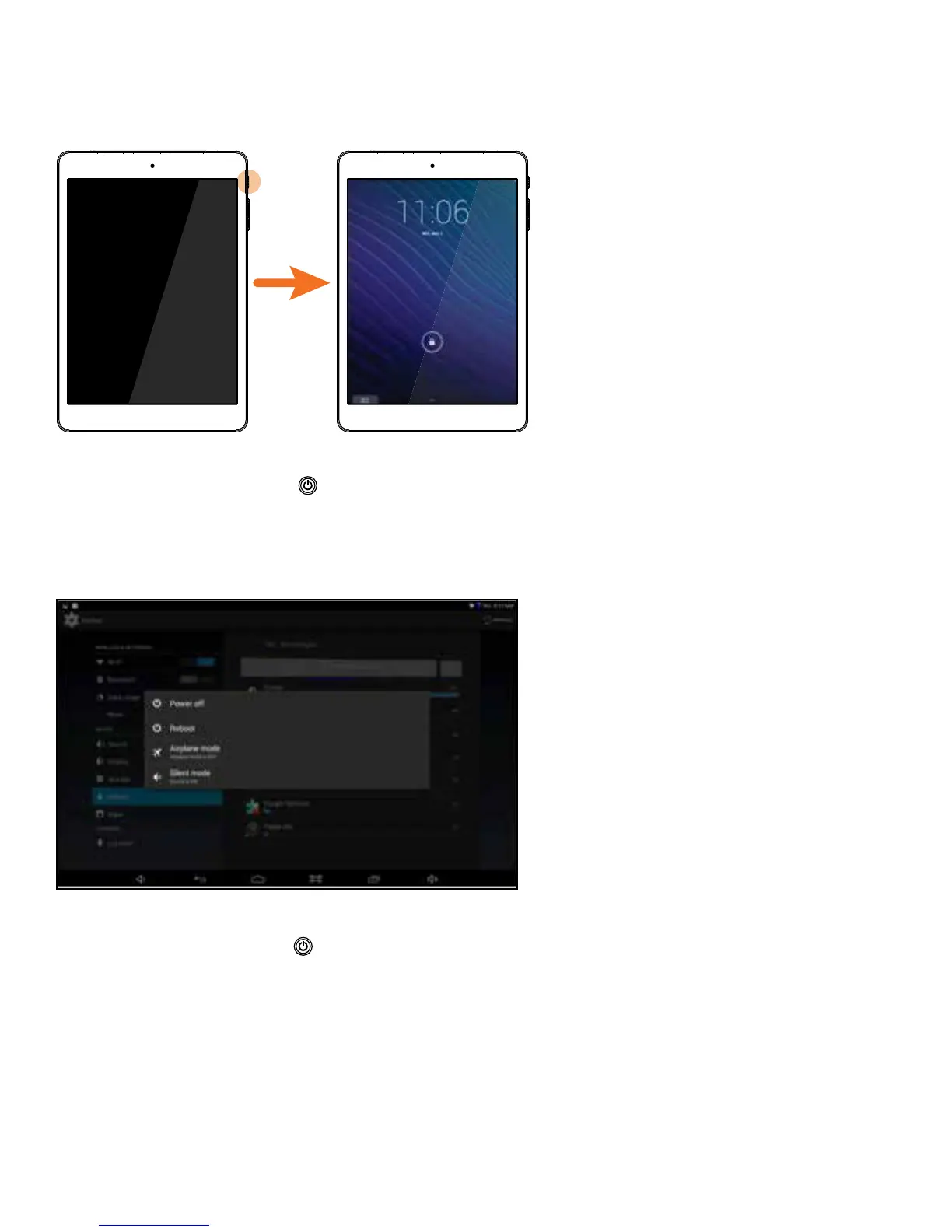
Power ON & Unlock Screen
Press and hold the POWER button on the side for about 3 seconds until the logo screen
appears, then release. The tablet will eventually display the locked Start-Up screen. Slide the
“Lock” icon to the right to unlock.
Power OFF
Press and hold the POWER button until the POWER OFF window appears, then tap to turn off.
You also have the option to reboot the tablet, turn sound off/on, and turn Airplane mode off/on.
4 5















 To Next Page