Transfer Media Files
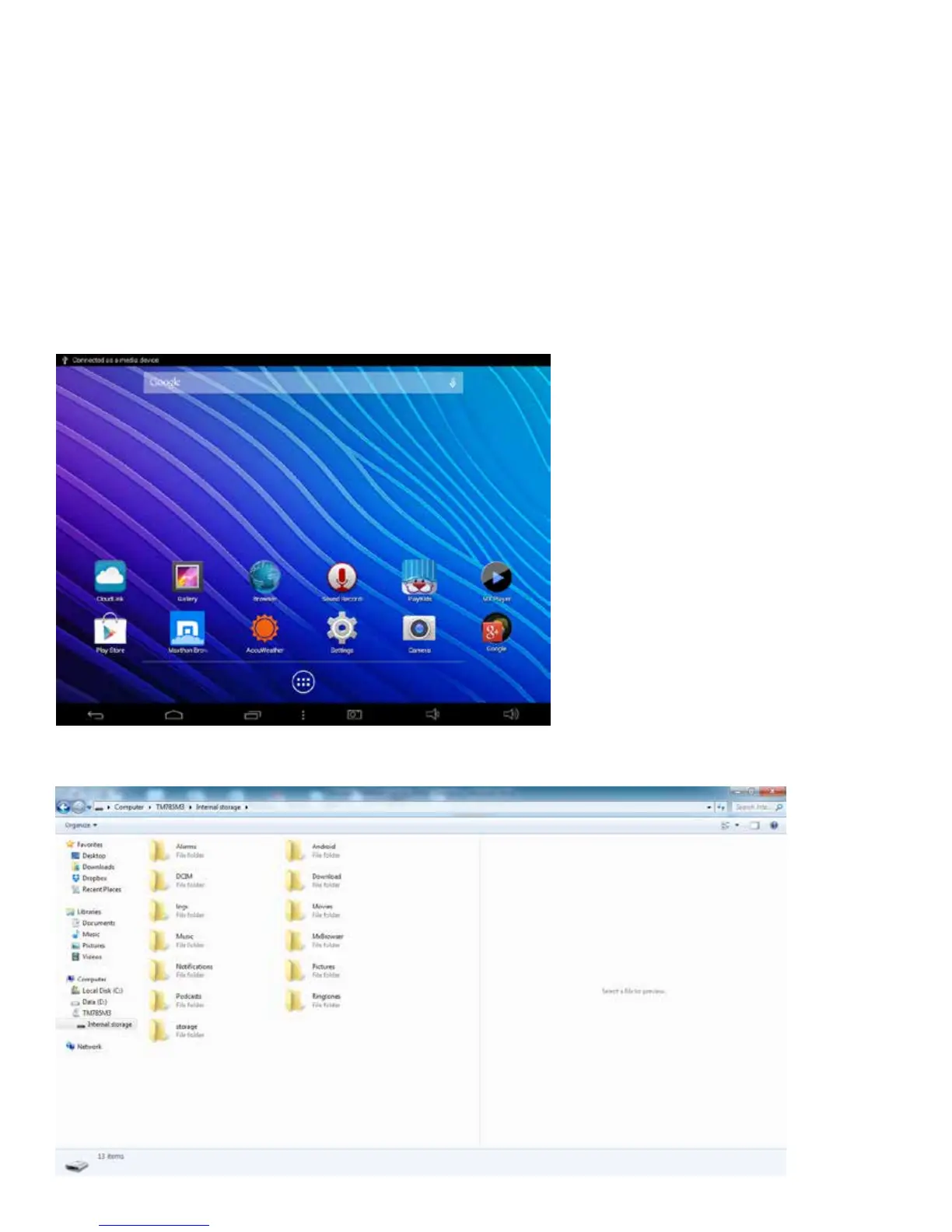
Use the included micro USB cable to connect your tablet to a PC in order to transfer
documentsandmediales(music,movies,photos)toandfromyourTablet.Whenyouconnect
the tablet to a personal computer, a brief message will appear in the upper left corner
“Connected as a media device”.
Fromyourcomputer,viewlestoopenandtransfer.
As seen on the Tablet when micro USB cable is connected to PC
25















 To Next Page