Overview of Features
Front & Rear Cameras
Camera Settings and Preferences
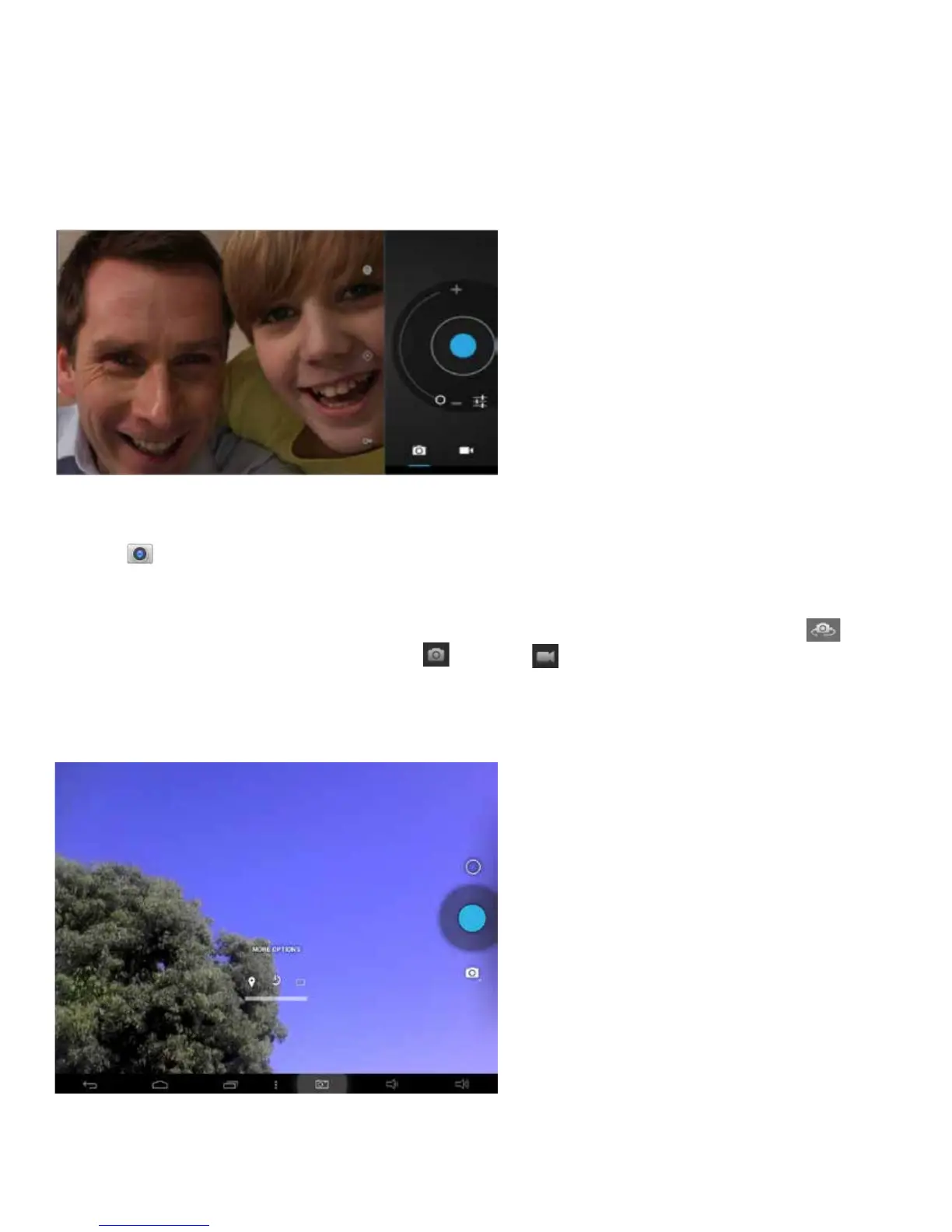
Tap the icon to access Camera mode. The tablet features both front and rear cameras to
takephotosandvideomovies.Thefrontcameraisfortaking“seles”orvideochattingwithfamily
& friends (after installing a video chat App from the Play Store™). The rear camera is used for tak-
ing great photos, and HD movies. To switch between both front and rear cameras press .
Slide switch to change mode from camera to video .
Other camera settings include adjustments for picture resolution, and countdown timer. Movie
settings include time lapse and video quality adjustments.
22















 To Next Page