Changing the Wallpaper
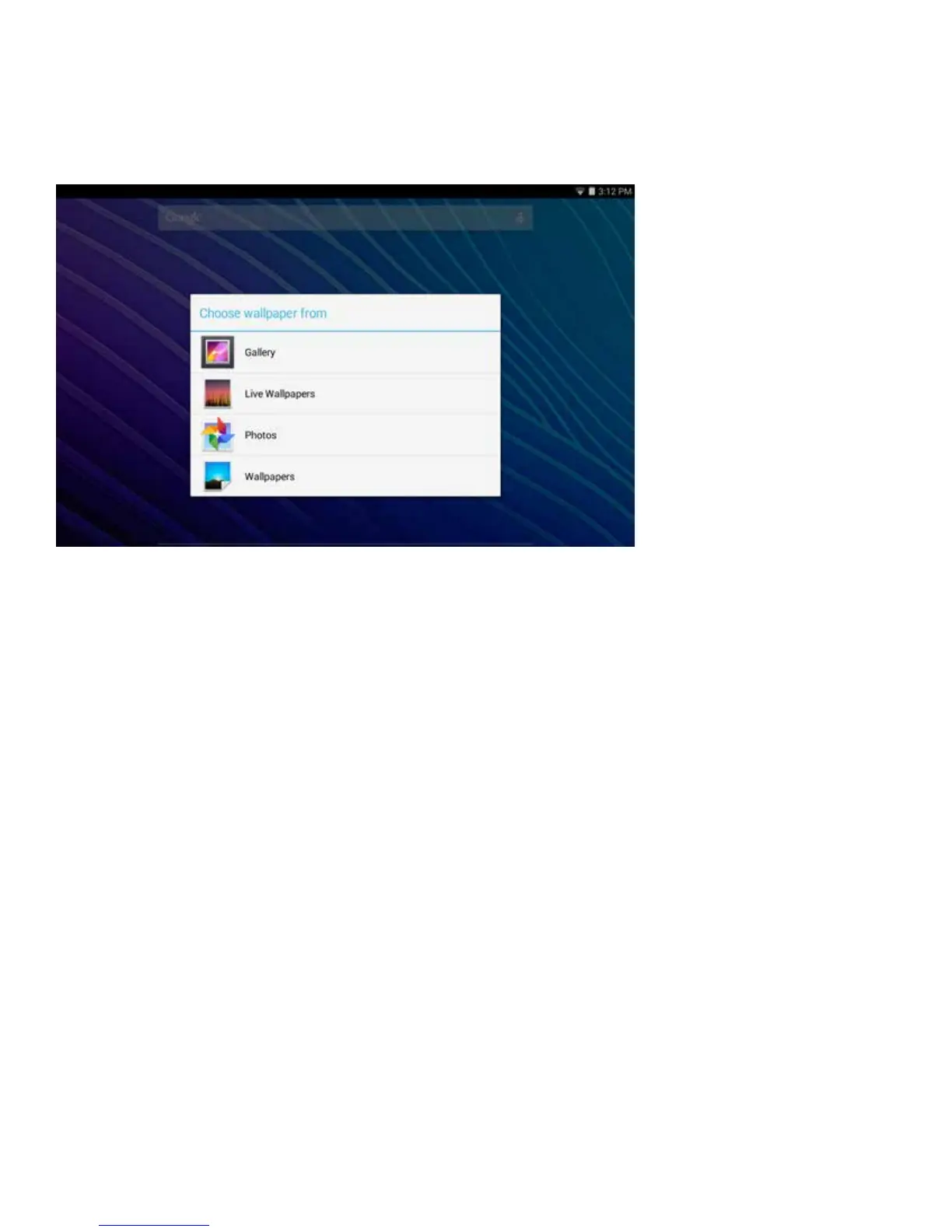
To change the wallpaper displayed on your Home screen, touch and hold anywhere on a
Home screen that is not occupied for a few seconds. A list of options will appear. Tap one of
them: Gallery, Live Wallpapers, and Wallpapers.
12 13
Gallery
Choose from photos that you have synced with your tablet.
Live Wallpapers
Choose from a scrolling list of animated wallpapers.
Photos
Choosefromphotolesstoredonyourtablet.
Wallpapers
Choose from thumbnails of default images, or touch a thumbnail for a larger version.
You may also download wallpapers from the Google Play Store.
To set the selected image, tap Gallery, drag the blue dots to determine the crop area and
tap OK, or for Wallpaper, tap Set Wallpaper.















 To Next Page