Setting Up Your Tablet
Connecting to Wi-Fi
To connect to the internet, use email, or download music and videos, you must connect the tablet
via a broadband Wi-Fi network and wireless router that supports Wi-Fi 802.11b/g/n. Know the
name of your network (SSID) and password to make certain your network connection is secure.
NOTE: Congure your router to accept 802.00/b/g connections as well.
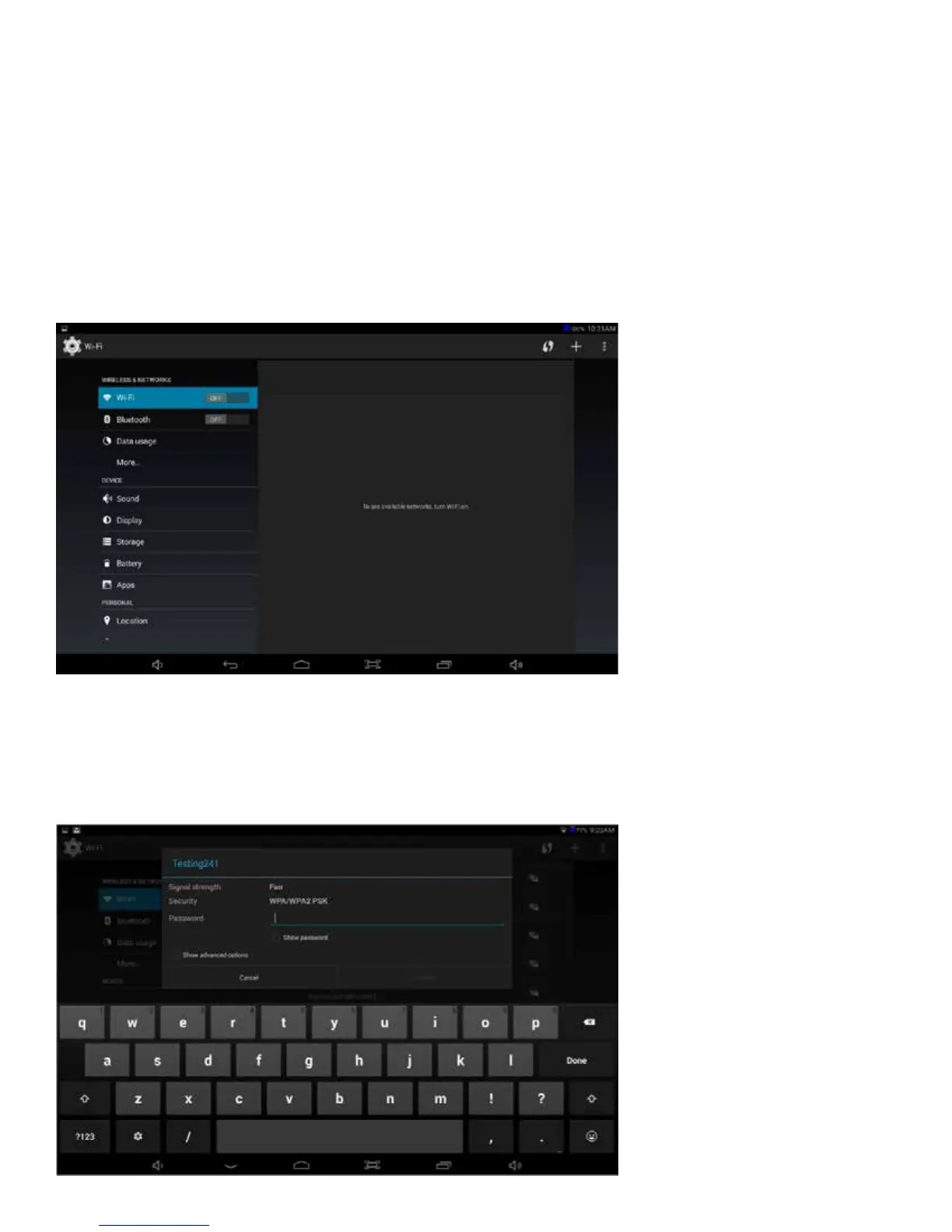
To connect Wi-Fi, follow these steps:
Go to
Settings > Wireless & Networks > Wi-Fi
Turn on the Wi-Fi setting from OFF to ON by sliding the switch to the right. The tablet will scan
for available Wi-Fi networks within range of your current location. Secured networks will have a
Lock icon shown next to the wireless symbol.
10 11















 To Next Page