14
Owner’s Manual
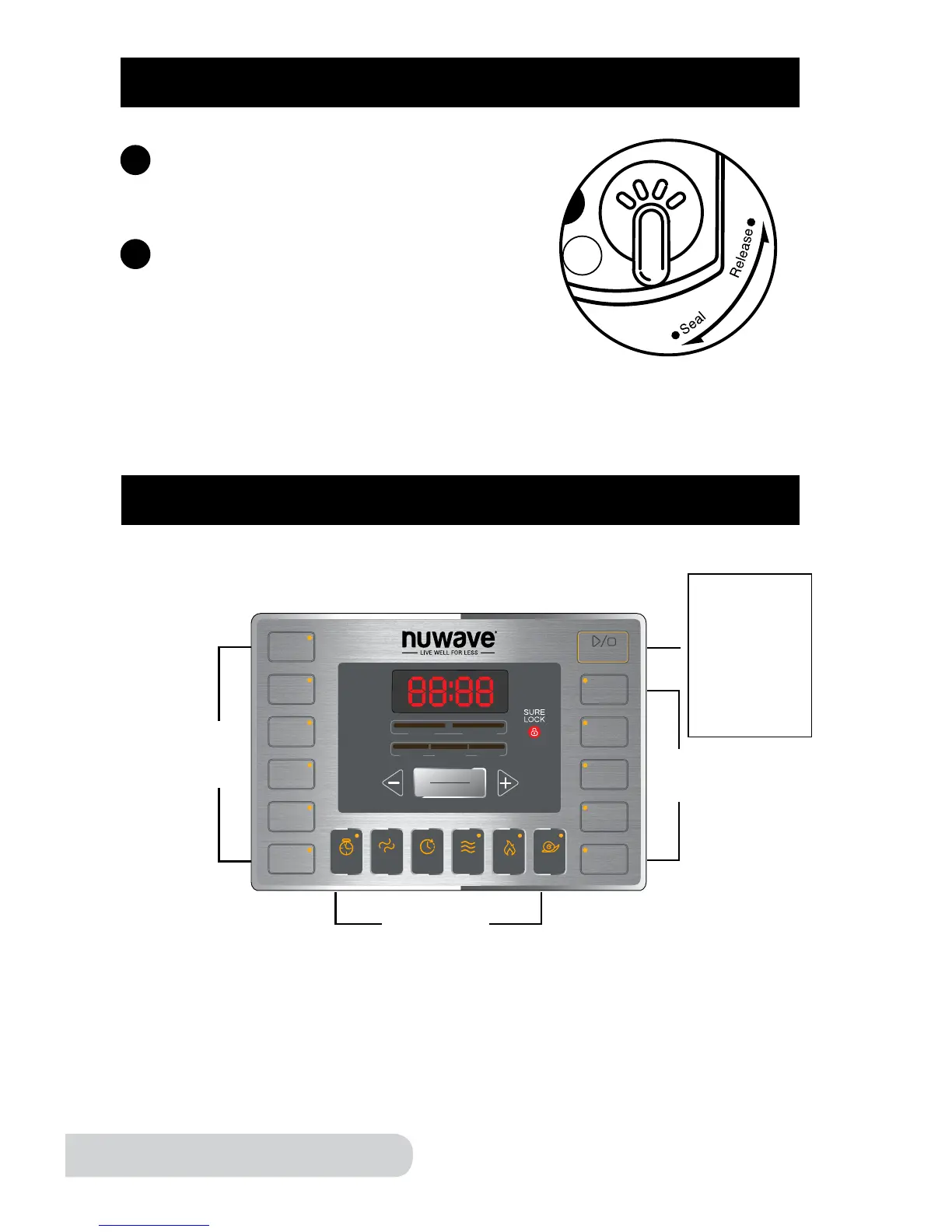
CONTROL PANEL
Main Display Interface
OPERATING INSTRUCTIONS (Continued)
Once the Lid is locked, turn the Pressure
Release Switch to “Seal”.
7
6
Plug the NuWave Nutri-Pot Digital Pressure
Cooker into an electric power supply. The
LCD display will show “--:--” and the unit will
go into standby mode.
Releasing the Pressure
Gently turn the Pressure Release Switch to “Release” to release pressure. Do
not cover the opening where steam is released. Always use caution when
releasing steam.
beans
poultry
meat/
stew
soup
multi
grain
rice
canning
start/stop
bake
potatoes
steam/
veggies
sh


 To Next Page