NVIDIA DGX B200 User Guide
Power Cord Specication
Power Cord Feature Specication
Electrical 250VAC, 20A
Plug Standard C19/C20
Dimension 1200mm length
Compliance Cord: UL62, IEC60227
Connector/Plug: IEC60320-1
1.1.5. Using the Locking Power Cords
This section provides information about how to use the locking power cords.
Locking and Unlocking the PDU Side
Power Distribution Unit side
▶ To INSERT, push the cable into the PDU socket.
▶ To REMOVE, press the clips together and pull the cord out of the socket.
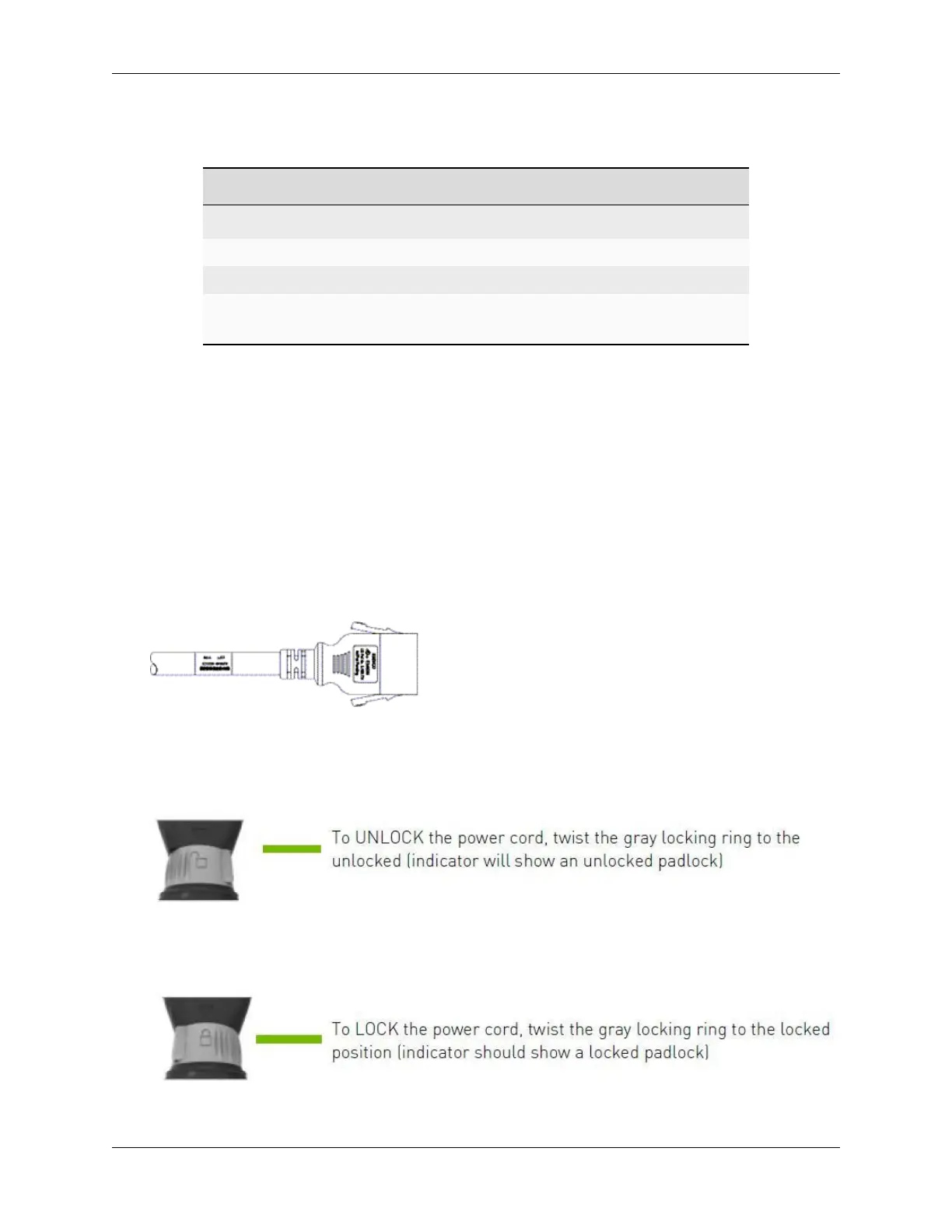
Locking/Unlocking the PSU Side (Cords with Twist-Lock Mechanism)
Power Supply (System) side - Twist locking
▶ To INSERT or REMOVE, ensure the cable is UNLOCKED and push/ pull into/out of the socket.
6 Chapter 1. Introduction to NVIDIA DGX B200 Systems















 To Next Page