NVIDIA DGX B200 User Guide
6.9.1. Viewing the SSL Certicate
To view the SSL certicate, on the SSL Setting page, click View SSL Certicate.
The View SSL Certicate page displays the following basic information about the uploaded SSL cer-
ticate:
▶ Certicate Version, Serial Number, Algorithm, and Public Key
▶ Issuer information
▶ Valid Date range
▶ Issued to information
6.9.2. Generating the SSL Certicate
Here is some information about generating an SSL certicate.
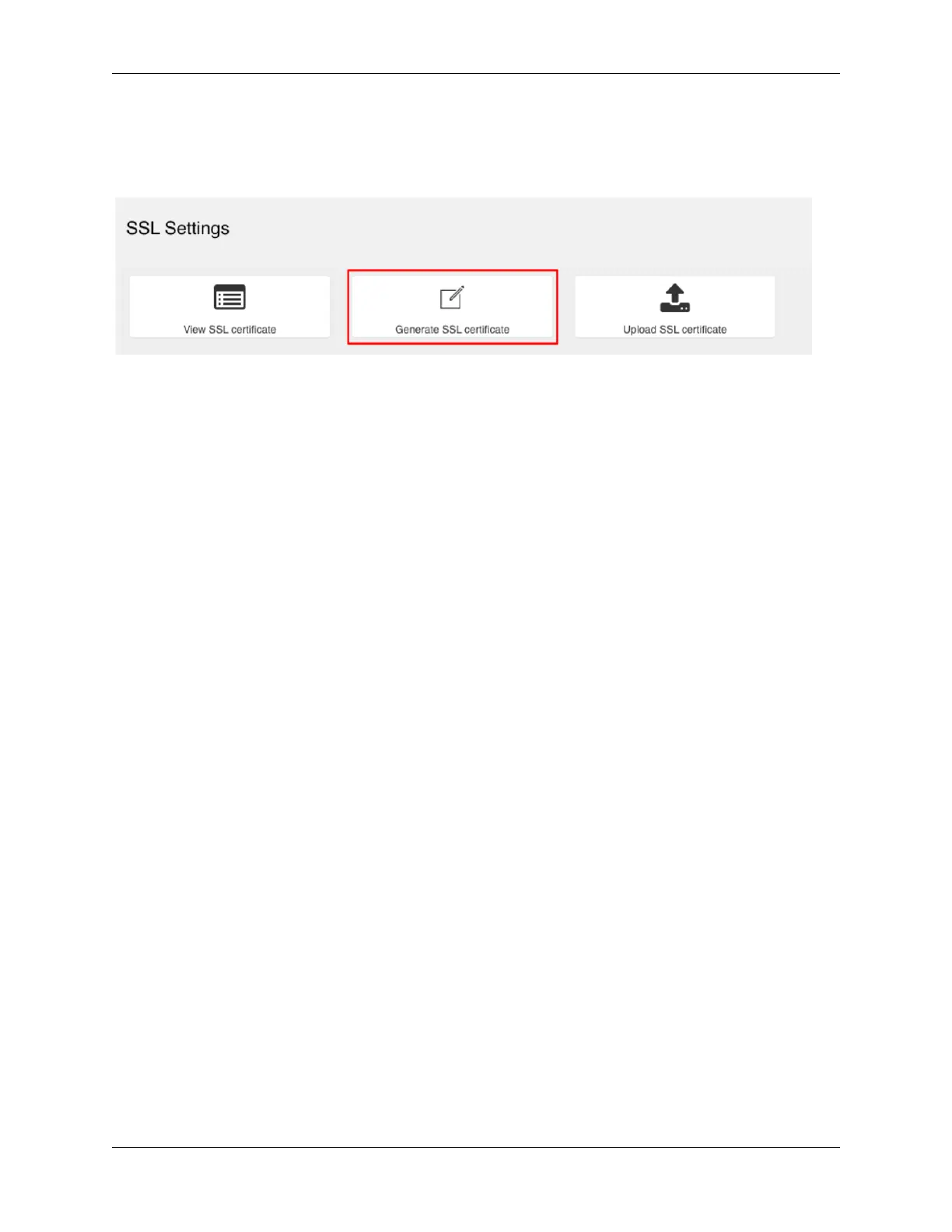
1. From the SSL Setting page, click Generate SSL Certicate.
2. Enter the information as described in the following table.
48 Chapter 6. Using the Baseboard Management Controller (BMC)















 To Next Page